Subscribe to AI newsletter
Your data is completely secure with us. We don't share it with anyone.
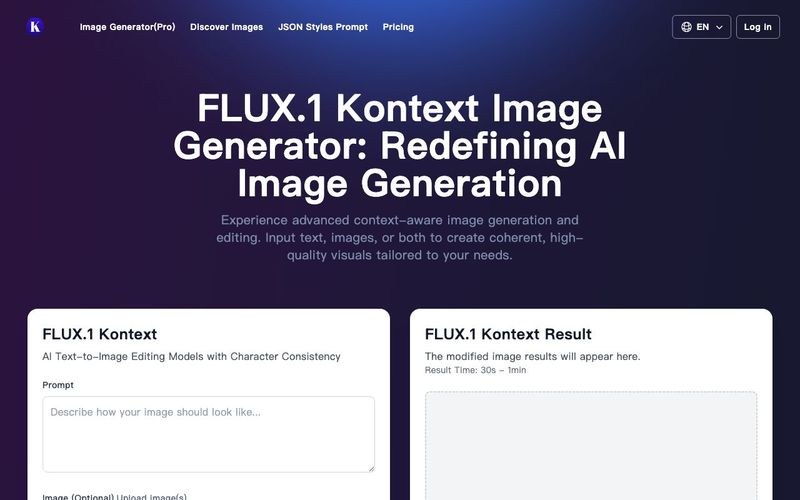
FLUX.1 Kontext is an advanced suite of generative models developed by Black Forest Labs, designed for context-aware image generation and editing. Unlike traditional models that rely solely on text prompts, FLUX.1 Kontext enables users to input both text and images, facilitating seamless extraction and modification of visual concepts to produce coherent and contextually relevant renderings.
FLUX.1 Kontext operates as a multimodal flow model, combining the capabilities of text-to-image generation with image-to-image editing. Users can provide textual prompts, reference images, or a combination of both to guide the model in generating or editing images. It uses advanced AI to comprehend both your image and editing instructions, making precise edits while keeping everything else exactly the same.
FLUX.1 Kontext works with most image types, including photos, drawings, paintings, and digital art. For best results, select images with good lighting and clarity. The model excels at maintaining consistency in edits and preserving text styling, allowing for precise object-level modifications.
Yes, FLUX.1 Kontext is available for free! We offer credits to registered users, and FLUX.1 Kontext [dev] is available in a private beta release for research usage and safety testing. For commercial applications, FLUX.1 Kontext offers variants like [pro] and [max] that provide high-quality outputs and efficient performance.
Use clear action verbs like 'change', 'add', 'remove', or 'replace'. Be specific about what you want to modify. For text edits, use quotation marks. Start with simple edits and gradually build complexity step by step. Add phrases like 'while maintaining' or 'keeping' to avoid undesired modifications.
FLUX.1 Kontext stands apart from traditional AI tools that regenerate entire images. It offers precise editing capabilities, allowing targeted edits while preserving everything else. It delivers results in just 6-12 seconds per edit with superior accuracy in following instructions and excels at maintaining consistency across multiple edits.
Common use cases include quick edits (changing colors, styles, or text), character consistency when moving between scenes, product visualization in different contexts, brand asset adaptation across various media, iterative design exploration, and style transfer while preserving content structure.
Start with high-quality source images that are clear and detailed. Make one change at a time instead of complex multi-part changes. Provide specific instructions about what you want to change and preserve. Use quotation marks for text edits and build complex edits iteratively, tackling them step-by-step.



This comprehensive guide explores the best AI image generators available in 2026, highlighting their unique features, strengths, and ideal use cases. We'll dive deep into each tool's capabilities to help you identify which AI image generator best suits your creative needs.

Google has just launched a powerful AI IDE code editor — now you can really vibe while coding

The best AI Model And AI Tools in 2026,The Most Popular Free AI Model And AI Tools.