Subscribe to AI newsletter
Your data is completely secure with us. We don't share it with anyone.
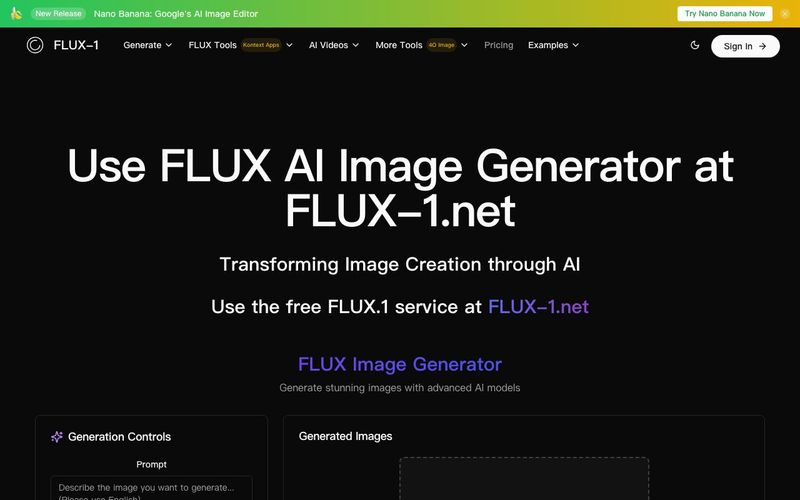
To view and download your image using the FLUX AI Image Generator, you simply need to follow four steps.
Step 1: Explain what your picture shows - Type your image description in the box. Be clear to help the FLUX AI Image Generator understand. Press "Run" when you are prepared.
Step 2: Hold on for the image to create - Once you enter your image description, the FLUX AI Image Generator model will work on it to produce an image. This might take a little while.
Step 3: Obtain your image - When it's done, your image from the FLUX AI Image Generator will show up on the screen. You can download it to use or share.
Note: FLUX.1 can create many different types of images. Make sure to follow the rules and guidelines from Black Forest Labs when using it.
Using FLUX.1 as an AI tool for Image Generation is remarkably straightforward, making high-quality image creation accessible to both professionals and hobbyists. The process begins by simply describing the image you want to generate in natural language. This step is critical, as the more precise and detailed your description, the better the FLUX AI Image Generator can understand your vision and render an accurate output. Whether you want photorealistic scenes, stylized artwork, or concept illustrations, this step ensures the AI captures your intent clearly. Once your prompt is ready, pressing "Run" initiates the generation process.
During image creation, the FLUX AI Image Generator leverages its advanced models—Pro, Dev, or Schnell—to transform your text into a stunning visual. Each model offers unique advantages: Pro prioritizes high fidelity and detailed outputs, Dev provides efficient non-commercial generation, and Schnell focuses on speed without sacrificing too much quality. This flexibility allows users to balance resolution, generation speed, and style according to their specific needs, making FLUX.1 an exceptionally versatile AI tool.
After the AI finishes processing, the generated image appears on the screen, ready for download. Users can easily save and share their creations in high resolution, suitable for social media, marketing, personal projects, or professional use. The simplicity of this workflow ensures that even individuals without technical or artistic experience can produce professional-quality visuals efficiently.
Moreover, FLUX.1’s adherence to ethical guidelines and model rules from Black Forest Labs ensures responsible AI use while maximizing creative potential. With this intuitive four-step process—describe, run, generate, and download—FLUX.1 solidifies its position as a leading AI tool for Image Generation, offering powerful, user-friendly capabilities that transform ideas into compelling visuals in just a few minutes.



This comprehensive guide explores the best AI image generators available in 2026, highlighting their unique features, strengths, and ideal use cases. We'll dive deep into each tool's capabilities to help you identify which AI image generator best suits your creative needs.

Google has just launched a powerful AI IDE code editor — now you can really vibe while coding

The best AI Model And AI Tools in 2026,The Most Popular Free AI Model And AI Tools.