Subscribe to AI newsletter
Your data is completely secure with us. We don't share it with anyone.
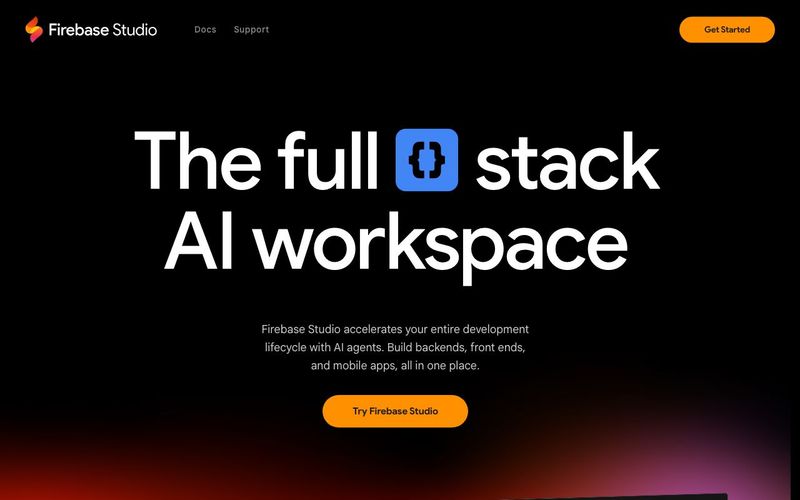
Firebase Studio currently offers three workspaces at no cost during preview, with increased workspace limits for Google Developer Program members. This powerful AI Tools platform integrates seamlessly with Firebase and Google Cloud services, making it an essential addition to any developer's Code Assistance toolkit.
Firebase Studio transforms the traditional app development workflow by creating a streamlined, AI-enhanced experience that accommodates various development approaches. The brilliance of Firebase Studio lies in its flexibility – developers can switch effortlessly between natural language prototyping and hands-on coding, combining the strengths of AI Tools with traditional development practices.
The platform's learning curve is remarkably gentle, making sophisticated application development accessible even to those with limited coding experience. Firebase Studio eliminates many of the common friction points in development, such as environment setup, deployment configuration, and AI integration, allowing developers to focus on creating value rather than wrestling with infrastructure. The availability of extensive templates further accelerates development by providing pre-configured starting points for most common use cases.
What truly distinguishes Firebase Studio in the Code Assistance landscape is its end-to-end approach, covering everything from ideation to deployment within a single, cohesive environment. This integrated workflow dramatically reduces context switching and tool juggling, resulting in faster development cycles and more consistent outcomes. For teams looking to maximize productivity while maintaining full control over their development process, Firebase Studio represents a compelling evolution of cloud-based development environments.



This comprehensive guide explores the best AI image generators available in 2026, highlighting their unique features, strengths, and ideal use cases. We'll dive deep into each tool's capabilities to help you identify which AI image generator best suits your creative needs.

Google has just launched a powerful AI IDE code editor — now you can really vibe while coding

The best AI Model And AI Tools in 2026,The Most Popular Free AI Model And AI Tools.