Subscribe to AI newsletter
Your data is completely secure with us. We don't share it with anyone.
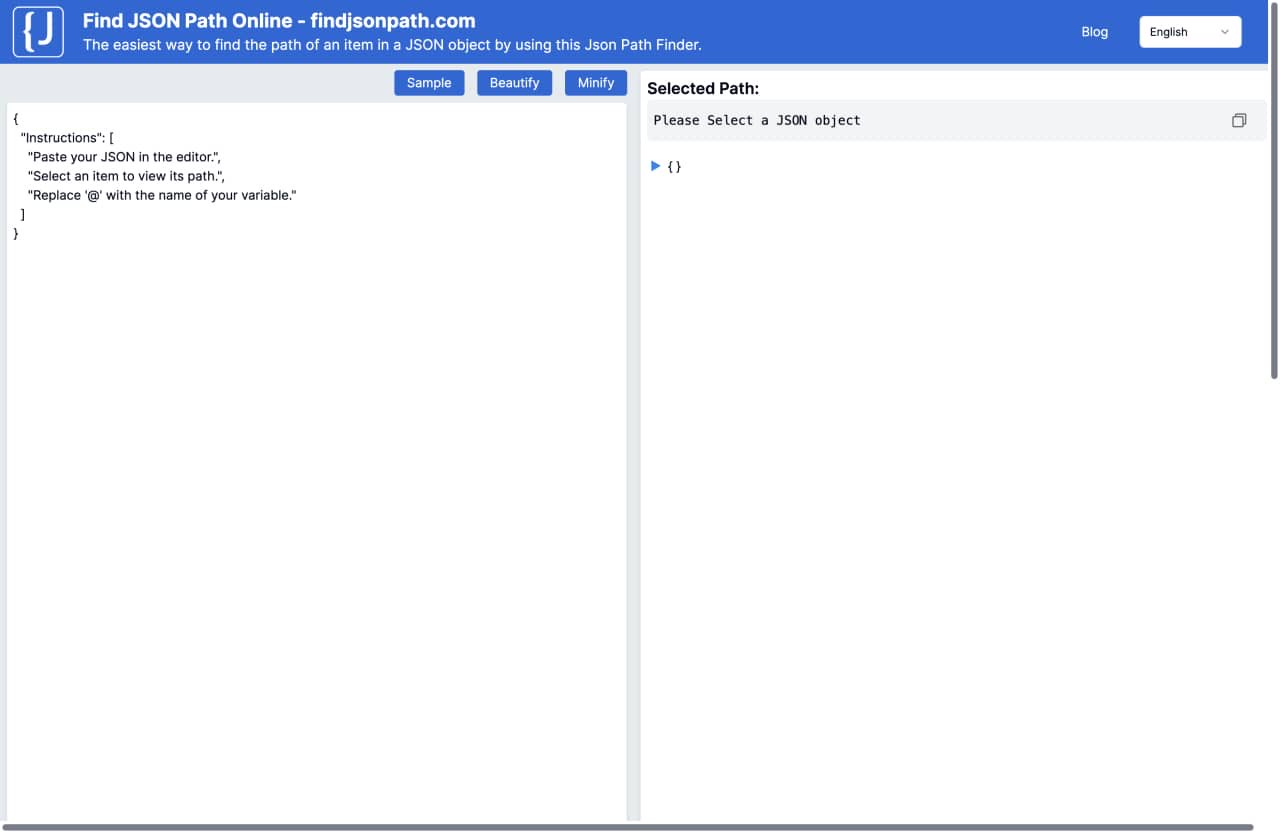
Step 1: Paste your JSON. - Paste your JSON data into the LEFT text editor.
Step 2: Select an item you want. - Select an item you want to find in your JSON data on the right panel.
Step 3: Copy the path of the JSON Object. - Copy the path of the JSON Object to the clipboard and replace '@' with the name of your variable.
Online JSON Viewer and Formatter: You can easily convert JSON strings into a friendly and readable format.
JSON Beautifier and Tree Viewer:This tool not only provides a tree view of JSON data but also supports formatting, making your JSON data neater and easier to manage.
JSON Editing,Formatting and Querying:You can edit JSON, format JSON, query JSON data here, allowing for instant modification and retrieval of data.



This comprehensive guide explores the best AI image generators available in 2026, highlighting their unique features, strengths, and ideal use cases. We'll dive deep into each tool's capabilities to help you identify which AI image generator best suits your creative needs.

Google has just launched a powerful AI IDE code editor — now you can really vibe while coding

The best AI Model And AI Tools in 2026,The Most Popular Free AI Model And AI Tools.