Subscribe to AI newsletter
Your data is completely secure with us. We don't share it with anyone.
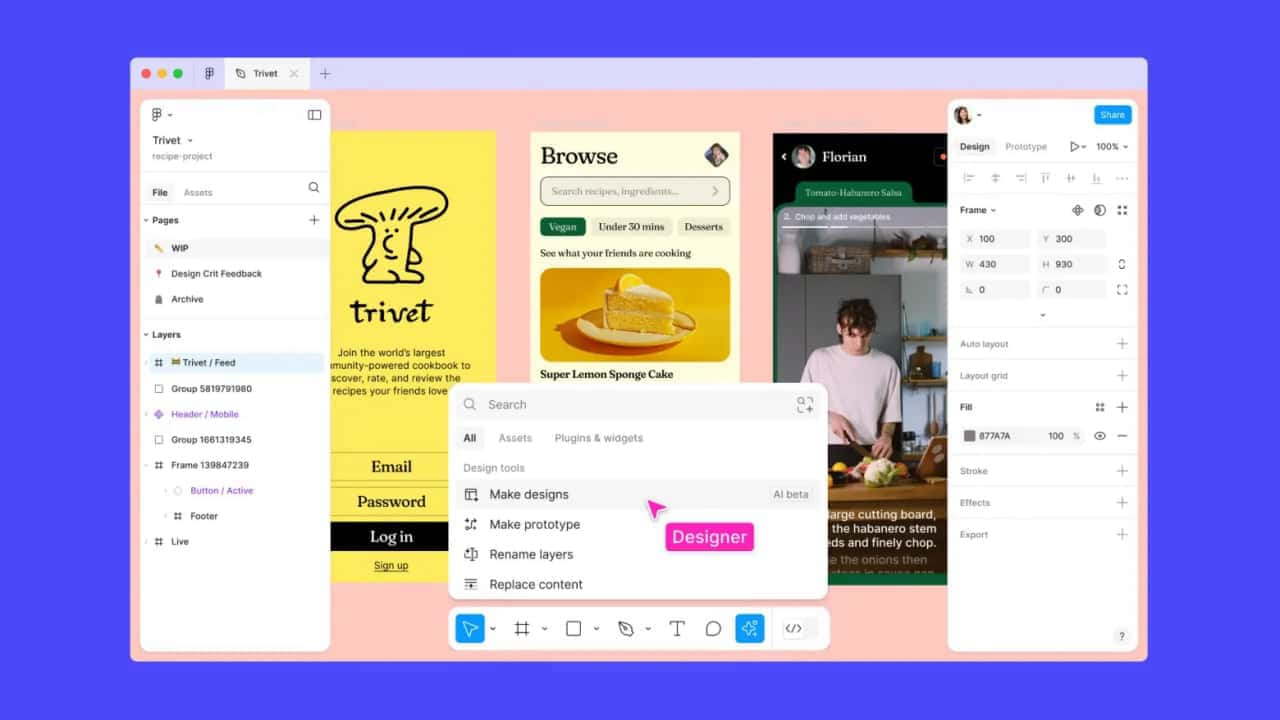
Figma AI is an advanced suite of AI tools integrated into Figma, designed to streamline the design process and boost creativity. Leveraging the power of artificial intelligence, Figma AI offers capabilities such as auto-generation of design elements, intelligent recommendations, and automated adjustments, making it an indispensable tool for designers aiming to enhance their productivity and creativity.
Figma’s AI features remove the blockers in your workflow so that you can focus on the design details that matter.
Quickly search for the design assets you need to get started. Generate new design mockups in seconds as a first draft.
Intelligently rewrite text, auto-name your layers, and easily find the assets you need.
Instantly turn your static mocks into an interactive prototype with the touch of a button. Spend less time tediously connecting noodles, and more time designing.
Figma AI's suite of tools is built to assist designers in generating high-quality designs with greater efficiency.
Here's a detailed look at its features and functionalities:
Figma AI can automatically generate design components, layouts, and templates based on user inputs and preferences.
This feature significantly reduces the time and effort required to create initial design drafts.
The AI tools provide smart suggestions for color schemes, fonts, and other design elements, helping designers make informed decisions quickly.
Figma AI can automatically adjust design elements to ensure alignment, consistency, and visual harmony across the project.
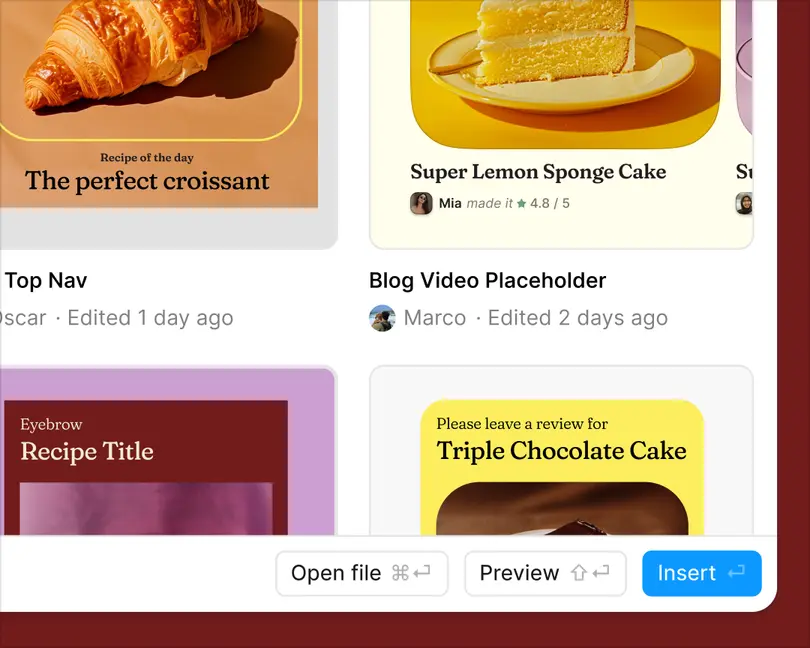
Upload an image to instantly find an exact match or a similar design your teammates have created.
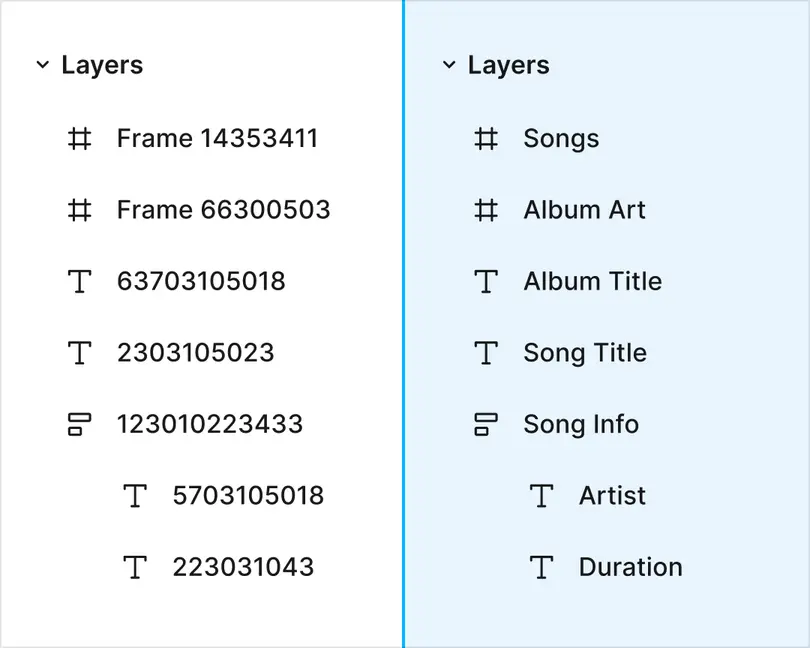
With just a click, you can contextually rename and organize all your layers. And yes, your teammates will love you for it.
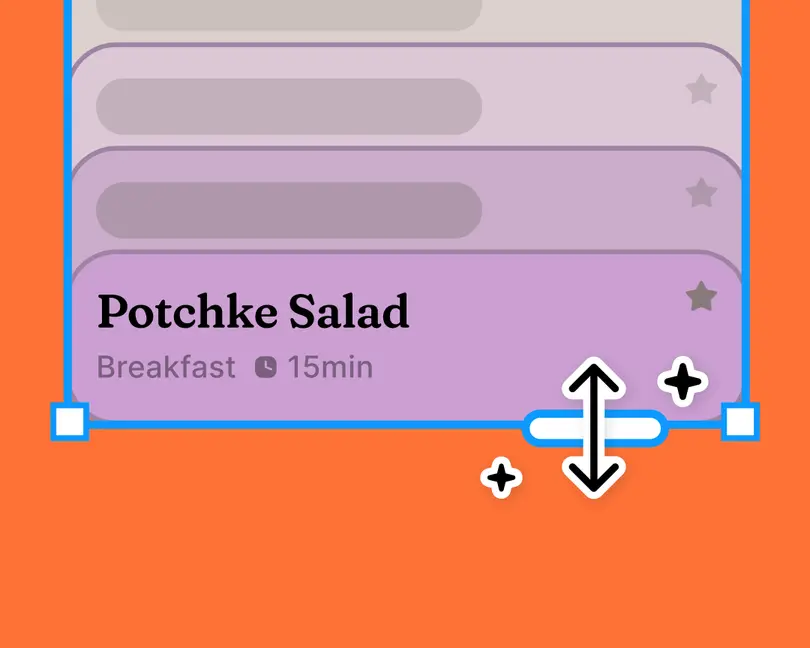
Generate and replace text content directly in your design mocks. Less lorem ipsum, more true-to-life designs.
Remove image backgrounds in just a click to isolate your subject. Say goodbye to manually lassoing and erasing.
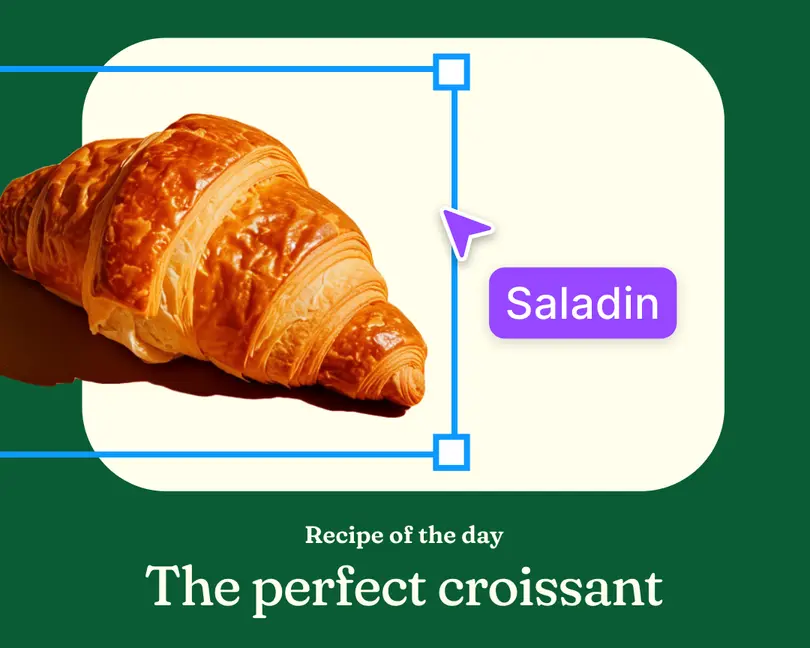
Adjust the length and tone of your copy or translate it—directly in your design. Repeat til you find what fits.

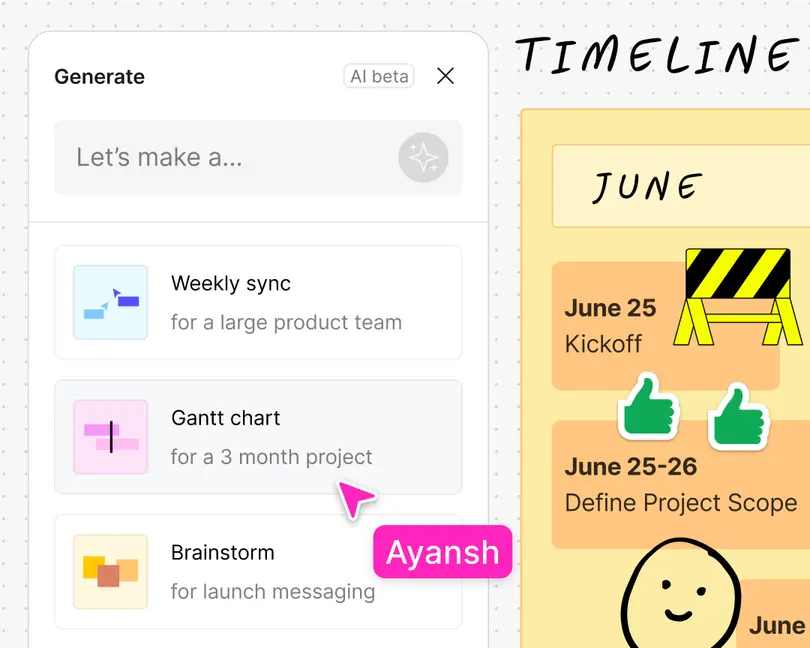
FigJam AI helps you instantly visualize complex ideas into simple diagrams, sort feedback, and automate tedious tasks.



This comprehensive guide explores the best AI image generators available in 2026, highlighting their unique features, strengths, and ideal use cases. We'll dive deep into each tool's capabilities to help you identify which AI image generator best suits your creative needs.

Google has just launched a powerful AI IDE code editor — now you can really vibe while coding

The best AI Model And AI Tools in 2026,The Most Popular Free AI Model And AI Tools.