Subscribe to AI newsletter
Your data is completely secure with us. We don't share it with anyone.
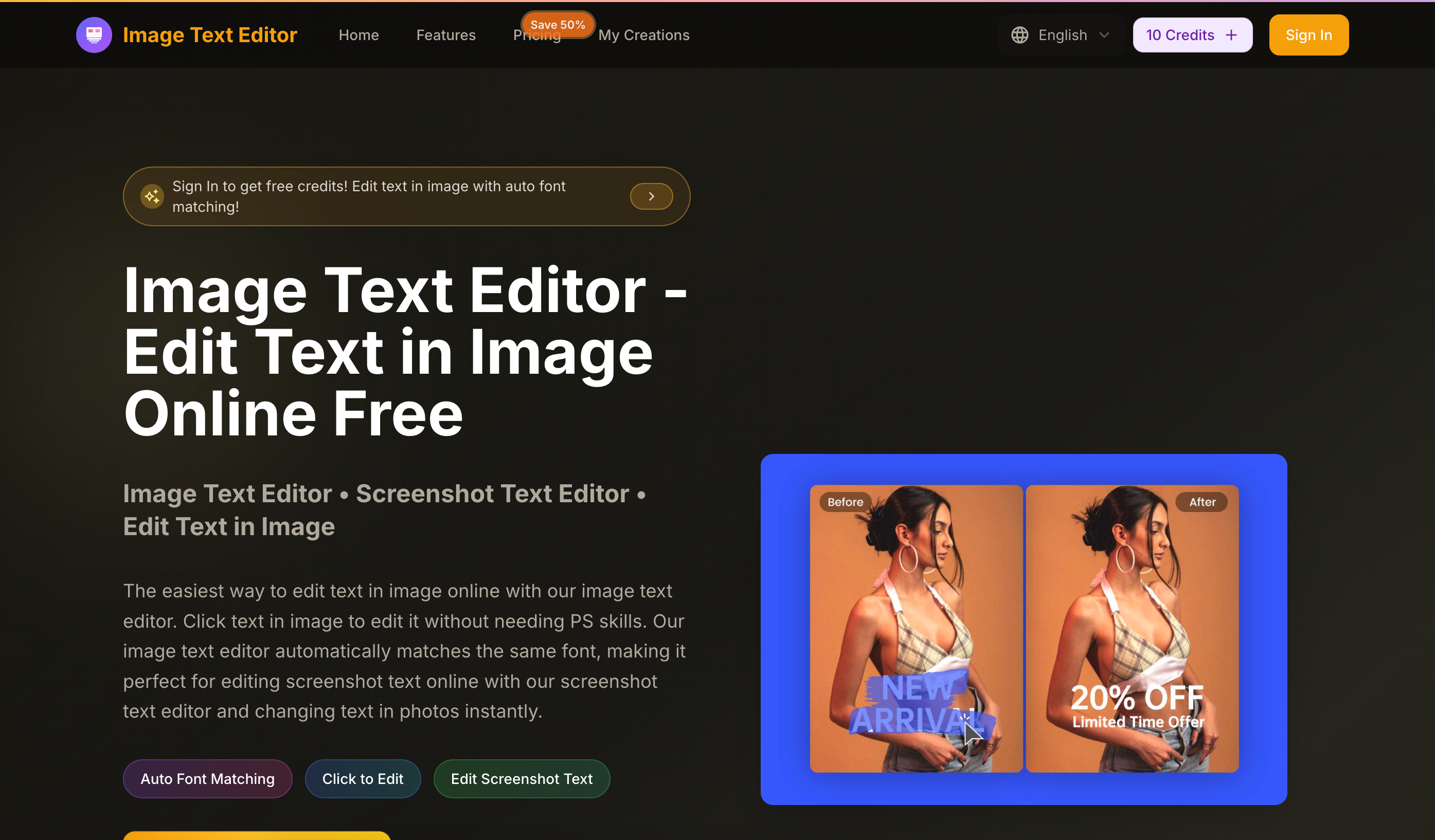
Start by uploading the image you want to edit text in. Our image text editor supports JPG, PNG, WEBP formats. Perfect for editing screenshot text online with our screenshot text editor or changing text in photos.
Type your instruction to tell AI what text changes you want. Our image text editor uses AI to understand your instructions and automatically edits the text in your image. No PS skills needed - just describe what you want to change and our image text editor will handle it with same font matching.
After editing text in image with our image text editor, preview your changes and download the final image. Our image text editor preserves quality and ensures the edited text looks natural with the same font matching.
When exploring a user-friendly and efficient AI tool for modern visual content creation, the step-by-step operation guide of Image Text Editor fully showcases its outstanding advantages in intelligent text modification and flexible Image Generation, making professional image editing accessible to users with zero design experience. The entire usage process of this practical Image Text Editor is streamlined into three clear and intuitive steps, which greatly lowers the threshold for leveraging AI-powered image processing technology in daily creative work.
To begin with, the first step of uploading images reflects the strong compatibility of this premium AI tool. Image Text Editor fully supports mainstream image formats including JPG, PNG, and WEBP, covering almost all common materials in online content production. Whether users need to edit text on digital screenshots from websites and mobile apps, adjust copy on daily photos, or optimize text details for social media graphics and marketing pictures, the upload function adapts seamlessly to diverse scenarios. This flexibility makes the tool a go-to choice for anyone needing instant online screenshot text editing and basic image text adjustments, laying a solid foundation for smooth subsequent Image Generation and modification tasks.
The second core step highlights the powerful AI capabilities that define this remarkable Image Text Editor. Users only need to input simple text instructions to specify the changes they want, and the advanced intelligent algorithm of the AI tool will accurately understand every editing demand. What makes it exceptional is its automatic font matching technology, which adjusts the modified content to perfectly fit the original font style, size, color, and overall visual effect of the image. There is no requirement for complicated Photoshop skills or professional design knowledge; even beginners can complete precise text revisions effortlessly. This intelligent comprehension function bridges the gap between ordinary users and high-quality Image Generation, ensuring every text edit maintains a natural and integrated look within the original picture.
In the final step, previewing and downloading the finished image guarantees outstanding output quality for the AI tool. After completing AI-driven modifications with the Image Text Editor, users can check all adjustments in real time to confirm the overall effect before saving the final file. The tool strictly preserves the original image clarity and resolution, while keeping the revised text fully blended with the background, light, and style of the original material. This ensures every edited picture achieves a polished, professional finish suitable for sharing, publishing, or commercial use.
Overall, the simple three-step workflow of Image Text Editor proves it is an indispensable AI tool in the field of intelligent Image Generation. Its easy operation, wide format support, smart instruction recognition, and precise font matching redefine the efficiency of online image text editing, catering perfectly to content creators, marketers, and casual users pursuing fast, high-quality visual modifications.



This comprehensive guide explores the best AI image generators available in 2026, highlighting their unique features, strengths, and ideal use cases. We'll dive deep into each tool's capabilities to help you identify which AI image generator best suits your creative needs.

Google has just launched a powerful AI IDE code editor — now you can really vibe while coding

The best AI Model And AI Tools in 2026,The Most Popular Free AI Model And AI Tools.