Subscribe to AI newsletter
Your data is completely secure with us. We don't share it with anyone.
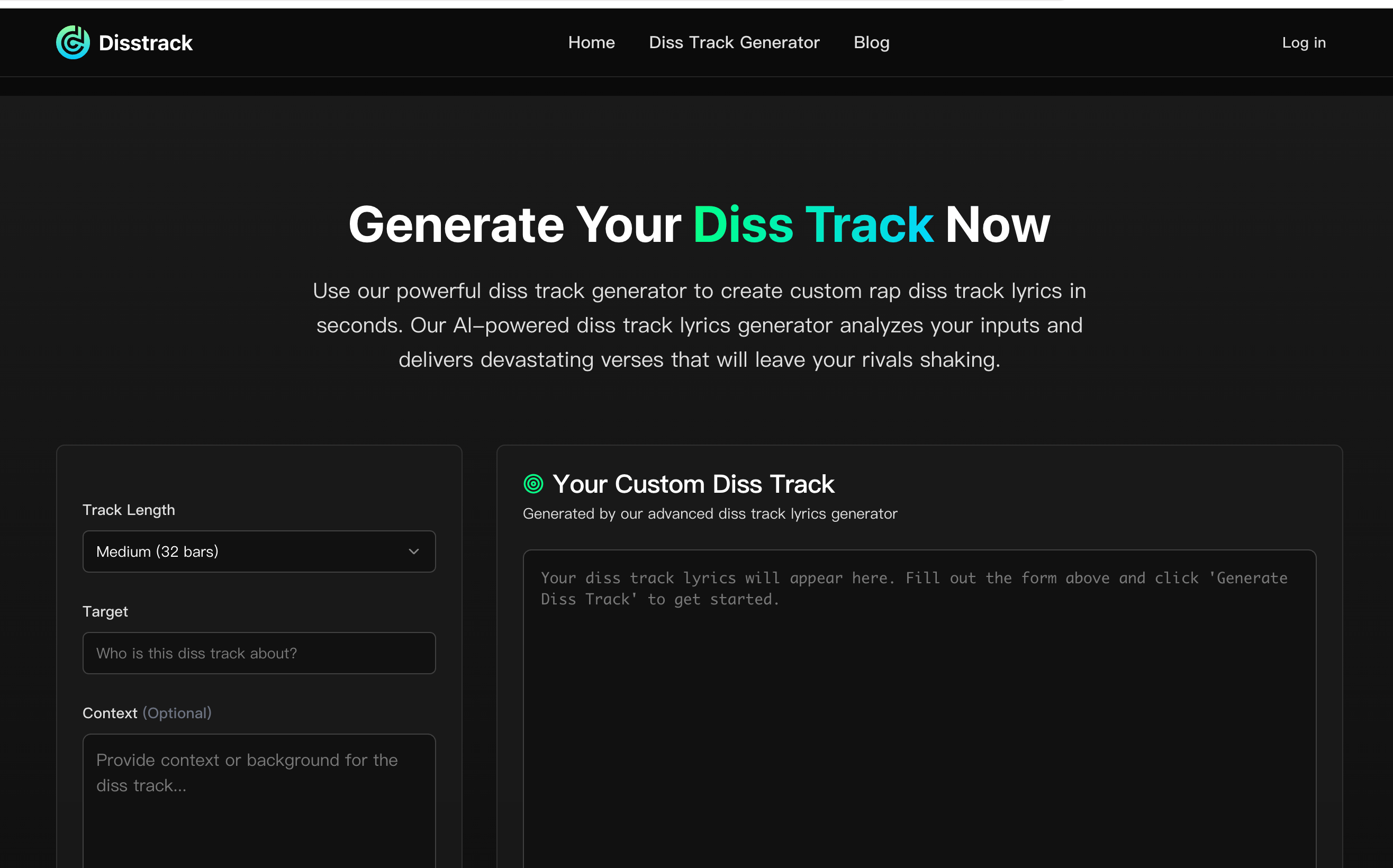
Step 1: Choose Your Target (The Most Important Step)
Step 2: Provide Context (The Secret Sauce for Killer Lyrics)
Step 3: Set the Vibe (Length and Style)
Step 4: Generate and Refine Your Lyrics
Step 5 (Bonus): Find a Beat and Record Your Track
The Diss Track Generator has revolutionized the hip-hop scene in 2026, offering a specialized AI tool that masters the complex nuances of battle rap. By following a strategic five-step workflow, this platform transforms the traditional "pen-and-paper" struggle into a high-octane experience of automated Music Generation, allowing artists to drop devastating bars with surgical precision.
The brilliance of the Diss Track Generator lies in its structured approach to creativity. Unlike generic text generators, this AI tool is built to understand the "psychology of the burn." The process begins with Step 1: Choosing Your Target, which anchors the AI’s focus. However, the true "secret sauce" is found in Step 2: Providing Context. By feeding the engine specific details, the Music Generation model moves beyond surface-level rhymes to produce deeply personal, high-impact lyrical attacks that resonate with authenticity.
The subsequent steps ensure that the final output is not just "generated," but professionally "crafted":
In the fast-paced world of social media feuds and rap battles, timing is everything. This AI tool acts as a 24/7 ghostwriter that never suffers from writer's block. For independent artists, the Diss Track Generator provides a professional-grade starting point, handling the heavy lifting of rhyme schemes and structure so the performer can focus on their "presence" and "delivery."
Ultimately, the Diss Track Generator is a foundational shift in Music Generation. It proves that when human context meets artificial intelligence, the resulting art is more than just code—it’s a powerful, culturally relevant weapon in the artist's digital arsenal.



This comprehensive guide explores the best AI image generators available in 2026, highlighting their unique features, strengths, and ideal use cases. We'll dive deep into each tool's capabilities to help you identify which AI image generator best suits your creative needs.

Google has just launched a powerful AI IDE code editor — now you can really vibe while coding

The best AI Model And AI Tools in 2026,The Most Popular Free AI Model And AI Tools.