Subscribe to AI newsletter
Your data is completely secure with us. We don't share it with anyone.
Use custom AI models with baked-in prompts in Continue.dev, Cline, Openai Codex & more. 25+ capabilities: code generation, bug detection, refactoring. OpenAI-compatible API. 2-minute setup.
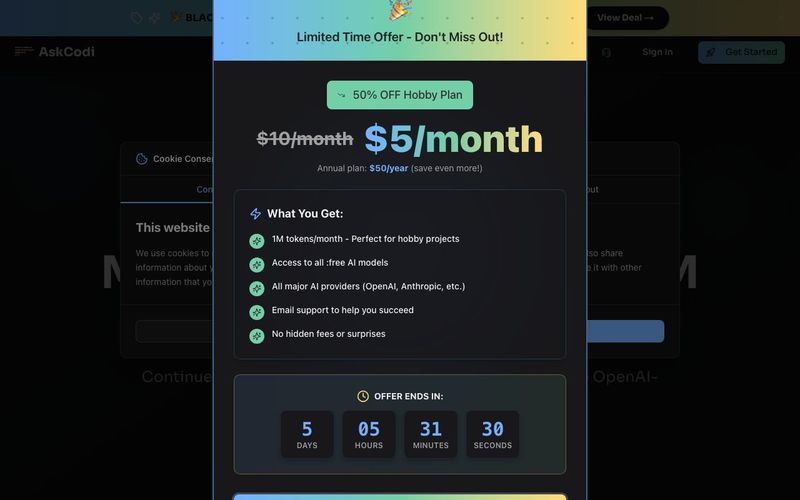
AskCodi: The AI Tool for Next-Level Code Assistance
AskCodi is a powerful AI tool designed to revolutionize Code Assistance by letting developers create custom, reusable coding models on top of any large language model (LLM). With AskCodi, you can write consistent, high-quality code up to 10x faster, leveraging pre-baked prompts, reasoning, review, and guardrails that ensure every output meets your standards. Compatible with Continue.dev, Cline, OpenAI CLI, and more, AskCodi provides a single OpenAI-compatible API for seamless integration into your existing workflow—no complex setup, no vendor lock-in, full control.
Build Custom Code Models Anywhere
AskCodi allows you to define custom “code models” that bundle prompts, coding styles, project-specific instructions, review modes, and safety guardrails. These models are reusable across editors, AI IDEs, terminals, and internal applications, enabling you to consistently generate clean, reliable code without manually configuring each tool.
Three-Step Workflow for Powerful AI Coding
Advanced Features for Serious Developers
AskCodi offers reasoning and self-review, frontier-level quality at SLM prices, lightning-fast performance, transparent pass-through pricing, and full scalability for hundreds or millions of requests. Guardrails are enforced by default, ensuring compliance and security across all models. With AskCodi, developers get a professional-grade AI tool for Code Assistance that is affordable, flexible, and designed for real-world development.
Whether you’re building enterprise-grade applications or enhancing your development workflow, AskCodi streamlines coding, reduces errors, and empowers teams to leverage AI effectively in every project.
Sign Up and Set Up
Connect AI Models
Define Custom Code Models
Use AskCodi in Your Tools
Run Code Assistance Tasks
Monitor Usage and Billing
Collaborate and Scale
All input and output tokens from API calls are counted. This includes prompts, responses, and any system messages. We provide detailed analytics so you can track your usage in real-time.
Custom coding models use the tokens from the underlying LLM providers. There's no additional charge for creating or using custom models—you only pay for the actual LLM API calls they make.
Yes! You can upgrade or downgrade your plan at any time through your dashboard. Changes take effect immediately, and billing is prorated automatically.
Yes, annual plans receive 2 months free compared to monthly billing. Enterprise customers can contact us for custom annual pricing with additional benefits.
Your requests will be gently throttled to prevent unexpected charges. You'll receive notifications as you approach your limit, and you can easily upgrade or purchase additional tokens through your dashboard.
We support models from OpenAI (GPT-5, GPT-5.1), Anthropic (Claude 4.5 Sonnet, Opus, Haiku), Google (Gemini Pro, Flash), and open-source models like Kimi K2 Thinking, Minimax, and Qwen models. Our unified API works with all major providers, and we're constantly adding new models.
You define reusable model names that bundle your prompts, reasoning settings, review modes, and guardrails. When your tools call that model name, we handle the orchestration—applying your rules, running the LLM, and optionally adding reasoning or review passes before returning the result.
Simply change your OpenAI base URL to https://api.askcodi.com and use your AskCodi API key. Your existing code works instantly with any AI model or custom coding model we support—no rewrites needed.
Free plans get community support, while paid plans receive priority email support. Enterprise customers get dedicated support channels and SLA guarantees.
Share practical notes and help others evaluate this tool.
No comments yet. Start the conversation.

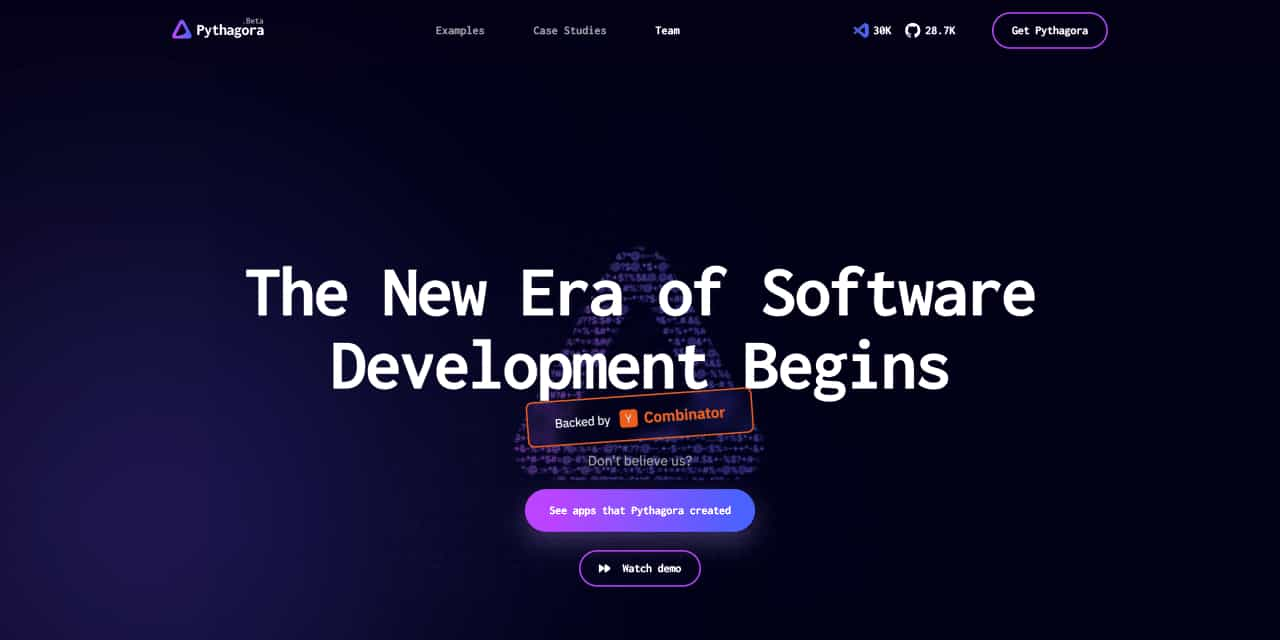
The New Era of Software Development Begins
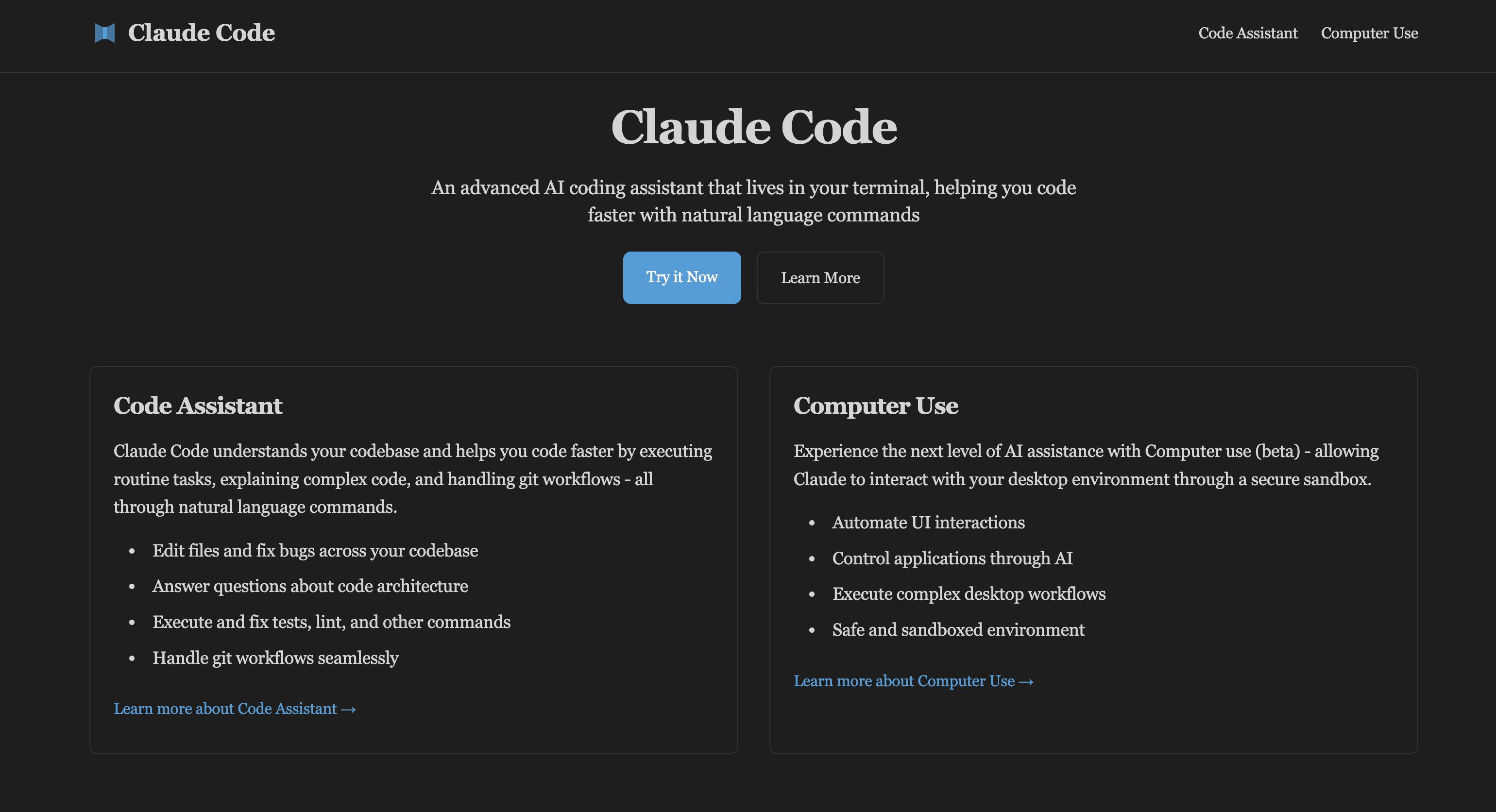
Claude Code is an advanced AI coding assistant that can be embedded in your terminal. Learn Claude Code and computer usage features to enhance development workflow, developed by Claude AI.
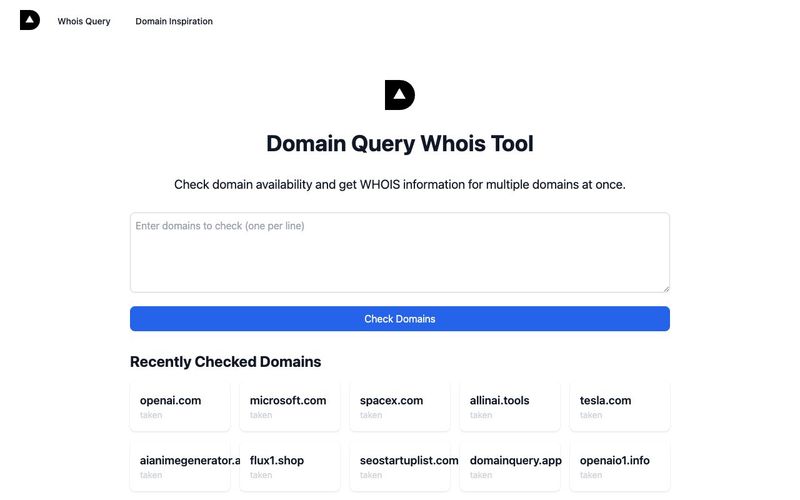
AI-based domain name availability and WHOIS query, providing interesting domain name inspiration explanations,Domain name inspiration can help you find creative and meaningful names for your website or brand. Our Domain Inspiration feature provides unique interpretations and insights about domain names, helping you make informed decisions.
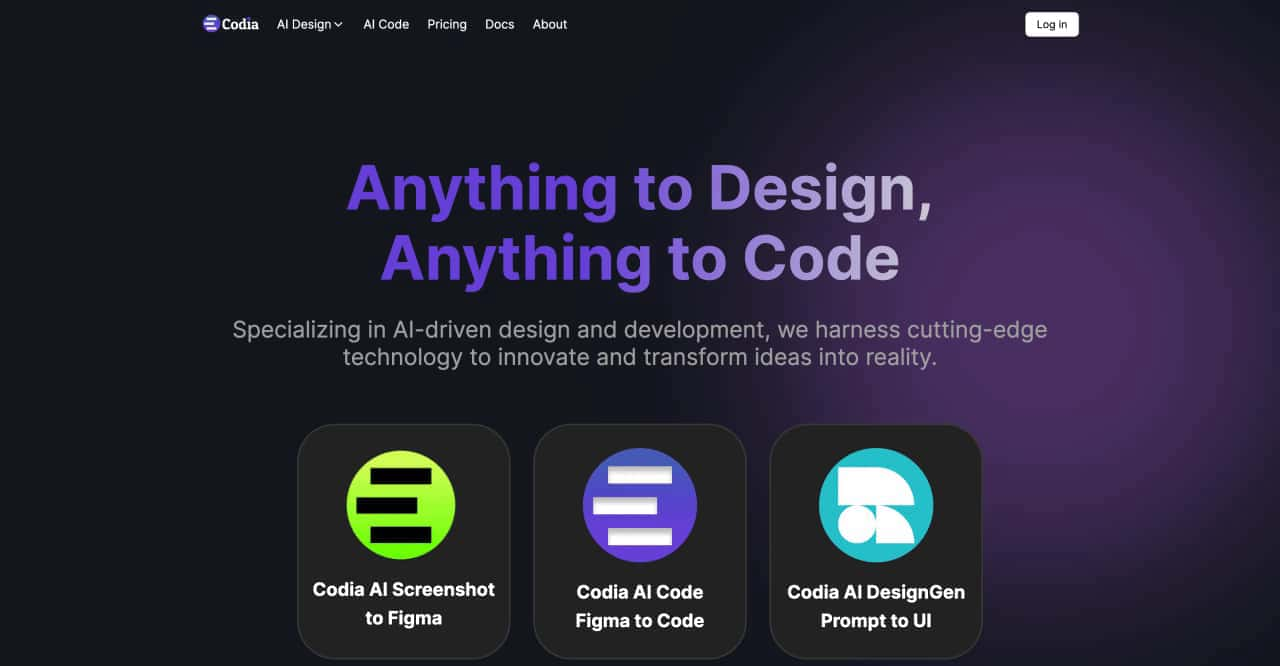
transform ideas into reality, effortlessly converting screenshots to Figma designs, turning prompts into UI designs, transforming images into SVG files, and enabling seamless transitions from design to code



This comprehensive guide explores the best AI image generators available in 2026, highlighting their unique features, strengths, and ideal use cases. We'll dive deep into each tool's capabilities to help you identify which AI image generator best suits your creative needs.

Google has just launched a powerful AI IDE code editor — now you can really vibe while coding

The best AI Model And AI Tools in 2026,The Most Popular Free AI Model And AI Tools.