Subscribe to AI newsletter
Your data is completely secure with us. We don't share it with anyone.
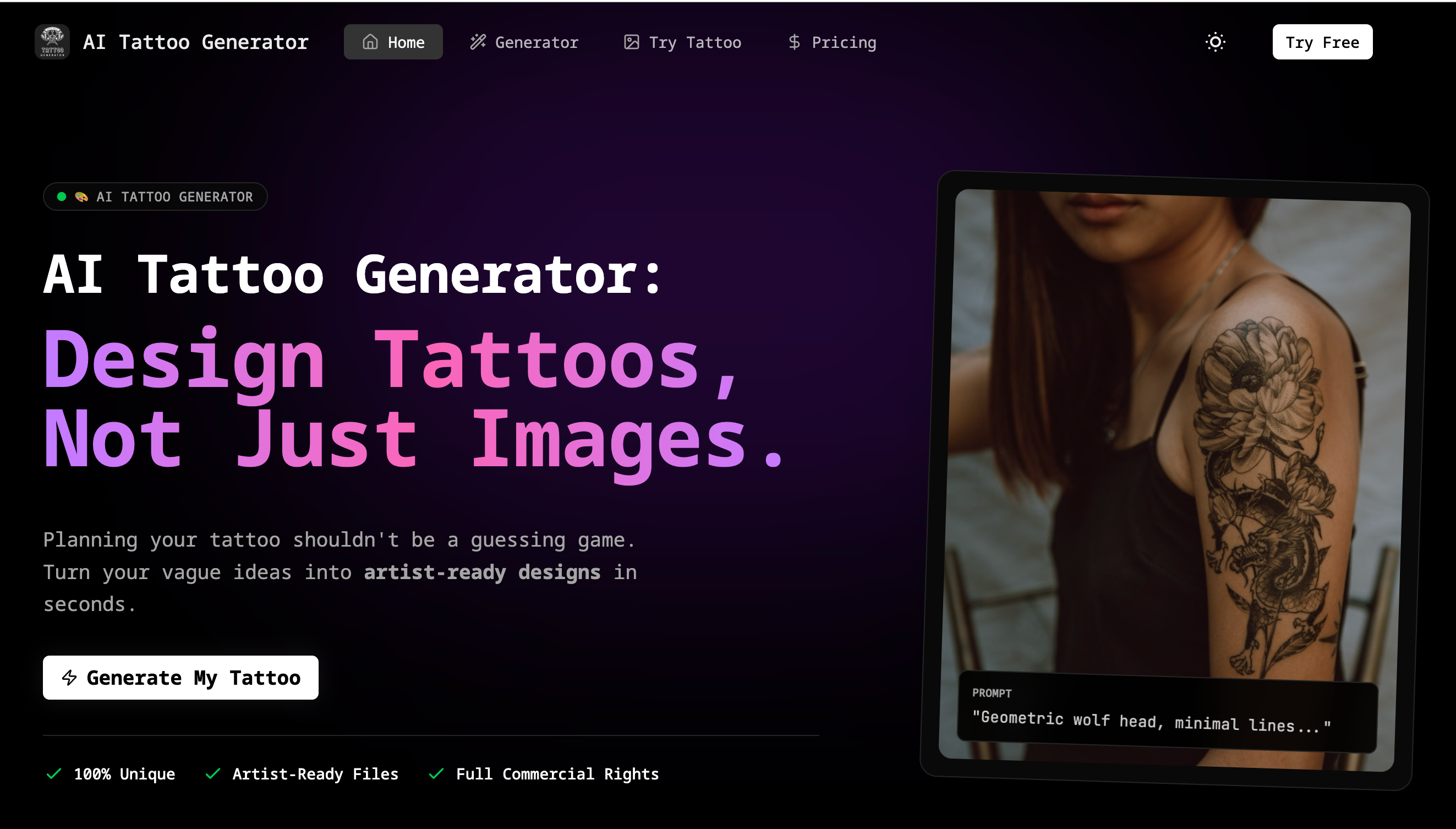
Simplify the communication with your tattoo artist.
Input your vague idea. "A cat astronaut in space, realistic style."
Choose your style. Our AI generates multiple variations instantly.
Download the Artist-Ready high-res image and line art (stencil).
In the expanding world of digital creativity, AI Tattoo Generator stands out as a highly focused AI tool that elevates Image Generation from simple visual outputs to practical, real-world design solutions. What makes this platform particularly impressive is its clear and efficient “How to Use” workflow, which simplifies the traditionally complex tattoo design process into three intuitive steps: describe, refine, and generate.
The first step, “Describe It,” highlights the accessibility of this AI tool. Users can input even the vaguest ideas—such as “a cat astronaut in space, realistic style”—and immediately begin the Image Generation process. This removes the common barrier of needing advanced artistic skills or precise design language. Instead of struggling to communicate abstract concepts, users can rely on AI Tattoo Generator to interpret and visualize their ideas quickly and effectively.
The second step, “Refine It,” is where the tool truly demonstrates its power. Unlike many generic Image Generation platforms that produce a single, often unpredictable result, this AI tool generates multiple variations instantly. Users can explore different artistic styles, compositions, and details, allowing them to iterate rapidly and choose a direction that best matches their vision. This iterative approach not only enhances creativity but also provides a level of control that is often missing in other AI-driven solutions.
Finally, the “Get the Stencil” step sets AI Tattoo Generator apart from typical image tools. Rather than stopping at visual output, it delivers high-resolution, artist-ready files, including clean line art (stencils) that can be directly used by tattoo professionals. This functional output transforms the Image Generation process into something tangible and actionable, bridging the gap between digital concept and physical artwork.
Overall, AI Tattoo Generator exemplifies how a specialized AI tool can redefine Image Generation by focusing on usability, speed, and real-world application. Its streamlined workflow not only saves time but also empowers users to confidently turn their ideas into professional tattoo designs, making it an essential tool for both first-time clients and experienced creators.



This comprehensive guide explores the best AI image generators available in 2026, highlighting their unique features, strengths, and ideal use cases. We'll dive deep into each tool's capabilities to help you identify which AI image generator best suits your creative needs.

Google has just launched a powerful AI IDE code editor — now you can really vibe while coding

The best AI Model And AI Tools in 2026,The Most Popular Free AI Model And AI Tools.