- Home/
- AI Navigation Directory Tools List/
- PandaDR/
- How to use PandaDR
How to use PandaDR

Using PandaDR is straightforward:
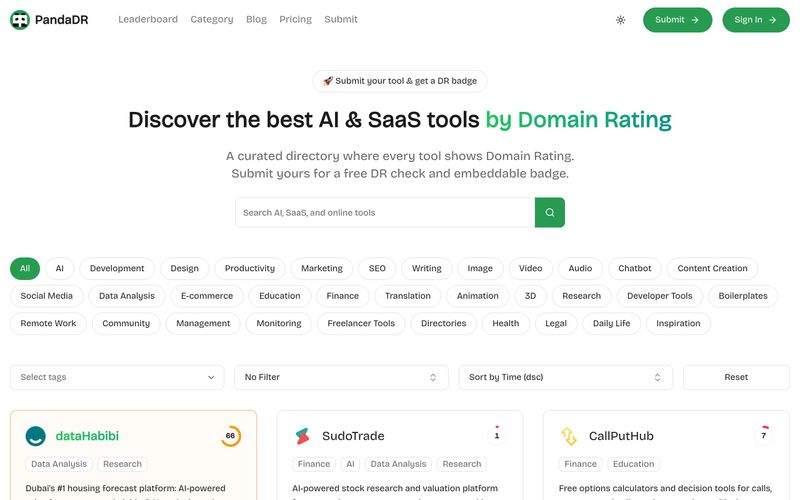
- Browse Tools: Visit the homepage to explore featured tools, or use the search and filter options by category, tag, or time to find specific tools.
- Submit Your Tool: Click on 'Submit' and choose a plan. For the free plan, you need to provide a backlink to PandaDR and verify it. After verification, your tool gets listed with a dofollow link and a DR badge.
- Upgrade for More: Consider the Pro plan ($9.9) for immediate listing without a badge, featured placement for 30 days, and premium support. The Sponsor plan ($19.9) includes banner ads and sponsored cards for 7 days.
- Embed Badge: After your tool is listed, you can embed the DR badge on your website to showcase your rating.
- Stay Updated: Subscribe to the newsletter and join the community to get the latest news and updates.
For detailed pricing and FAQs, visit the Pricing page.
Summary and Review:
Browse tools by category or DR, submit your tool via the Submit page (free plan requires a backlink), upgrade to Pro or Sponsor for extra features, and embed your DR badge. Subscribe to the newsletter for updates.

AI News
View All News →

The Best AI Image Generator in 2026: A Complete Guide
This comprehensive guide explores the best AI image generators available in 2026, highlighting their unique features, strengths, and ideal use cases. We'll dive deep into each tool's capabilities to help you identify which AI image generator best suits your creative needs.

Firebase Studio,Google has just launched a powerful AI IDE code editor,Vibe Coding
Google has just launched a powerful AI IDE code editor — now you can really vibe while coding

The Best AI Model And AI Tools in 2026
The best AI Model And AI Tools in 2026,The Most Popular Free AI Model And AI Tools.