Subscribe to AI newsletter
Your data is completely secure with us. We don't share it with anyone.
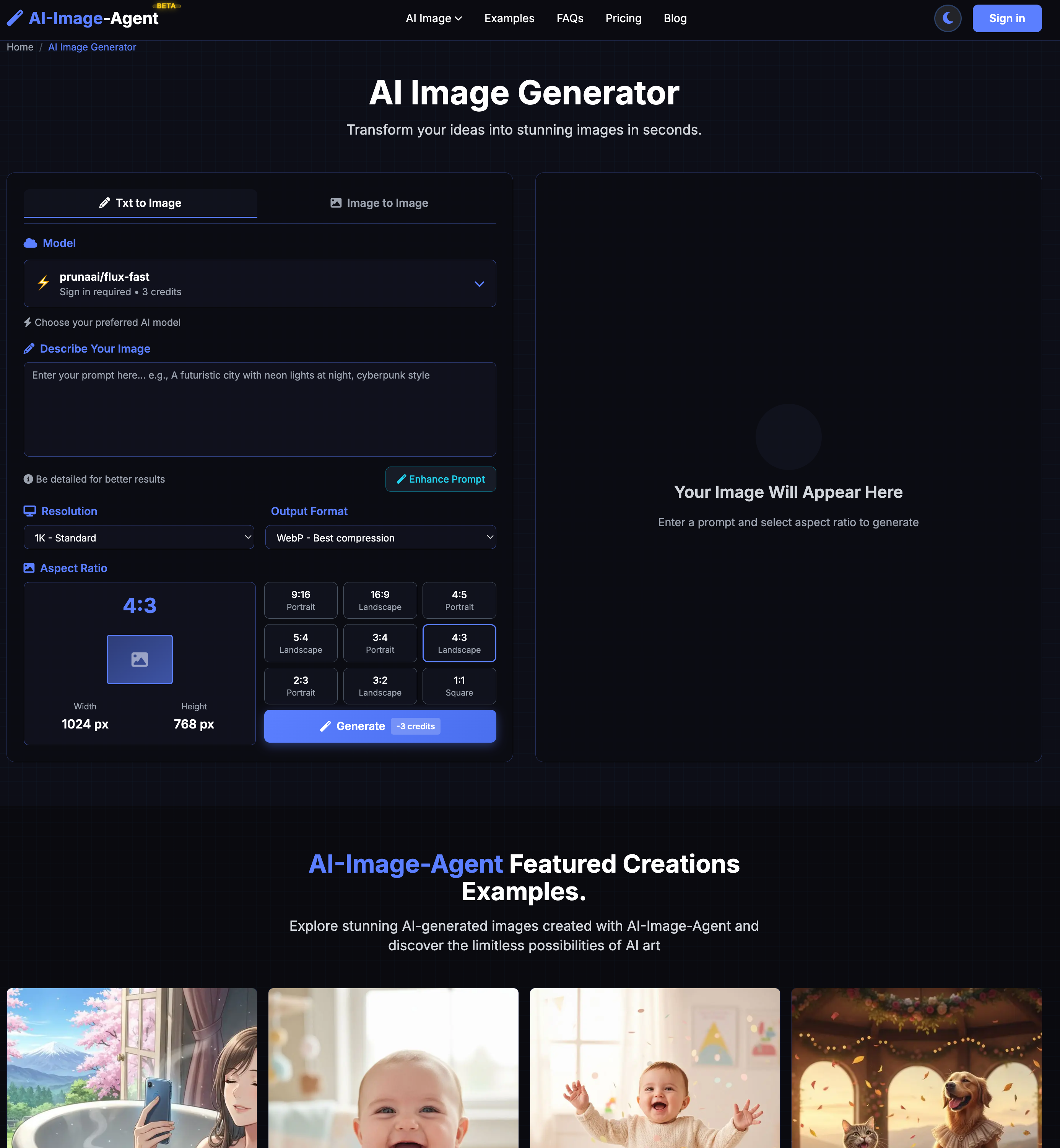
Select your desired AI model for ai-image-agent generation, including popular options like Nano Banana and Seedream, to get the best AI image results for your project.
Type a detailed text description to generate AI images, or upload your photo (JPG, PNG, WebP, up to 10MB) via drag & drop or file browse with ai-image-agent.
Wait a few seconds for ai-image-agent processing, then download your high-resolution AI image and share your creation anywhere you want.
AI-Image-Agent offers one of the simplest yet most efficient workflows in the modern AI tool industry, making advanced Image Generation accessible to both beginners and professional creators. The platform focuses heavily on usability, allowing users to transform ideas into stunning AI-generated artwork in just three straightforward steps. This clean workflow is one of the reasons why AI-Image-Agent is becoming increasingly popular among digital artists, marketers, social media creators, and design professionals looking for fast and reliable AI-powered creativity.
The first step of the process is selecting an AI model. AI-Image-Agent provides access to multiple advanced AI engines, including popular options like Nano Banana and Seedream. This flexibility is extremely valuable because different AI models are optimized for different creative tasks. Some models prioritize speed, while others focus on realism, artistic detail, or style transfer quality. Unlike many basic AI tool platforms that lock users into a single rendering engine, AI-Image-Agent gives creators more control over the final Image Generation results. Users can experiment with different models to discover which one best matches their project goals, artistic preferences, or commercial requirements.
The second step highlights the platform’s user-friendly design. Users can either type a detailed text prompt or upload an existing image for AI transformation. AI-Image-Agent supports common formats including JPG, PNG, and WebP files up to 10MB, making it compatible with most modern workflows. The drag-and-drop upload system is smooth and intuitive, which lowers the barrier for beginners who may not have previous experience with AI art platforms. This combination of text-to-image and image-to-image functionality makes AI-Image-Agent a highly versatile AI tool for multiple creative scenarios, including concept art creation, social media visuals, anime artwork, branding materials, and artistic photo editing.
The final step is incredibly fast compared to many competing Image Generation platforms. After submitting the prompt or image, users only need to wait a few seconds for processing before downloading high-resolution AI-generated artwork. The platform’s cloud-based infrastructure and optimized neural networks help AI-Image-Agent deliver impressive rendering speeds while maintaining excellent image quality. Users can instantly share their creations across social media, digital campaigns, or commercial design projects, which makes the platform highly practical for content creators working under tight deadlines.
Another major strength of AI-Image-Agent is how it combines simplicity with professional-level output. Many AI tool platforms either focus on beginners or advanced professionals, but AI-Image-Agent successfully supports both audiences. The workflow is simple enough for casual users while still offering enough model variety and customization for experienced creators. Combined with fast rendering, multiple AI models, high-resolution output, and modern cloud infrastructure, AI-Image-Agent stands out as a highly competitive AI tool in the rapidly growing Image Generation market.



This comprehensive guide explores the best AI image generators available in 2026, highlighting their unique features, strengths, and ideal use cases. We'll dive deep into each tool's capabilities to help you identify which AI image generator best suits your creative needs.

Google has just launched a powerful AI IDE code editor — now you can really vibe while coding

The best AI Model And AI Tools in 2026,The Most Popular Free AI Model And AI Tools.