Subscribe to AI newsletter
Your data is completely secure with us. We don't share it with anyone.
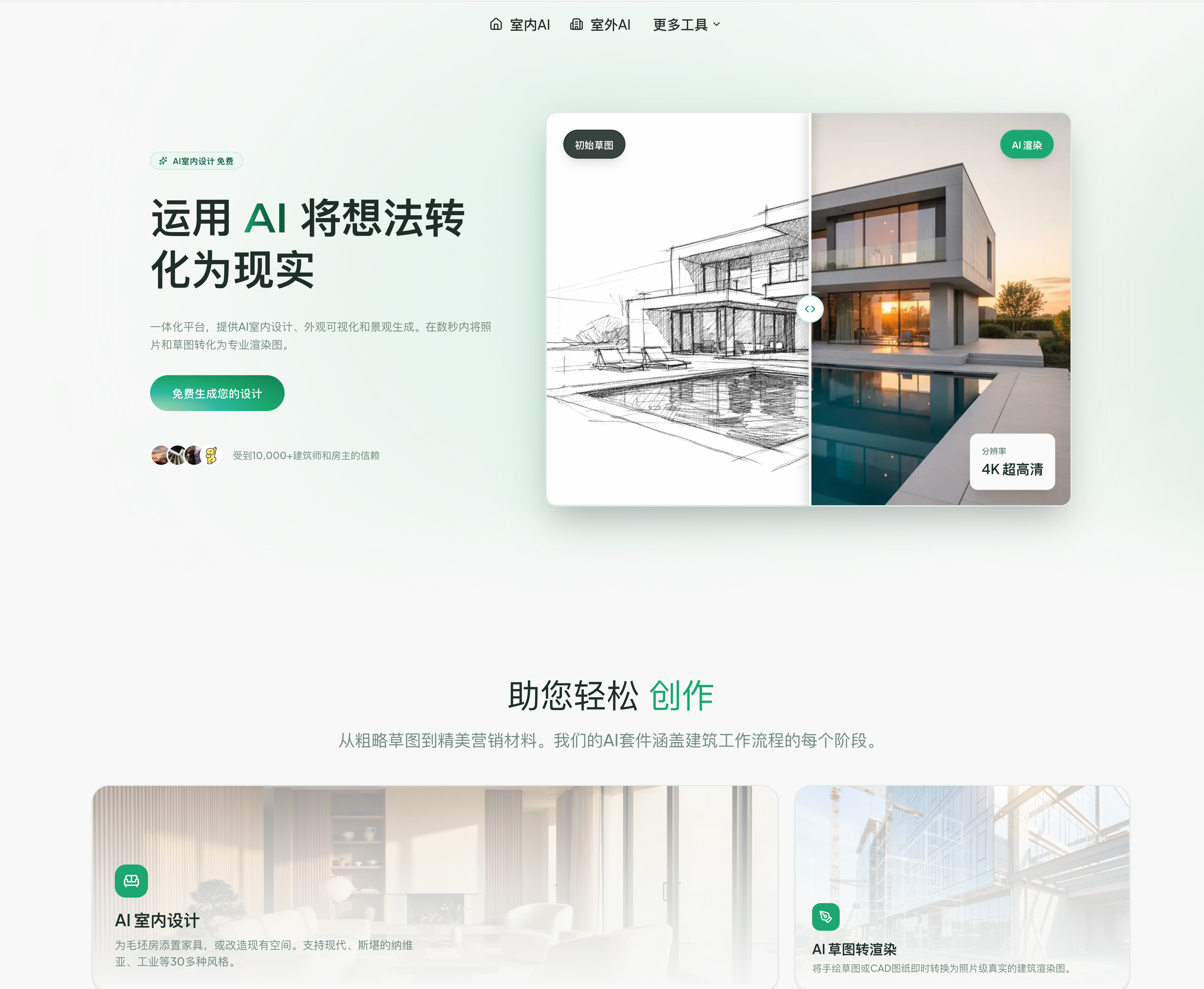
Yes, ArchyBase allows you to try our AI interior design features for free. You can upload photos and generate styles instantly.
Simply upload a hand-drawn sketch or a SketchUp/Revit line drawing. Our AI interprets the lines and converts them into a photorealistic image.
Absolutely. Our AI landscape generator is perfect for visualizing gardens, backyards, and exterior environments from a simple photo.
Yes, our AI exterior design tool helps homeowners and architects visualize facade renovations, roof changes, and material updates.
We are currently developing advanced AI tools for floor plan generation and 3D conversion, which will be available soon.
We support common image formats including JPG, PNG, and WEBP. For best results, we recommend uploading high-resolution images.
Most designs are generated in 4-10 seconds, depending on the complexity and resolution. Our AI works incredibly fast to deliver professional results.
Yes! All images generated with a paid subscription can be used for commercial purposes. Free tier images are for personal use only.
We focus on architectural accuracy and photorealistic quality. Our AI understands lighting, materials, and spatial relationships better than generic tools.
ArchyBase stands out as a highly practical and forward-thinking AI tool that delivers real value in the field of Design Assistance, especially when evaluated through its FAQ features. One of its strongest advantages is accessibility. The platform offers a free entry point, allowing users to experiment with AI-powered interior design without any upfront cost. This lowers the barrier for beginners while still providing meaningful capabilities such as uploading photos and instantly generating styled interior concepts. As an AI tool, this “try-before-you-pay” approach makes it easier for users to explore design possibilities without risk.
Another key highlight is the Sketch to Render functionality, which demonstrates the platform’s technical depth in Design Assistance. Users can upload hand-drawn sketches or CAD-based line drawings, and the AI intelligently converts them into photorealistic images. This is particularly valuable for architects and designers who want to quickly visualize early-stage ideas without spending hours on manual rendering. The ability to interpret rough inputs and produce polished visuals reflects a strong understanding of spatial relationships and design intent—something many generic AI tools struggle to achieve.
ArchyBase also expands its usefulness through multi-scenario design support, including landscape design and exterior home visualization. From gardens and patios to full facade renovations, the AI tool allows users to transform simple photos into detailed, realistic previews. This makes it especially useful for real estate professionals, contractors, and homeowners who need clear visual references for decision-making. The fast generation speed—typically within 4 to 10 seconds—further enhances productivity, enabling rapid iteration and comparison of multiple design options.
In addition, the platform supports common image formats like JPG, PNG, and WEBP, ensuring compatibility across workflows. For professional users, the option for commercial usage under paid plans adds significant value, making it suitable for client presentations, marketing materials, and project proposals. The ongoing development of features like floor plan generation and 3D conversion also signals that this AI tool is continuously evolving to meet broader Design Assistance needs.
What ultimately differentiates ArchyBase is its focus on architectural accuracy and photorealistic quality. Unlike many surface-level tools, it understands lighting, materials, and spatial depth, producing outputs that are both visually compelling and practically useful. Overall, ArchyBase is a well-rounded AI tool that effectively combines speed, accessibility, and precision, making it a strong choice for anyone seeking advanced Design Assistance.



This comprehensive guide explores the best AI image generators available in 2026, highlighting their unique features, strengths, and ideal use cases. We'll dive deep into each tool's capabilities to help you identify which AI image generator best suits your creative needs.

Google has just launched a powerful AI IDE code editor — now you can really vibe while coding

The best AI Model And AI Tools in 2026,The Most Popular Free AI Model And AI Tools.