AI 뉴스레터 구독
귀하의 데이터는 완전히 안전하게 보호됩니다. 어떤 누구와도 공유하지 않습니다.
Stop paying for multiple subscriptions. Generate, upscale, and edit professional videos using Seedance, Veo, Runway, and more—all from a single, unified workspace.
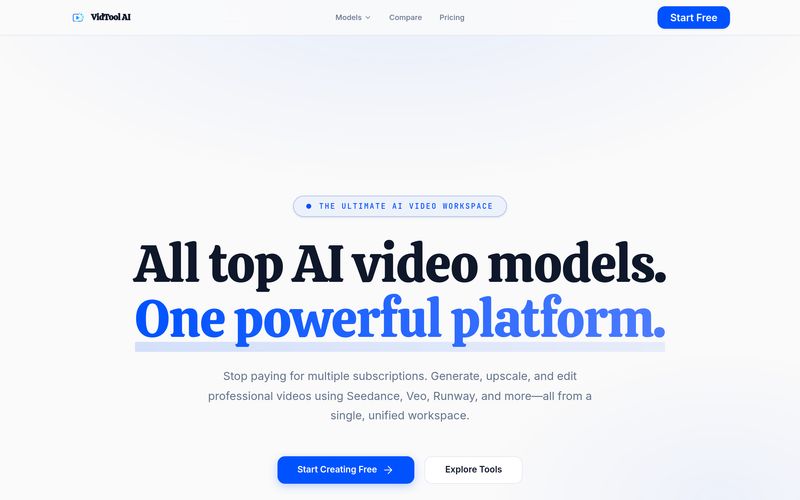
As the demand for professional-quality content continues to grow, creators are increasingly looking for a powerful AI tool that simplifies production without sacrificing quality. VidTool AI positions itself as an all-in-one platform built specifically for Video Generation, combining multiple leading AI video models into a single, seamless workspace. Instead of paying for several expensive subscriptions and constantly switching between tools, VidTool AI gives creators access to industry-leading models like Seedance, Veo, and Runway under one platform.
What makes VidTool AI stand out in the crowded AI tool market is its unified creative ecosystem. Rather than limiting users to a single model or workflow, the platform enables creators to generate, edit, upscale, and optimize content all in one browser-based environment. This streamlined experience is especially valuable for filmmakers, marketers, social media creators, and businesses that require fast yet high-quality Video Generation solutions.
One of the strongest features of VidTool AI is its AI Video Generator, which provides access to premium models capable of producing cinematic-quality videos with realistic motion, advanced camera movement, and impressive visual consistency. Whether users want text-to-video creation or image-to-video animation, VidTool AI delivers highly polished results powered by cutting-edge AI engines. By simply entering a text prompt or uploading an image, creators can transform ideas into visually compelling video content.
Beyond generation, VidTool AI also offers advanced editing tools that significantly improve workflow efficiency. Its 4K video upscaling feature helps users enhance content into crystal-clear resolution, making videos more suitable for commercial projects and professional presentations. The video background remover allows creators to instantly remove or replace backgrounds, creating transparent outputs or social-media-ready formats with minimal effort.
Another highly practical feature is Video Body Swap, which lets users replace a person in a reference video while preserving original motion dynamics. This opens up creative possibilities for entertainment, marketing, and personalized content creation. In addition, the built-in video translator and dubbing tool supports multiple languages including English, Spanish, French, German, Chinese, Japanese, and Korean, making global content localization far easier.
Unlike many standalone platforms, VidTool AI also includes an AI Audio Creator, enabling users to generate professional voiceovers and sound effects directly within the same workspace. This makes it a truly complete Video Generation ecosystem where visuals, editing, translation, and audio production work together seamlessly.
Overall, if you are searching for a modern AI tool focused on professional Video Generation, VidTool AI is a compelling choice. By combining powerful video models, cinematic output quality, 4K upscaling, multilingual translation, and advanced editing capabilities into one cost-effective subscription, VidTool AI offers creators a smarter and more efficient way to produce stunning digital content.
VidTool AI currently integrates top-tier models including Seedance, Google Veo, Runway Gen-3, Luma Dream Machine, and Pika Labs. We continuously add new state-of-the-art models as they are released.
Instead of paying $30/month to five different AI companies, you pay one simple subscription to VidTool AI. You receive credits that can be used seamlessly across any model within our workspace.
Yes! Our workspace includes a built-in AI Video Upscaler. You can generate a video in Seedance and immediately upscale it to crisp 4K resolution with one click.
Absolutely. You can upload your own images or AI-generated art as the first frame, and use our models to animate them with cinematic camera movements.
Yes. Videos generated through VidTool AI come with full commercial rights. It's highly recommended for creating marketing assets, YouTube Shorts, music videos, and social media content.
Generation speeds depend on the selected model and video length. Most models return a 4-5 second clip within 1 to 3 minutes.
No. VidTool AI is completely cloud-based. You can access our powerful video generation and editing workspace directly from your web browser.
실용적인 메모를 공유하고 다른 사람들이 이 도구를 평가하는 데 도움을 주세요.
아직 댓글이 없습니다. 대화를 시작하세요.


Sora is a large AI image-to-video model launched by OpenAI in 2026. It can create realistic and imaginative scenes based on text instructions.
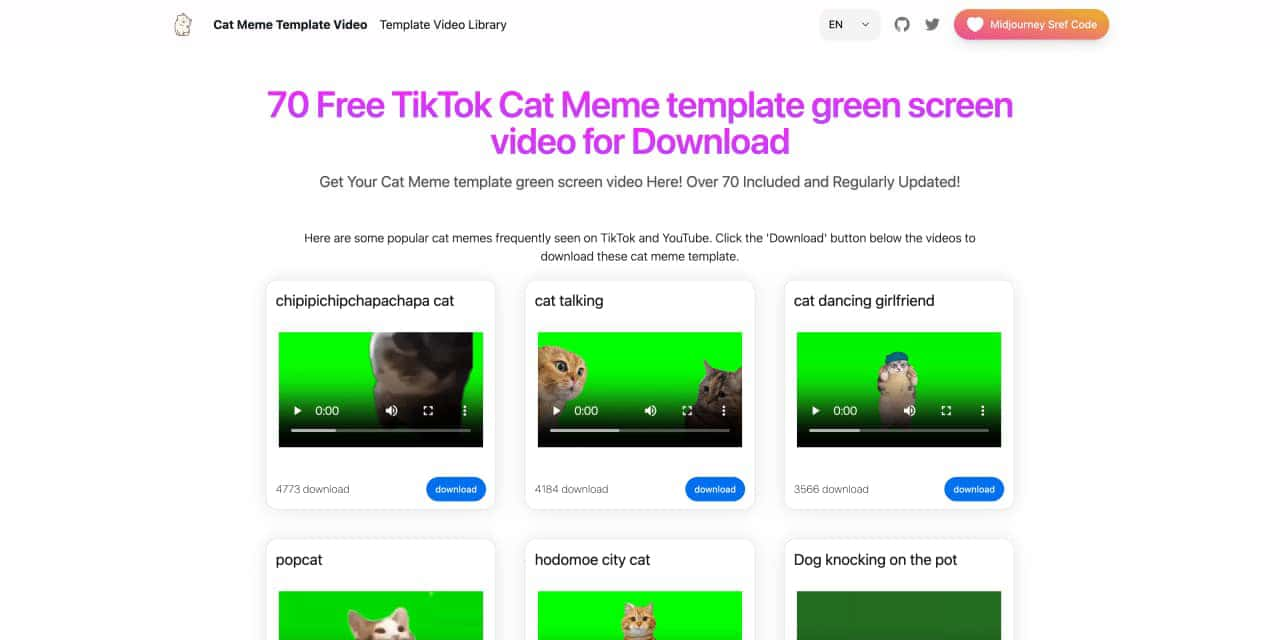
You can download the latest and most popular green screen cat meme template video featured on TikTok and YouTube. These materials are offered for free
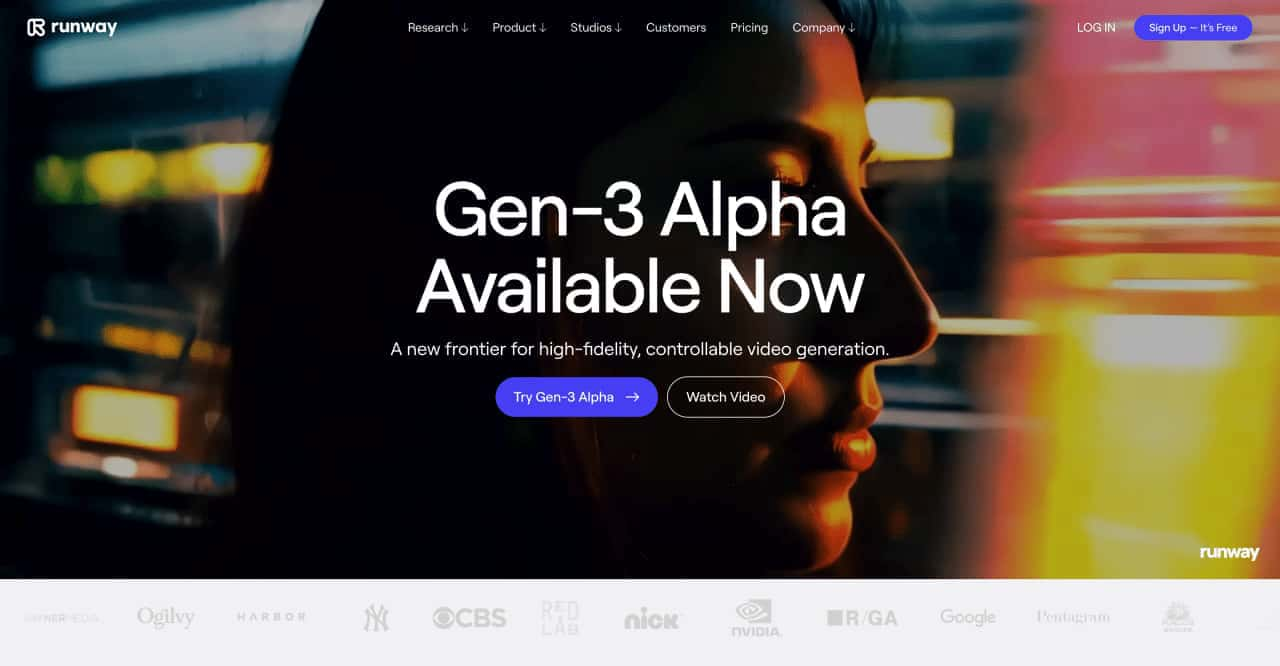
Runway is an applied AI research company shaping the next era of art, entertainment and human creativity.
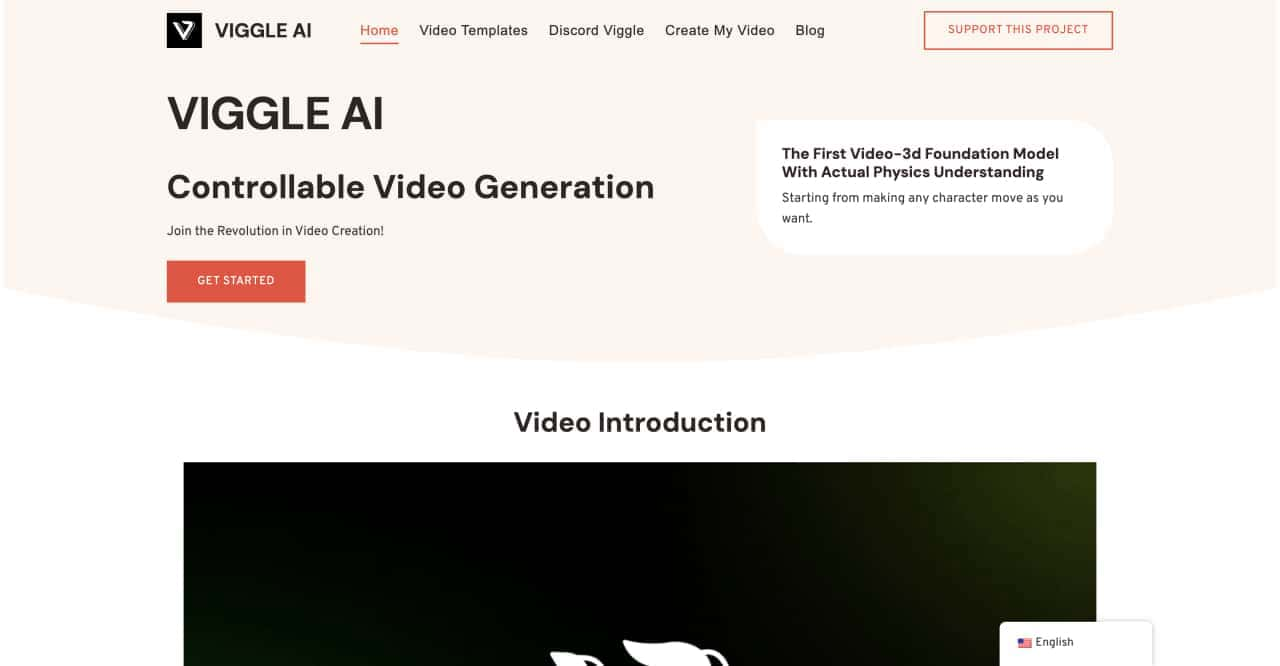
Use Viggle AI to create dynamic animations from images and text prompts. This guide covers its benefits, usage steps, and frequently asked questions.



This comprehensive guide explores the best AI image generators available in 2026, highlighting their unique features, strengths, and ideal use cases. We'll dive deep into each tool's capabilities to help you identify which AI image generator best suits your creative needs.

Google has just launched a powerful AI IDE code editor — now you can really vibe while coding

The best AI Model And AI Tools in 2026,The Most Popular Free AI Model And AI Tools.