AI 뉴스레터 구독
귀하의 데이터는 완전히 안전하게 보호됩니다. 어떤 누구와도 공유하지 않습니다.
Seedance 2.0 by ByteDance delivers 1080p cinematic quality with Seedance V2 motion synthesis, multi-shot storytelling, and unparalleled realism. Create stunning videos from text or images online free, no sign up required.
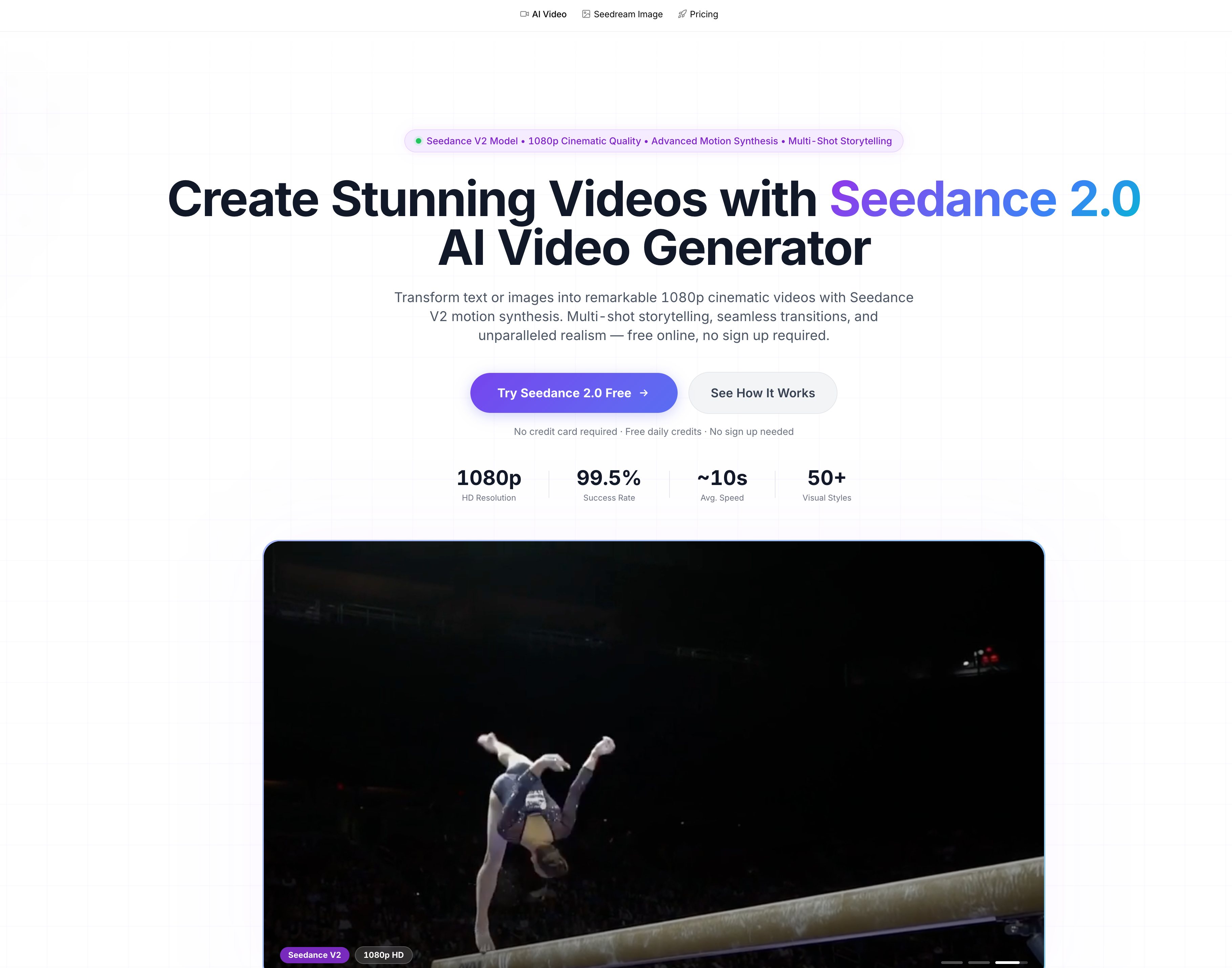
Seedance 2.0: A Powerful AI Tool for Next-Level Video Generation
In the rapidly evolving landscape of AI tool innovation, Video Generation has become one of the most competitive and transformative fields. Seedance 2.0, developed by ByteDance, stands out as a next-generation solution that pushes the boundaries of what creators can achieve with AI-driven video production. Built on the advanced Seedance V2 model, this platform is designed to turn simple ideas into visually stunning, cinematic-quality videos with minimal effort.
At its core, Seedance 2.0 focuses on delivering native 1080p HD video output, ensuring every generated clip meets professional production standards. Unlike many traditional AI video tools, it emphasizes motion realism and cinematic fluidity, powered by its proprietary motion synthesis engine. From subtle facial expressions to complex full-body movements, the generated content feels natural and physically consistent, making it suitable for both creative storytelling and commercial use.
One of the most impressive highlights of this AI tool is its multi-shot storytelling capability. Seedance 2.0 maintains strong consistency across multiple scenes, preserving character identity, visual style, and atmosphere throughout transitions. This feature is particularly valuable for creators producing narrative-driven content, marketing campaigns, or branded storytelling videos, where continuity is critical.
Another key strength of Seedance 2.0 lies in its multi-modal Video Generation workflow. Users can easily convert text prompts into videos or transform static images into dynamic visual sequences. This flexibility significantly lowers the barrier to entry, enabling both beginners and professionals to create high-quality content without needing advanced editing skills or expensive software.
In terms of usability, the platform is designed for speed and accessibility. As a browser-based AI tool, Seedance 2.0 requires no installation and works seamlessly across devices, including mobile. The workflow is straightforward: choose the generator, input a prompt or upload an image, and generate your video within moments. With ultra-fast processing and a high success rate, it ensures a smooth and efficient creative experience.
Seedance 2.0 also supports diverse visual styles, ranging from photorealistic scenes to anime, cyberpunk, and watercolor aesthetics. Combined with flexible aspect ratios such as 16:9, 9:16, and 1:1, it adapts easily to different platforms including social media, advertising, and cinematic productions.
Additionally, the tool offers free daily credits, making it accessible for new users to explore its capabilities without upfront cost. For professional creators, premium plans unlock higher generation limits and commercial usage rights, making it a scalable solution for business applications.
Overall, Seedance 2.0 represents a significant leap forward in AI Video Generation. By combining high-resolution output, advanced motion synthesis, multi-shot consistency, and an intuitive workflow, it positions itself as a leading AI tool for anyone looking to create compelling video content quickly and efficiently. Whether you're a marketer, content creator, or digital artist, Seedance 2.0 provides the tools needed to bring your ideas to life with cinematic precision.
Begin by choosing the Seedance 2.0 Video Generator. The Seedance 2.0 Model (Seedance V2) offers text-to-video and image-to-video creation features to craft refined 1080p cinematic videos with ByteDance Seedance 2.0 motion synthesis.
Add an image to transform with Seedance 2.0 or write a text description for video creation. Seedance 2.0 supports both text-to-video and image-to-video methods, enabling you to create stunning 1080p videos with seamless transitions.
Press generate and Seedance 2.0 creates your 1080p cinematic masterpiece. Review the premium video output with Seedance V2 motion synthesis and save immediately. Seedance 2.0 guarantees top-tier results consistently.
Seedance 2.0 is ByteDance's next-generation AI video generator. The Seedance 2.0 Model (Seedance V2) delivers native 1080p resolution, Seedance V2 motion synthesis, and multi-shot storytelling. ByteDance Seedance 2.0 emphasizes realistic motion, seamless transitions, and strong prompt adherence for professional creators.
Seedance 2.0 processes text inputs or images to create beautiful 1080p videos with ByteDance Seedance V2 motion synthesis. Write descriptions for text-to-video or upload images for image-to-video conversion using Seedance 2.0. The workflow is simple: enter prompt, pick style, generate, and download.
Access Seedance 2.0 right here on our online platform. Seedance V2 works on all major browsers with no download required. Start with free daily credits or upgrade to premium plans for higher limits and commercial use.
Yes! Seedance 2.0 offers free daily credits for users to try out its advanced features. No sign up is required to get started. For higher usage and commercial purposes, premium plans are available with more credits.
Seedance 2.0 creates premium 1080p videos available for download in MP4 format. The results work well for both individual and business purposes, with enterprise-level quality ideal for marketing campaigns, social media, and professional video production.
Seedance 2.0 operates on a credit basis. Every 1080p video creation requires credits based on duration and resolution. Free users receive daily credits, while subscription plans provide more credits monthly. You can produce videos with Seedance 2.0 whenever you have credits remaining.
Seedance 2.0 produces 1080p videos with lightning-fast generation speed. The optimized processing system guarantees ultra-rapid performance with Seedance V2 motion synthesis, achieving a 99.5% success rate on average.
Seedance 2.0 accelerates workflow by facilitating quick 1080p video production without complex video production expertise. The Seedance V2 Model comprehends text inputs, transforms images into videos with advanced motion synthesis, and creates multi-shot narratives seamlessly. Ideal for marketing campaigns, social media content, product demonstrations, and creative storytelling.
Yes, Seedance 2.0 supports multiple aspect ratios including 16:9, 9:16, 4:3, 3:4, 21:9, and 1:1, giving you full flexibility for any platform or content format.
Yes, Seedance 2.0 offers commercial usage rights with its premium subscription plans, allowing you to monetize the videos you create. The 1080p output quality meets professional production standards.
Seedance 2.0 is currently a browser-based AI video generator that works perfectly on smartphone browsers. The adaptive layout functions excellently on mobile phones. No app download is needed — all Seedance 2.0 features are fully supported through your mobile browser.
Seedance 2.0 prioritizes user privacy. Your uploads and generations are private and we adhere to strict data protection standards to ensure your creative assets remain secure.
실용적인 메모를 공유하고 다른 사람들이 이 도구를 평가하는 데 도움을 주세요.
아직 댓글이 없습니다. 대화를 시작하세요.


Sora is a large AI image-to-video model launched by OpenAI in 2026. It can create realistic and imaginative scenes based on text instructions.
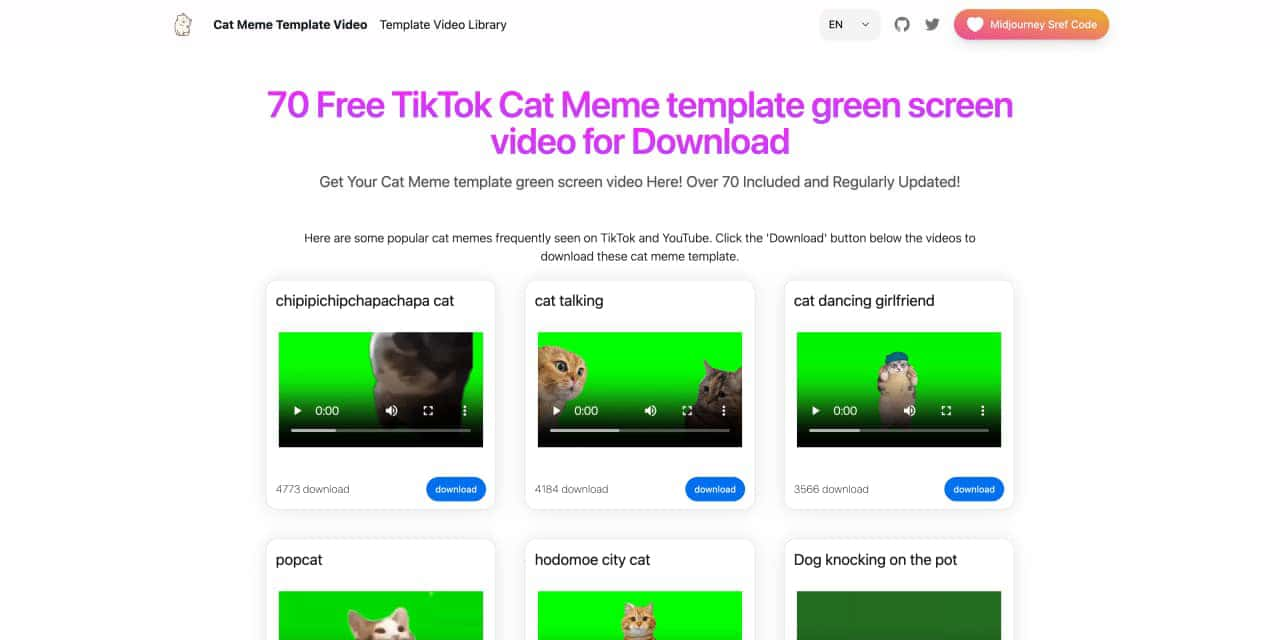
You can download the latest and most popular green screen cat meme template video featured on TikTok and YouTube. These materials are offered for free
Runway is an applied AI research company shaping the next era of art, entertainment and human creativity.
Use Viggle AI to create dynamic animations from images and text prompts. This guide covers its benefits, usage steps, and frequently asked questions.



This comprehensive guide explores the best AI image generators available in 2026, highlighting their unique features, strengths, and ideal use cases. We'll dive deep into each tool's capabilities to help you identify which AI image generator best suits your creative needs.

Google has just launched a powerful AI IDE code editor — now you can really vibe while coding

The best AI Model And AI Tools in 2026,The Most Popular Free AI Model And AI Tools.