AI 뉴스레터 구독
귀하의 데이터는 완전히 안전하게 보호됩니다. 어떤 누구와도 공유하지 않습니다.
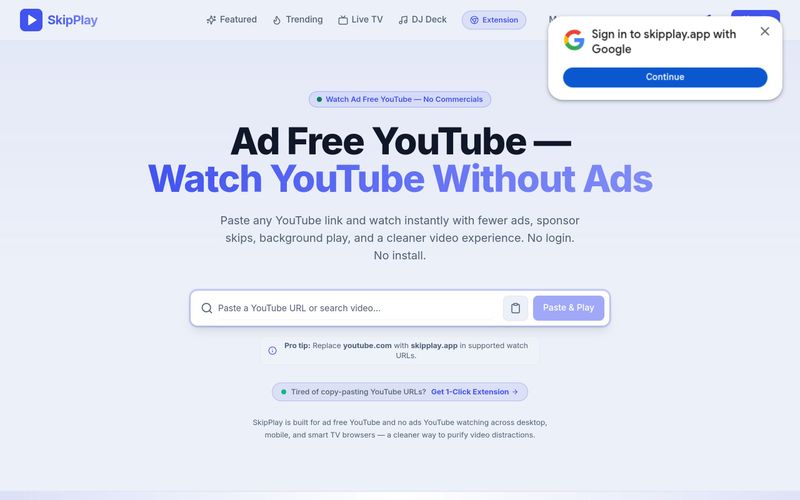
youtube.com을 skipplay.app으로 바꿉니다.원클릭 재생과 YouTube에서 직접 광고 자동 건너뛰기를 원하시면 Chrome 확장 프로그램(일회성 $9, 정가 $29)을 구매할 수 있습니다. 설치하면 YouTube 페이지에서 상업 광고를 자동으로 건너뛰고, 피드 및 배너 광고를 차단하며, Shorts를 숨깁니다.
YouTube 동영상, 라이브 방송 또는 재생목록 링크를 복사하여 SkipPlay에 붙여넣으면 광고 없이 재생되며, youtube.com을 skipplay.app으로 바꿀 수도 있습니다. 선택적으로 Chrome 확장 프로그램을 설치하면 원클릭 재생과 광고 자동 건너뛰기를 사용할 수 있습니다.

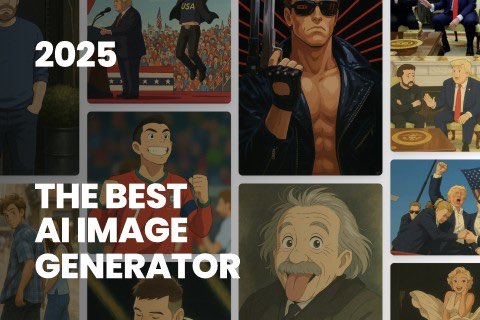
This comprehensive guide explores the best AI image generators available in 2026, highlighting their unique features, strengths, and ideal use cases. We'll dive deep into each tool's capabilities to help you identify which AI image generator best suits your creative needs.
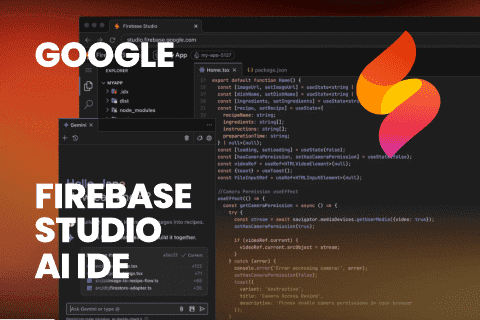
Google has just launched a powerful AI IDE code editor — now you can really vibe while coding
The best AI Model And AI Tools in 2026,The Most Popular Free AI Model And AI Tools.