AIニュースレターを購読
あなたのデータは私たちと完全に安全です。誰とも共有しません。
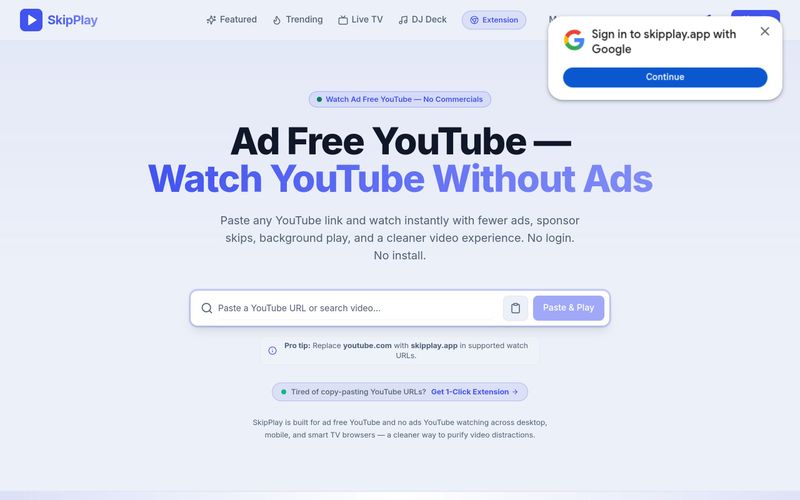
youtube.com を skipplay.app に置き換えます。ワンクリック再生と YouTube 上での広告自動スキップを希望する場合は、Chrome 拡張機能(買い切り $9、通常価格 $29)を購入できます。インストールすると、YouTube ページ上でコマーシャル広告を自動スキップし、フィードやバナー広告をブロックし、Shorts を非表示にできます。
YouTube の動画、ライブ配信、プレイリストのリンクをコピーして SkipPlay に貼り付けると広告なしで再生できます。または youtube.com を skipplay.app に置き換えます。任意で Chrome 拡張機能をインストールすると、ワンクリック再生と広告自動スキップが可能になります。


This comprehensive guide explores the best AI image generators available in 2026, highlighting their unique features, strengths, and ideal use cases. We'll dive deep into each tool's capabilities to help you identify which AI image generator best suits your creative needs.
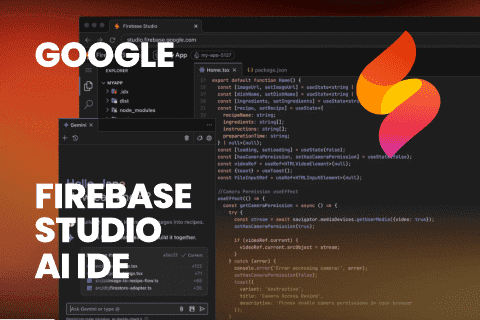
Google has just launched a powerful AI IDE code editor — now you can really vibe while coding
The best AI Model And AI Tools in 2026,The Most Popular Free AI Model And AI Tools.