AI 뉴스레터 구독
귀하의 데이터는 완전히 안전하게 보호됩니다. 어떤 누구와도 공유하지 않습니다.
An AI-powered vertical tabs manager in your side panel. Research, summarize, and organize, chat with your tabs and let AI Assistant help you browse smarter.
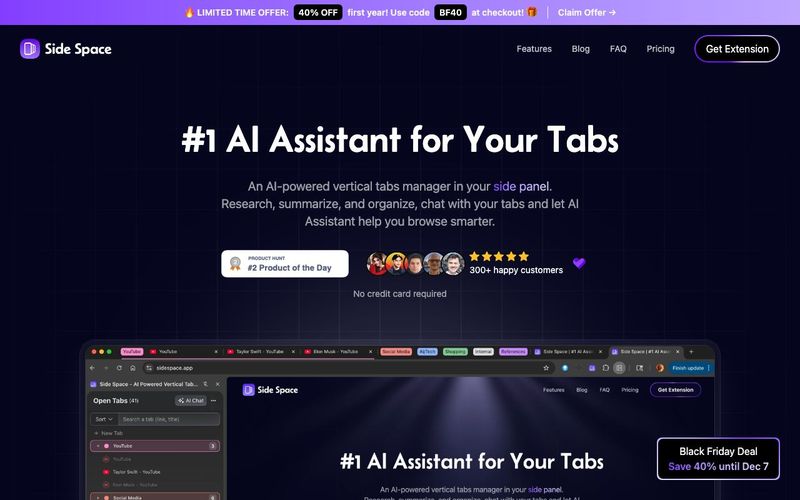
Side Space is an innovative AI tool and AI Office Tool designed to revolutionize the way you manage your browser tabs. Serving as a vertical tab manager, Side Space organizes multiple open tabs in a convenient side panel, helping users scan, identify, and switch between tabs effortlessly. With the integrated Side Copilot, users can not only manage tabs but also automate browsing tasks, conduct research, and interact with their open pages using simple natural-language commands.
The extension allows you to create dedicated Spaces for different purposes such as work, social media, study, hobbies, or shopping. Each Space keeps your tabs organized in one browser window, enabling you to focus on a single task at a time. Any Space you create is automatically saved and can be synced across multiple browsers—including Chrome, Edge, Brave, Comet, Firefox, and Zen—ensuring seamless continuity across devices.
Side Copilot adds a powerful layer of AI automation. Its chat mode allows contextual queries about your open tabs, while the agent mode can take actionable steps: grouping tabs, managing windows, searching browser history, summarizing pages, and even conducting research. This makes Side Space a true AI Office Tool, transforming chaotic browsing into a structured, intelligent workflow.
Additional features supercharge productivity: pin key tabs for quick access, suspend tabs to save system memory, de-duplicate duplicates automatically, and copy all URLs from a space in various formats. Advanced grouping options let you organize tabs by domain or custom AI-assisted categories, while the Space Switcher and save/restore functions maintain workflow continuity. Users can personalize Spaces with custom themes, dark mode, and multi-language support.
In essence, Side Space is more than a tab manager—it's an AI tool that optimizes your browsing, organizes your digital workspace, and enhances focus. For anyone looking to streamline web research, manage multiple projects, or automate repetitive browsing tasks, Side Space delivers unmatched efficiency and control in one AI-powered platform.
Good question, why we need a tab manager that live in your side panel. But when you have used the Vertical tabs in Microsoft Edge browser or the sidebar in Arc Browser, you will understand, because using a side panel to manage tabs is really convenient.
Side Space is a Chrome browser extension created to fill the empty side panel area. It provides tab management capabilities in this previously unused space.
Side Space currently offer two optional third-party login options, Google and GitHub. Logging in with these accounts allows you to sync your data to the cloud, and you can access the Side Copilot(AI Assistant) feature.
This means that when you log in to another browser or device with your account, your saved spaces will be synchronized.
Yes, we offer a free version of Side Space for you to try. With this version, you can create and manage up to 5 spaces for your tabs and up to 1000 URLs for AI Grouping.
We provide free access to Side Copilot(Chat Mode) for your current focus page.
If there are any serious issues with the license, reach out and let us know via support@sidespace.app within 7-days and we'll issue a full refund.
You'll no longer be able to saving or access more than 5 spaces if we issue a refund. But we can help you saving the tabs in the cloud for 30-days in case you want to recover your spaces again. We think that's pretty fair! You can read the full refund policy in the License Agreement.
BYOK, or Bring Your Own Key, is a flexible security and management model commonly used in cloud and API services. In the specific context of AI APIs (such as those for large language models like GPT, Claude, DeepSeek, Gemini or OpenRouter), it most often refers to users providing their own API keys from AI providers to third-party tools, gateways, or applications. This allows seamless integration with various AI models without relying on the tool's built-in credentials or subscriptions. BYOK puts control in your hands.
For Side Copilot Chat Mode, you can access the current open tabs context, ask for information about the current page like summarizing the page, extracting the main points, etc.
For Side Copilot Agent Mode, we are providing a set of tools to help you automate your browser. Like grouping tabs, opening new tabs, closing tabs, navigating to websites, searching the web, management windows, etc.'
For Chromium-based browsers like Chrome, Edge, Brave, Comet.
For Firefox-based browsers like Firefox, Zen.
No, it can't be placed on the left side, it depends on the browser.
However, we regret to inform you that ChatGPT’s Atlas does not support any sidePanel extensions, including Side Space.
Please look forward to Atlas supporting sidebars similar to Arc or supporting the sidePanel API.
PS. Side Space support the Perplexity's Comet Browser.
실용적인 메모를 공유하고 다른 사람들이 이 도구를 평가하는 데 도움을 주세요.
아직 댓글이 없습니다. 대화를 시작하세요.

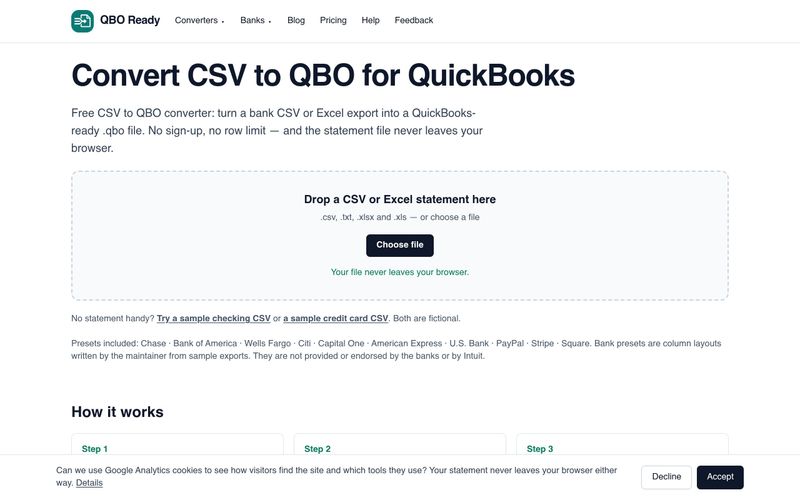
은행 CSV 또는 Excel 명세서를 무료로 QuickBooks용 .qbo 파일로 변환하세요. 가입 없이, 행 수 제한 없이, 파일 업로드 없이 사용할 수 있습니다. Chase, Bank of America, Wells Fargo 등을 지원합니다.
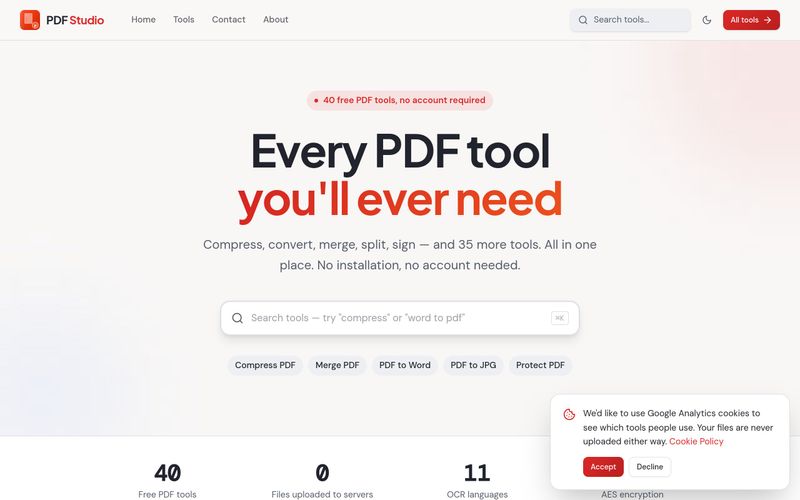
PDF Studio는 40가지 무료 온라인 PDF 도구를 제공합니다. 브라우저에서 직접 PDF를 압축, 병합, 분할, 변환, 서명, 편집 및 OCR할 수 있습니다. 업로드 없음, 회원가입 없음, 완전 무료입니다.
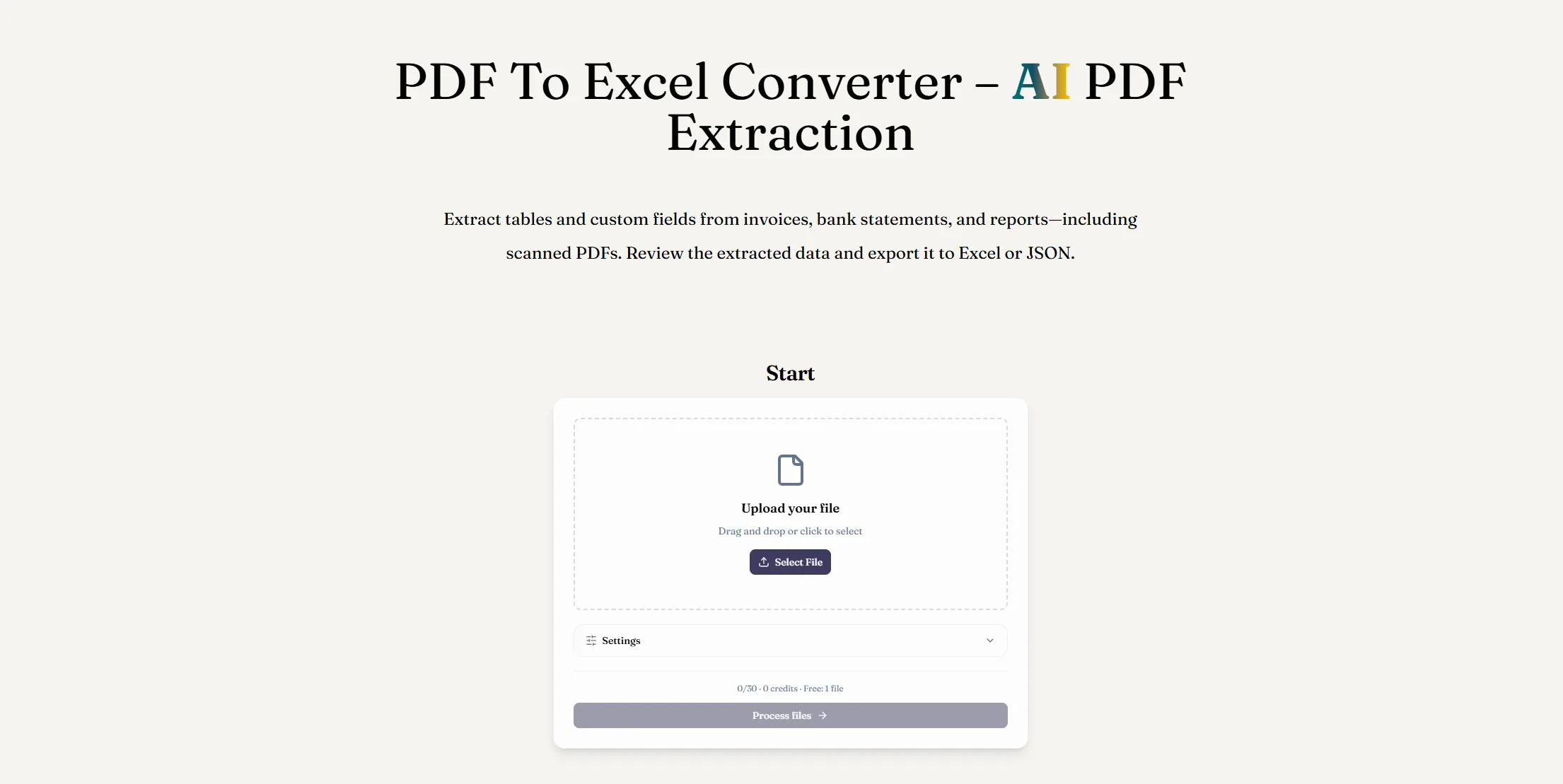
AI PDF 추출로 PDF를 Excel로 변환하세요. 디지털 또는 스캔 문서에서 테이블과 사용자 정의 필드를 추출하고, 결과를 검토한 후 XLSX 파일을 다운로드하세요.
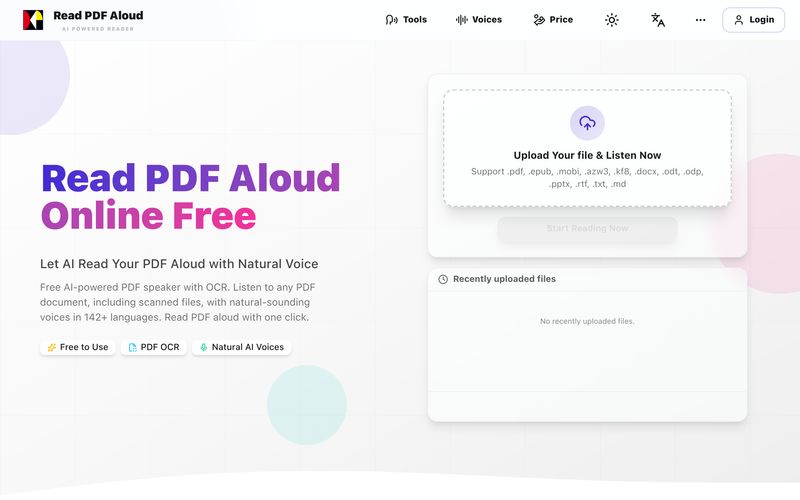
자연스러운 AI 음성으로 PDF를 무료로 읽어보세요. 142개 이상의 언어, 600개 이상의 음성, 스캔 파일용 OCR, MP3 내보내기를 지원합니다. 모든 기기에서 작동합니다. 몇 초 만에 PDF를 음성으로 변환하세요.



This comprehensive guide explores the best AI image generators available in 2026, highlighting their unique features, strengths, and ideal use cases. We'll dive deep into each tool's capabilities to help you identify which AI image generator best suits your creative needs.

Google has just launched a powerful AI IDE code editor — now you can really vibe while coding

The best AI Model And AI Tools in 2026,The Most Popular Free AI Model And AI Tools.