AI 뉴스레터 구독
귀하의 데이터는 완전히 안전하게 보호됩니다. 어떤 누구와도 공유하지 않습니다.
High-quality AI video generation powered by Seedance 2.0. Turn a prompt, image, or simple script into consistent, stable videos with natural pacing.
Seedance 2.0: A Next-Generation AI Tool for Cinematic Video Generation
Seedance 2.0 is a cutting-edge AI tool redefining what’s possible in Video Generation, delivering cinematic-quality outputs with remarkable consistency, realism, and creative control. Built by ByteDance’s Seed research team, this advanced model leverages a diffusion transformer architecture specifically designed for temporal consistency—ensuring smooth motion, stable frames, and coherent storytelling across every generated clip.
What sets Seedance 2.0 apart in the Video Generation space is its ability to produce hyper-realistic motion and physics-aware animations. From flowing fabrics and water splashes to fire, smoke, and particle effects, the system accurately simulates real-world dynamics. Combined with stable camera movement and natural pacing, videos feel less like AI outputs and more like professionally shot footage.
This AI tool supports multiple creative workflows, including text-to-video, image-to-video, and script-to-video generation. A simple prompt can evolve into a fully realized scene, while reference images help anchor composition, character identity, and style. Script-based generation adds narrative structure, allowing users to control pacing and transitions for more complex storytelling.
One of Seedance 2.0’s most powerful innovations is its ability to generate synchronized audio and video in a single pass (Pro version). This includes sound effects, background music, speech synthesis, and even multilingual lip-sync. By eliminating the need for separate audio production, it significantly streamlines the entire video creation workflow.
Maintaining character identity and visual coherence has long been a challenge in AI video tools. Seedance 2.0 addresses this with advanced character consistency modules and style alignment features. Lighting, color palette, and composition remain unified across frames and iterations, making it ideal for storytelling, branding, and campaign-based content.
With support for multiple aspect ratios (9:16, 1:1, 16:9) and resolutions up to 1080p, Seedance 2.0 adapts easily to different platforms—from social media reels to widescreen presentations. Its iteration-friendly design allows users to refine prompts and make incremental adjustments without restarting from scratch, saving time while improving output quality.
Seedance 2.0 excels across a wide range of applications, including marketing videos, social media content, product demos, educational materials, and film pre-visualization. Its ability to generate consistent, production-ready clips in minutes makes it a valuable AI tool for creators, agencies, and businesses alike.
In the evolving landscape of Video Generation, Seedance 2.0 stands out as a powerful, production-ready AI tool that combines realism, flexibility, and efficiency. With its advanced motion synthesis, integrated audio capabilities, and strong consistency controls, it offers a complete solution for modern video creation—bridging the gap between AI experimentation and professional-grade output.
Describe scene, action, and style in one or two sentences.
Anchor composition and identity when you need consistency.
Shape beats and transitions for story-like pacing.
Choose ratio and resolution, then download and post.
Seedance 2.0 is our engine for high-quality AI video generation. Seedance2video.io builds on it to help you generate consistent, stable videos from text, images, or simple scripts.
You can generate from a text prompt, an image reference, or a simple script depending on the workflow you choose.
Yes. Choose common ratios like 9:16, 1:1, or 16:9, and pick a resolution option that fits your workflow.
Short-form creation, ad variations, product showcases, brand content, and creative experiments where you want consistent style and controllable iterations.
That’s the goal. Seedance 2.0 is designed around small changes and fast iterations so you can refine output quality without rebuilding the whole concept.
Go to the generator, choose a mode (text, image, or script), then generate your first clip and iterate from there.
Most short clips generate in a couple of minutes. Time depends on clip length, resolution, and current load, and you can iterate by tweaking prompts instead of restarting from scratch.
Generated videos are typically delivered as MP4 for easy editing and sharing. Export options may vary by workflow, but the goal is creator-ready files for common platforms.
New accounts can usually start with free credits to test workflows. Check the pricing page for the latest plan details and what’s included.
Yes, commercial use is supported for most plans, but you should review the Terms of Service for licensing details and any restrictions.
Only upload or reference content you own or have rights to use. If a prompt or input appears to violate rights or policies, generation may be limited, and outputs should be used responsibly.
실용적인 메모를 공유하고 다른 사람들이 이 도구를 평가하는 데 도움을 주세요.
아직 댓글이 없습니다. 대화를 시작하세요.

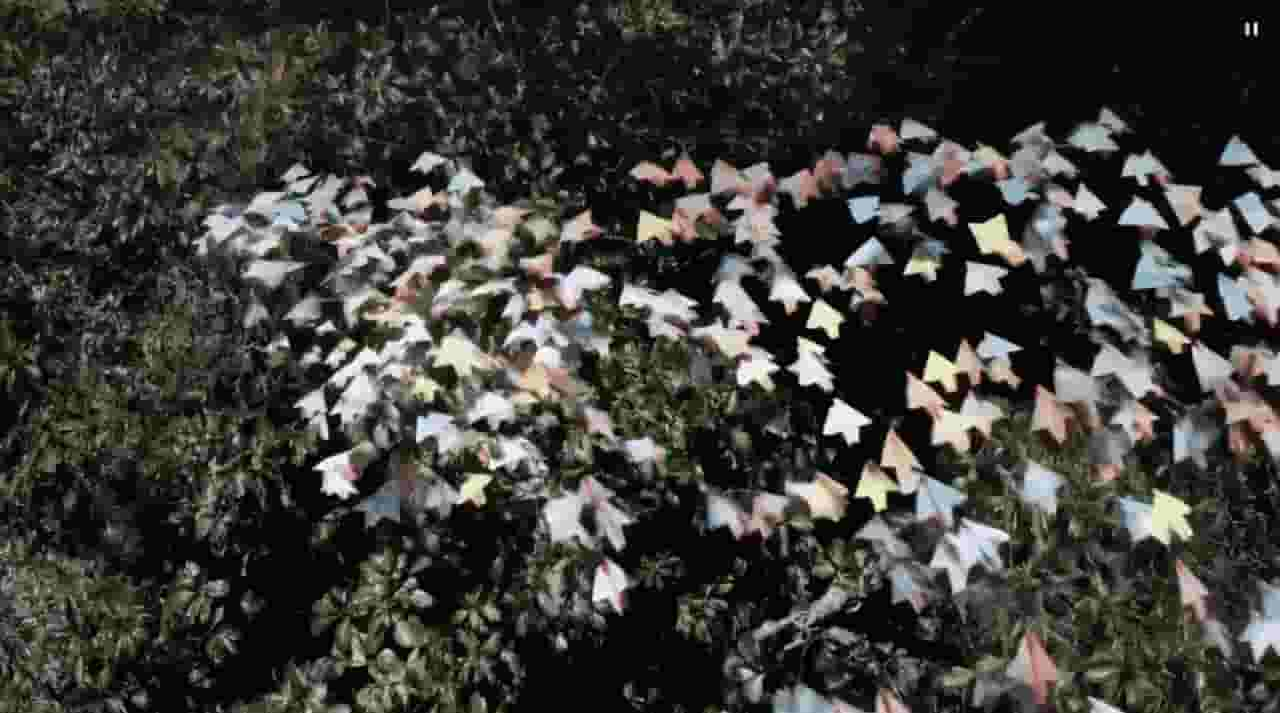
Sora is a large AI image-to-video model launched by OpenAI in 2026. It can create realistic and imaginative scenes based on text instructions.
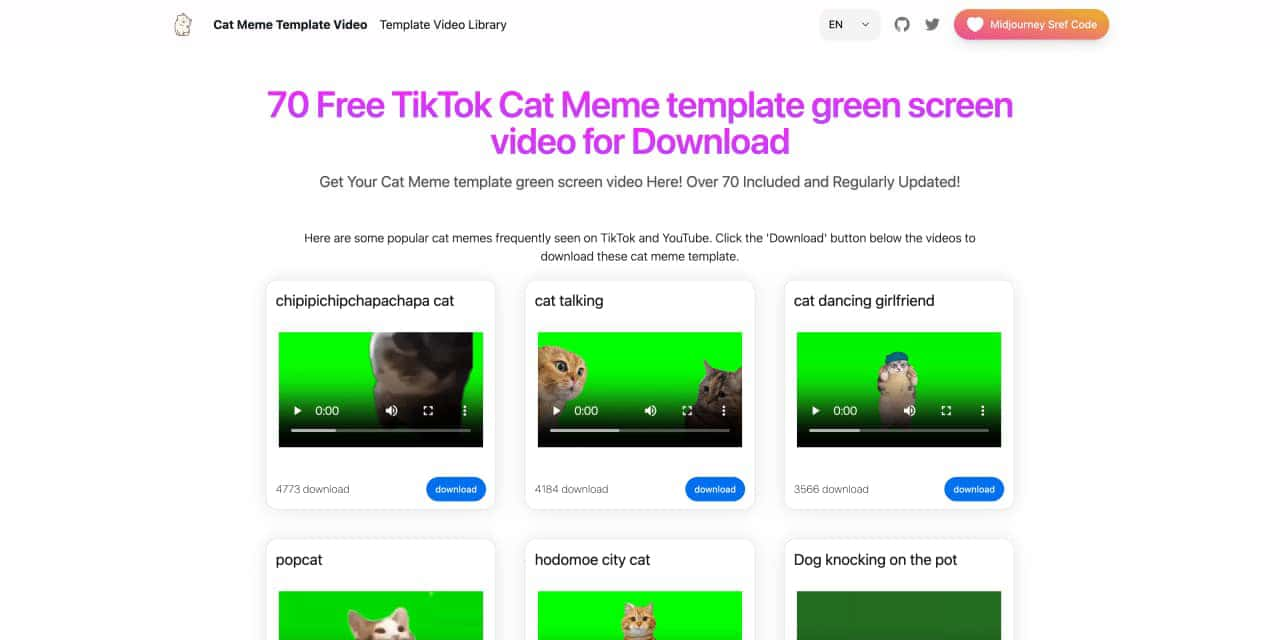
You can download the latest and most popular green screen cat meme template video featured on TikTok and YouTube. These materials are offered for free
Runway is an applied AI research company shaping the next era of art, entertainment and human creativity.
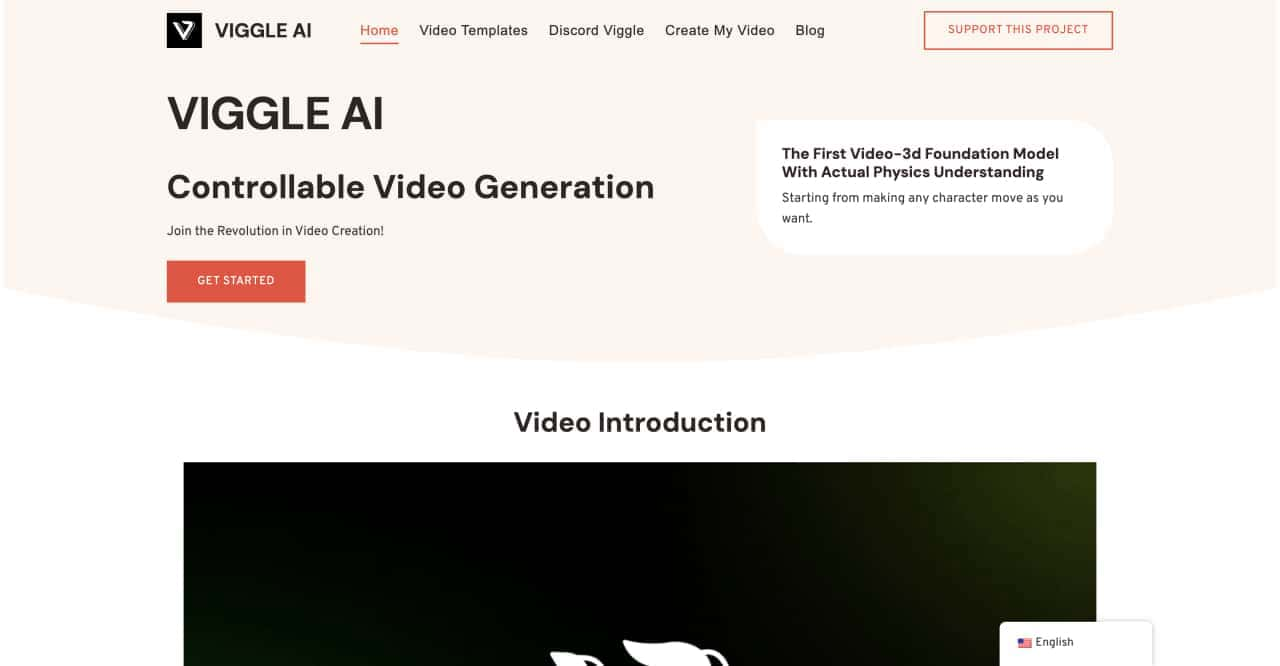
Use Viggle AI to create dynamic animations from images and text prompts. This guide covers its benefits, usage steps, and frequently asked questions.



This comprehensive guide explores the best AI image generators available in 2026, highlighting their unique features, strengths, and ideal use cases. We'll dive deep into each tool's capabilities to help you identify which AI image generator best suits your creative needs.

Google has just launched a powerful AI IDE code editor — now you can really vibe while coding

The best AI Model And AI Tools in 2026,The Most Popular Free AI Model And AI Tools.