AI 뉴스레터 구독
귀하의 데이터는 완전히 안전하게 보호됩니다. 어떤 누구와도 공유하지 않습니다.
Nao is an AI powered data IDE for analysts, engineers, and scientists to write SQL, Python, or dbt workflows, preview changes, catch issues early, and deploy confidently. It connects directly to your warehouse and understands your schema so you can build faster, fix fewer bugs, and maintain trust in your data. Build data pipelines, launch quality checks, run analytics, and collaborate across teams without context switching. Think of it as your AI teammate built specifically for modern data work.
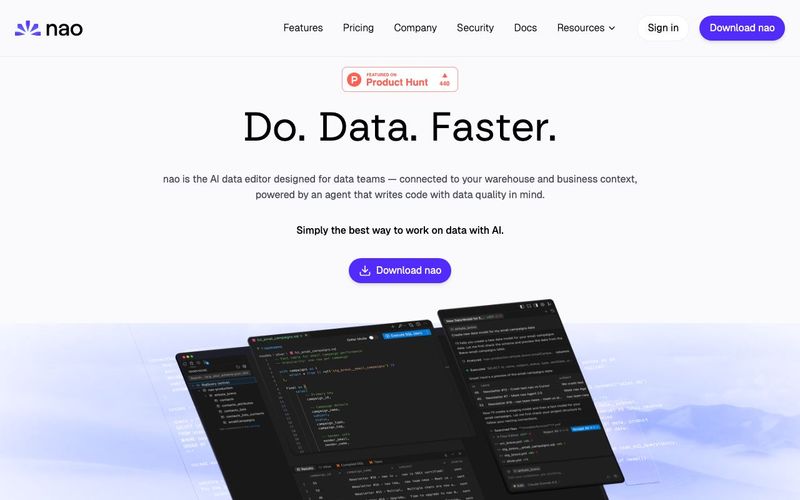
nao is a next-generation AI tool built specifically for modern data teams, offering powerful Code Assistance across SQL, Python, and dbt workflows. Designed as an AI-powered data IDE, nao enables analysts, engineers, and scientists to build pipelines faster, reduce bugs, and maintain complete trust in their data. By connecting directly to your warehouse and understanding your schema, nao behaves like an AI teammate that knows your business context and supports every step of the data development lifecycle.
With nao, you can preview changes instantly, validate logic early, and deploy with confidence. It eliminates the usual context switching—letting you write SQL, run analytics, test quality checks, and collaborate with teammates all inside one unified interface. For any team seeking a truly intelligent AI tool that accelerates end-to-end data workflows, nao stands out as one of the most advanced solutions today.
Unlike traditional editors, nao brings your entire data warehouse directly into the IDE.
nao replaces your warehouse console with a more powerful, AI-enhanced environment where you can:
This tight integration provides a smooth workflow unmatched by other AI tools claiming to offer data-centric Code Assistance.
Security is architected into nao from day one.
nao integrates only with trusted, SOC 2–compliant LLM providers including OpenAI, Anthropic, and Google Gemini, ensuring enterprise-grade protection for every AI feature.
To protect your sensitive information:
nao enforces a strict Zero Data Retention policy for all AI requests.
Through formal ZDR agreements with OpenAI and Anthropic:
This guarantees that both nao and its AI providers do not train on your SQL, Python code, metadata, or usage patterns—ensuring true privacy and control for your data team.
Whether you're writing complex transformations, troubleshooting broken pipelines, or collaborating across teams, nao delivers unmatched AI tool performance with intelligent Code Assistance that understands your warehouse, schema, and business logic.
nao is not just another AI helper — it's the AI data editor purpose-built to supercharge modern data engineering and analytics.
Install: Download and install nao from the official website.
Connect: Link nao to your data warehouse (Postgres, BigQuery, Snowflake, etc.).
Index (optional): Let nao index your codebase and warehouse schema so the AI agent gains full context.
Write with assistance: Use the built-in AI-powered Code Assistance to write SQL, Python, or dbt workflows, with auto-completion based on your real schema.
Use AI agent: Ask the agent to build pipelines, generate dbt models, run analytics, and create documentation or tests.
Preview & QA: Preview query results, run data-quality checks, compare dev vs production data (data diff), and inspect lineage before deploying.
Collaborate (teams): If you are working in a team, leverage multi-seat plans and shared workspace.
Stay secure: All data stays local; only non-sensitive metadata is used for AI — your data never leaves your warehouse unless you authorize it.
Start free: Try the free tier; upgrade to Pro or Enterprise when you need more capacity or team features.
Anyone on your data team: analysts writing SQL, analytics engineers in dbt, data scientists building models, or data engineers working on the platform.
nao writes code that actually works on your data. It's natively integrated with your data warehouse, to generate code that fits your schema. Its agent has data-specific tools to ship code without breaking data quality: run data quality checks, data diffs, detect lineage impact & write relevant tests.
To get smart AI suggestions based on your schema, have the agent run data quality checks, and preview SQL results — all from your IDE.
Yes nao Free version is available for anyone doing one-off data work. It contains all nao features, but has limited daily requests to the agent. Free version also has a Pro Trial of 15 days, where you have unlimited agent requests - no credit card needed.
Free version allows for 5 agent requests on a 24 hours window. Pro trial allows for 20 agent requests on a 24 hours window. Pro version has unlimited agent requests.
nao is designed to keep your data safe. Your data connection is local, between your computer and your warehouse. No data is sent to nao. No data is sent to the LLM unless you allow it explicitly. We have a Zero Data Retention with our main LLM providers: OpenAI & Anthropic, ensuring models are not trained on your data. Our servers are located in the European Union (France). We are using Google Cloud Platform for our backend and database (Postgres) infrastructure. Finally, we are audited annually for SOC 2 Type II. For more information on data privacy and security, see our dedicated security page here.
Yes. In the Pro & Enterprise plans, you can choose to add more licenses to your subscription and invite team members on your subscription.
Yes. We are happy to help your team onboard to help your ramp up faster, as part of Enterprise plans. We can also schedule 1:1 peer coding to help you ramp up on using AI in your data workflows.
실용적인 메모를 공유하고 다른 사람들이 이 도구를 평가하는 데 도움을 주세요.
아직 댓글이 없습니다. 대화를 시작하세요.

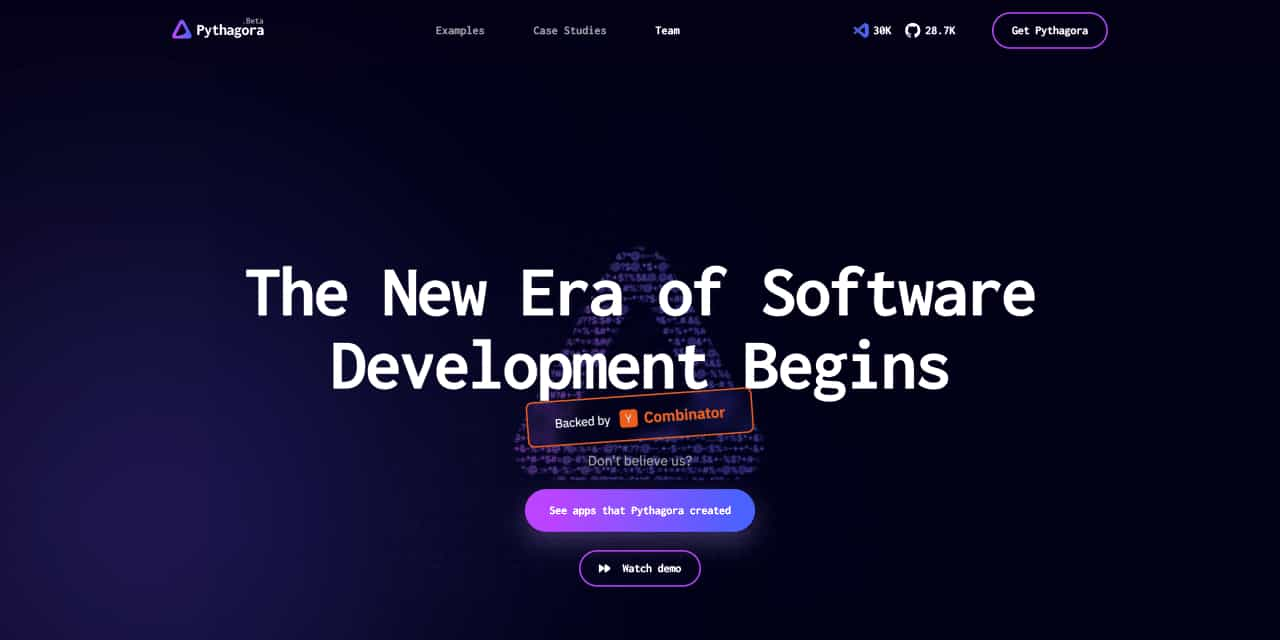
The New Era of Software Development Begins
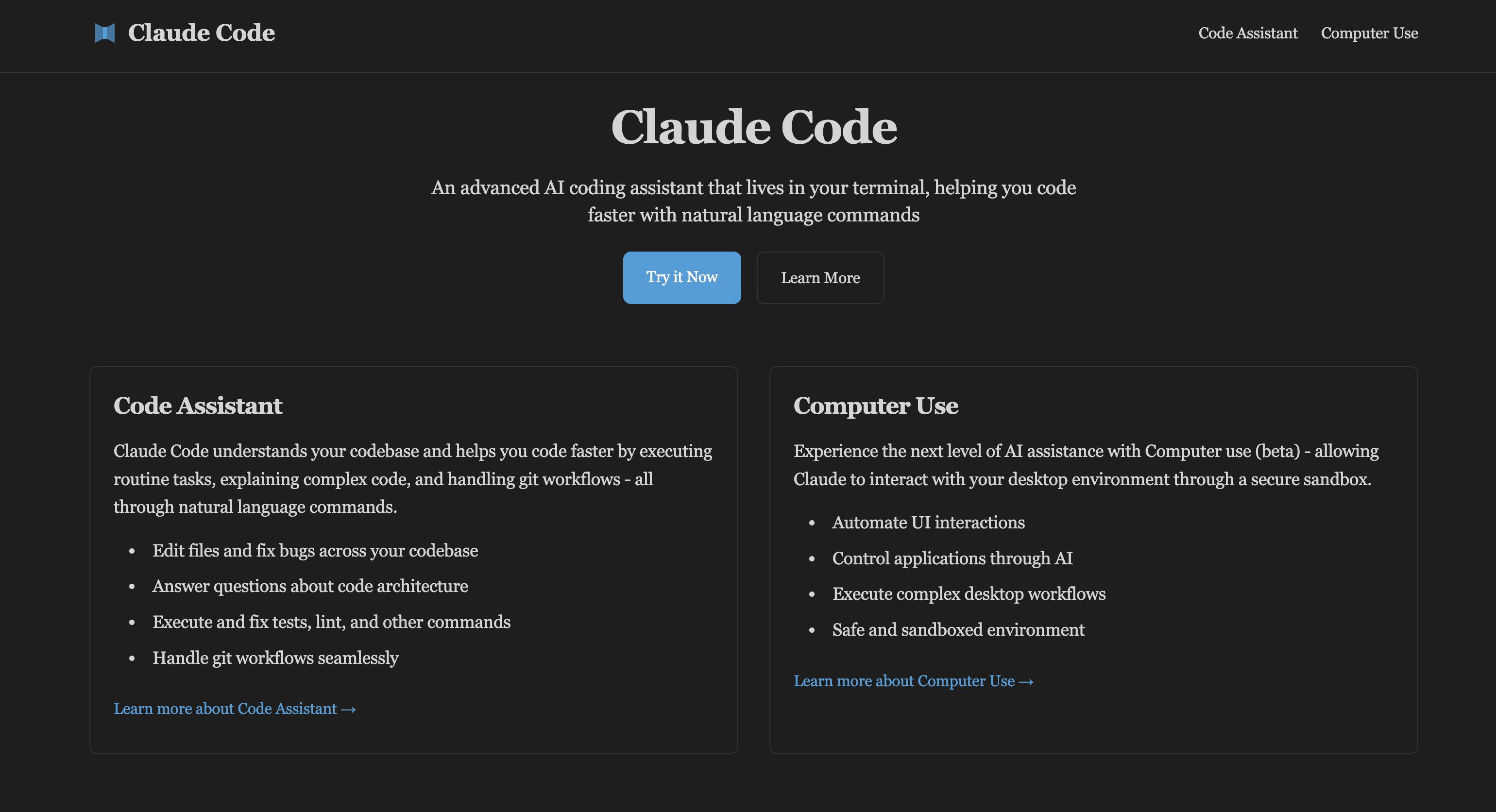
Claude Code is an advanced AI coding assistant that can be embedded in your terminal. Learn Claude Code and computer usage features to enhance development workflow, developed by Claude AI.
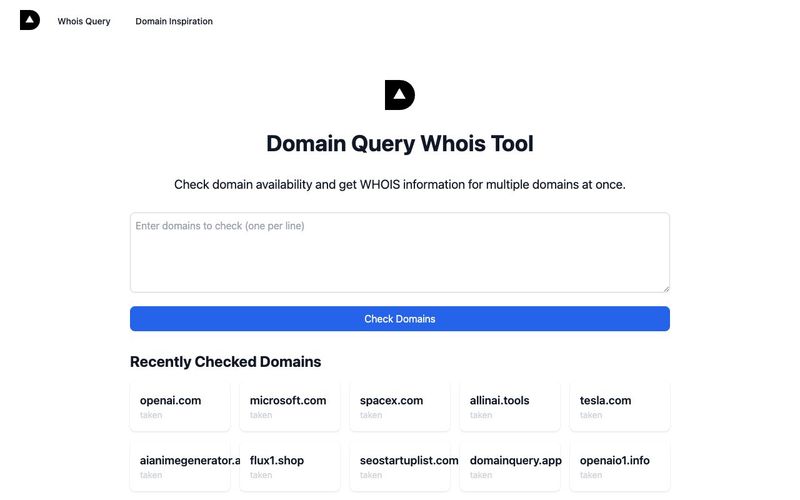
AI-based domain name availability and WHOIS query, providing interesting domain name inspiration explanations,Domain name inspiration can help you find creative and meaningful names for your website or brand. Our Domain Inspiration feature provides unique interpretations and insights about domain names, helping you make informed decisions.
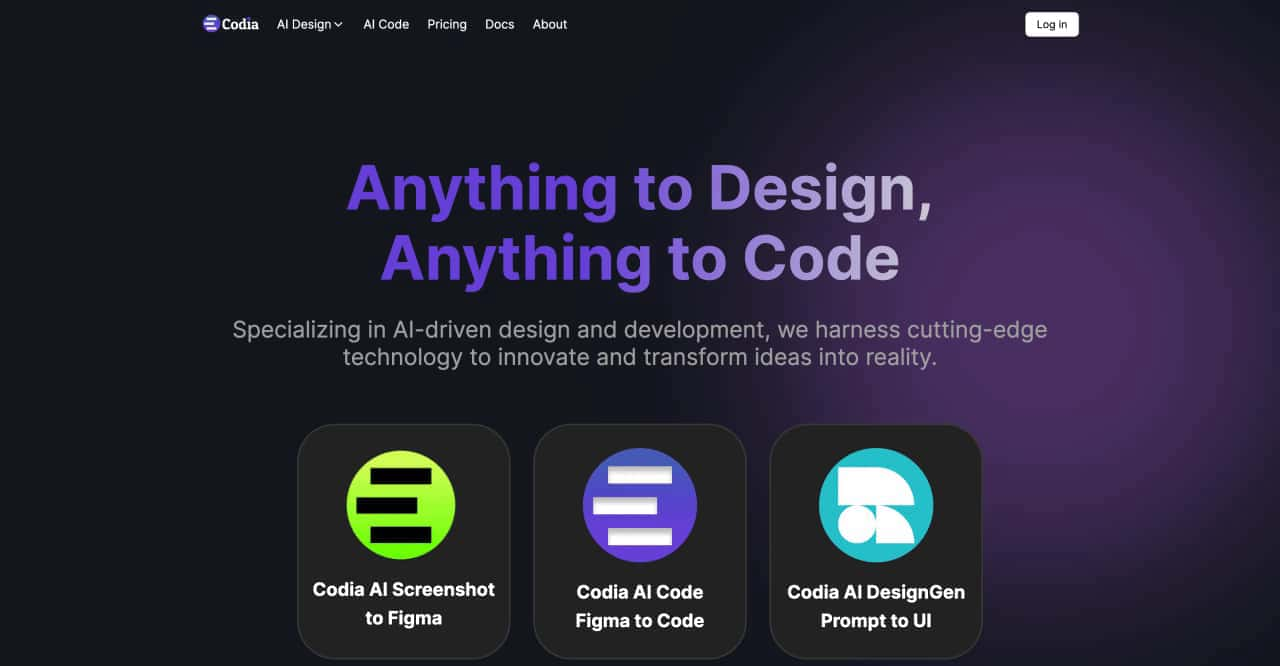
transform ideas into reality, effortlessly converting screenshots to Figma designs, turning prompts into UI designs, transforming images into SVG files, and enabling seamless transitions from design to code



This comprehensive guide explores the best AI image generators available in 2026, highlighting their unique features, strengths, and ideal use cases. We'll dive deep into each tool's capabilities to help you identify which AI image generator best suits your creative needs.

Google has just launched a powerful AI IDE code editor — now you can really vibe while coding

The best AI Model And AI Tools in 2026,The Most Popular Free AI Model And AI Tools.