AI 뉴스레터 구독
귀하의 데이터는 완전히 안전하게 보호됩니다. 어떤 누구와도 공유하지 않습니다.
Claude Code is an advanced AI coding assistant that can be embedded in your terminal. Learn Claude Code and computer usage features to enhance development workflow, developed by Claude AI.
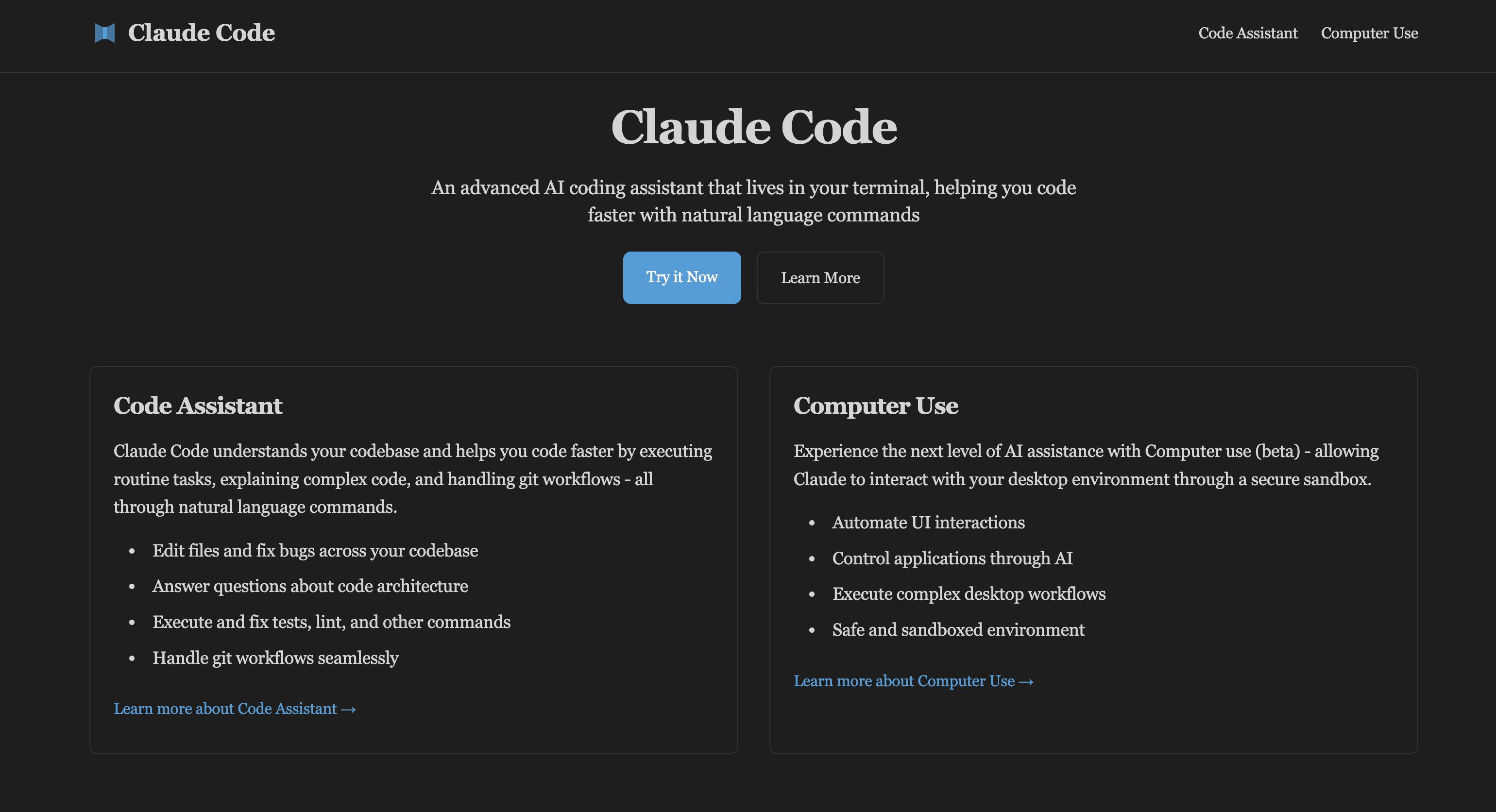
Claude Code understands your codebase and helps you code faster by executing routine tasks, explaining complex code, and handling git workflows - all through natural language commands.
Model Context Protocol (MCP) is an open protocol that standardizes how applications provide context to LLMs - like a USB-C port for AI applications.
Claude MCP Servers enable Claude to seamlessly connect with various data sources and tools while maintaining security and flexibility.
Experience the next level of AI assistance with Computer use (beta) - allowing Claude to interact with your desktop environment through a secure sandbox.
Legacy Code Maintenance
Struggling with undocumented legacy systems? Claude Code helps you understand complex codebases, refactor outdated patterns, and modernize your applications safely.
Test Suite Automation
Tired of writing repetitive tests? Let Claude Code generate comprehensive test suites, identify edge cases, and maintain test coverage automatically.
Code Review Assistant
Overwhelmed by PR reviews? Claude Code analyzes changes, suggests improvements, and helps maintain consistent code quality across your team.
UI Automation Testing
Manual UI testing taking too long? Computer Use can automate repetitive UI testing tasks, ensuring consistent coverage across different scenarios.
Cross-Platform Development
Building for multiple platforms? Claude Code helps manage platform-specific code, ensuring consistency and reducing duplication.
Documentation Generation
Documentation always out of date? Let Claude Code analyze your codebase and generate up-to-date, comprehensive documentation automatically.
Claude AI Code is currently in beta as a research preview. Typical usage costs range from $5-10 per developer per day, though intensive use can exceed $100 per hour.
You can experience Claude's capabilities at claude AI
. For Claude Code specifically, join the waitlist at the Anthropic Console.
Yes. Claude Code operates directly in your terminal with a direct API connection. Your queries go straight to Anthropic's API without intermediate servers.
Claude Code can work with any programming language and understands various development tools and frameworks.
Minimal requirements include 4GB RAM and Node.js 18+. Computer Use features work best in a containerized environment.
Computer Use runs in a sandboxed environment where Claude can interact with applications through a virtual display, ensuring safety and security.
We do not train models on your code or feedback. User feedback transcripts are stored for only 30 days with strict access controls.
Yes, Claude Code is suitable for both personal and commercial use. Many companies use it for development workflows.
Claude Code uses natural language, so you can start being productive immediately without learning complex commands.
Yes, you can report issues using the /bug command or through GitHub, and our team actively monitors feedback.
MCP (Model Context Protocol) is an open protocol that standardizes how applications provide context to Large Language Models (LLMs). It acts like a USB-C port for AI applications, providing a standardized way to connect AI models to different data sources and tools. This enables seamless integration between LLMs and various data sources, tools, and services.
MCP Servers are lightweight programs that expose specific capabilities through the standardized Model Context Protocol. They act as bridges between LLMs like Claude and various data sources or services, allowing the AI to access and interact with files, databases, APIs, and other resources in a secure and controlled manner.
MCP Servers follow a client-server architecture where a host application (like Claude Desktop) connects to multiple servers. Each server provides specific functionality through standardized endpoints and protocols. When Claude needs to access certain data or perform specific actions, it communicates with the appropriate MCP server using the standardized protocol.
MCP Servers can provide various capabilities including:
MCP Servers are designed with security in mind. They run locally on your machine and require explicit configuration and permissions to access resources. Each server can be configured to access only specific directories or services, and all actions require user approval before execution. Additionally, the protocol includes built-in security features to prevent unauthorized access and ensure data privacy.
Natural language code understanding
Intelligent code editing and bug fixing
Git workflow automation
Test execution and debugging
Code architecture analysis
Computer Use Features
Desktop UI automation
Application control through AI
Complex workflow automation
Permission-based security model
실용적인 메모를 공유하고 다른 사람들이 이 도구를 평가하는 데 도움을 주세요.
아직 댓글이 없습니다. 대화를 시작하세요.

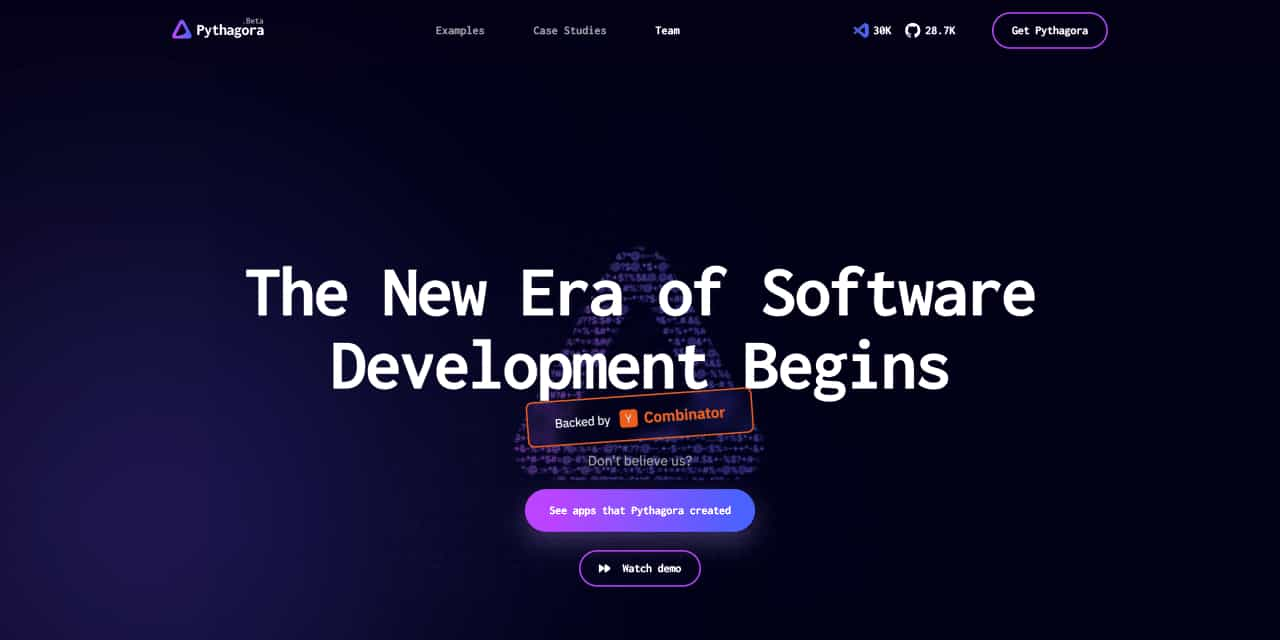
The New Era of Software Development Begins
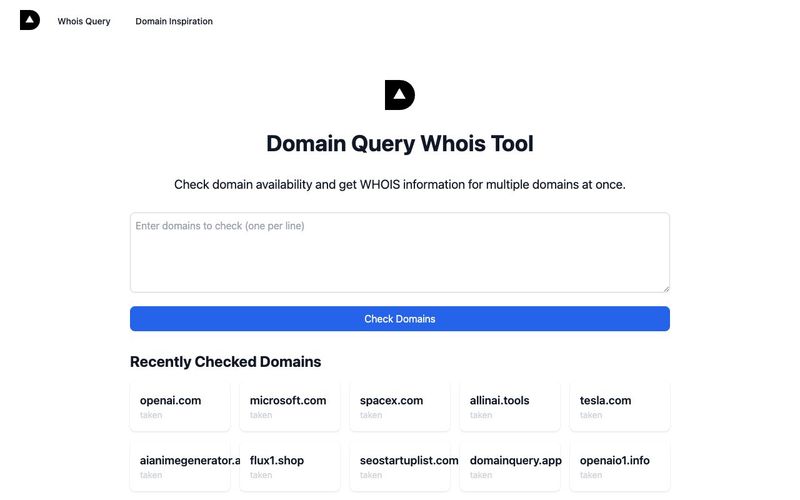
AI-based domain name availability and WHOIS query, providing interesting domain name inspiration explanations,Domain name inspiration can help you find creative and meaningful names for your website or brand. Our Domain Inspiration feature provides unique interpretations and insights about domain names, helping you make informed decisions.
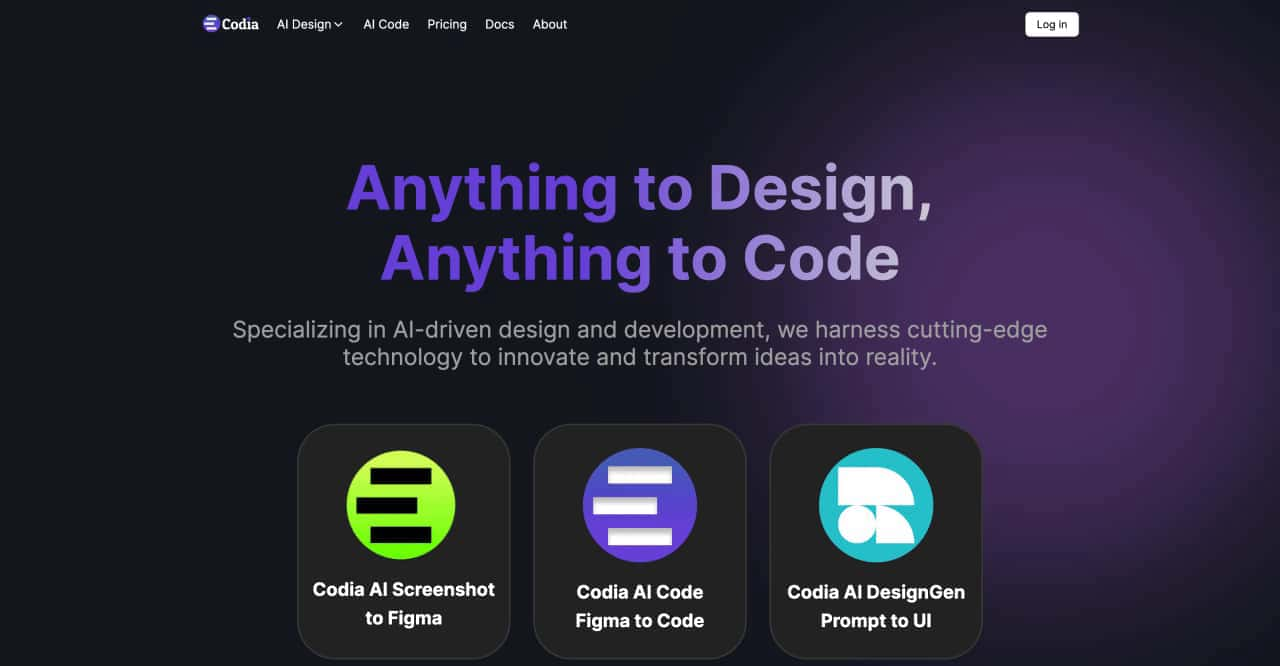
transform ideas into reality, effortlessly converting screenshots to Figma designs, turning prompts into UI designs, transforming images into SVG files, and enabling seamless transitions from design to code
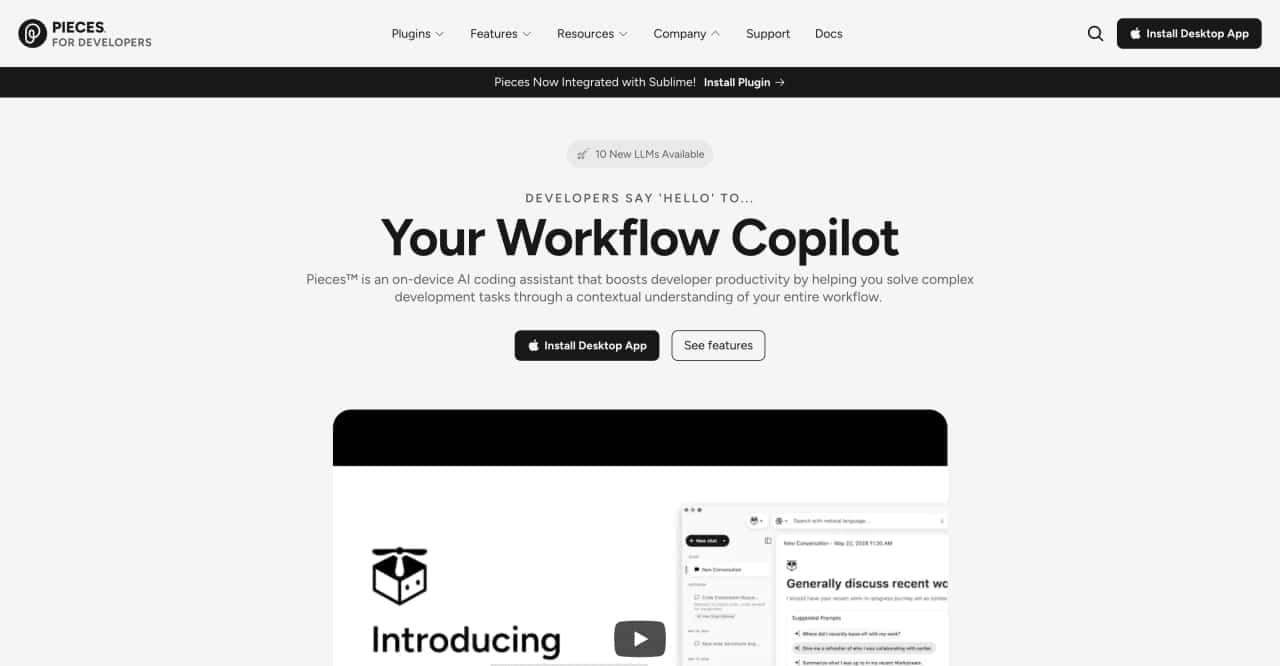
Integrate your toolchain, efficiently capture, enrich, and reuse materials. Enhance collaboration with the assistance of an on-device copilot.



This comprehensive guide explores the best AI image generators available in 2026, highlighting their unique features, strengths, and ideal use cases. We'll dive deep into each tool's capabilities to help you identify which AI image generator best suits your creative needs.

Google has just launched a powerful AI IDE code editor — now you can really vibe while coding

The best AI Model And AI Tools in 2026,The Most Popular Free AI Model And AI Tools.