AI 뉴스레터 구독
귀하의 데이터는 완전히 안전하게 보호됩니다. 어떤 누구와도 공유하지 않습니다.
Explore MiniMax AI Video Generator with User-Generated Videos, Prompt Tips and Insightful Blogs in this Vibrant Community
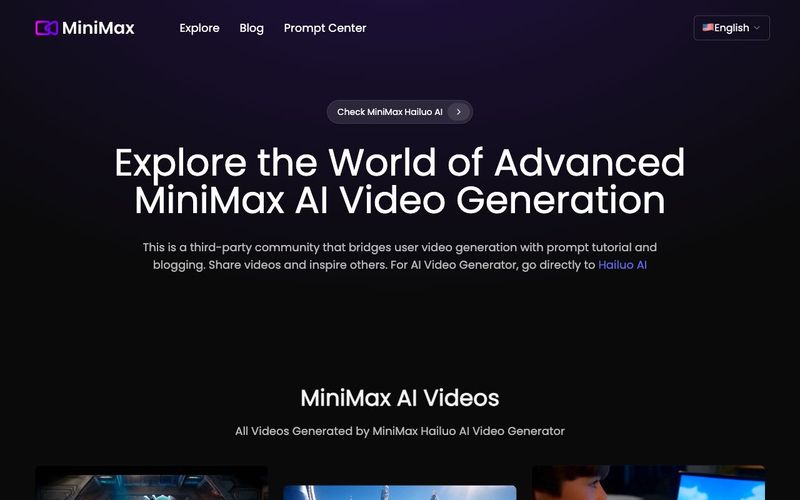
This is a third-party community that bridges user video generation with prompt tutorial and blogging. Share videos and inspire others. For AI Video Generator, go directly to Hailuo AI
How to unlock full potential of Hailuo AI text to video generation from MiniMax AI
Designed to deliver high-definition video generation with exceptional precision in text to video alignment. MiniMax AI seamlessly transforms your textual descriptions into detailed and dynamic HD videos, ensuring that every narrative element and action is accurately reflected on screen.
Unlock limitless possibilities with MiniMax AI's creative capabilities. Whether you're envisioning intricate scenarios or unique visual styles, MiniMax AI video generation model adapts to diverse text to video that generate innovative and varied video outputs.
Experience the speed of MiniMax AI video generation with advanced and optimized technology. MiniMax AI not only delivers high-quality results swiftly but also ensures an efficient production process, all while maintaining exceptional detail and visual appeal.
Understanding the main characters' dynamics and emotions, planning their movements from simple to complex. Maintain consistency in their non-facial aspects like hairstyles and attire, considering age and lighting. Finally, detail the lighting, color schemes, camera techniques, and overall mood for a film-quality visual outcome.
Just like actions, facial expressions are crucial and can elevate your storytelling. From subtle smiles to dramatic reactions, these details breathe life into your characters. By describing their expressions, you create a more immersive and engaging story.
By default, the camera is quite static, but you can change that! MiniMax excels in dynamic movements. Start with simple keywords like 'zoom in', and then try more complex movements, such as 'the camera pans to the right to reveal...' These directions can add significant cinematic depth to your video.
Try this prompt formula: Establish the scene (describing the subject and environment) + camera movement + additional details (effects, actions). This structure can assist you in creating more precise and dynamic outcomes.
실용적인 메모를 공유하고 다른 사람들이 이 도구를 평가하는 데 도움을 주세요.
아직 댓글이 없습니다. 대화를 시작하세요.

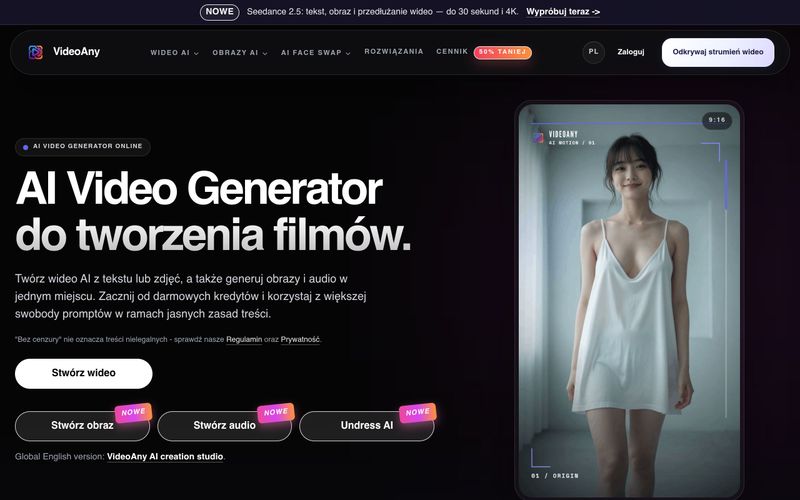
VideoAny는 텍스트와 사진으로 비디오를 만들고, 이미지와 오디오를 생성하는 폴란드어 AI 스튜디오입니다. 무료 크레딧으로 시작하고 유연한 콘텐츠 정책을 이용하세요.
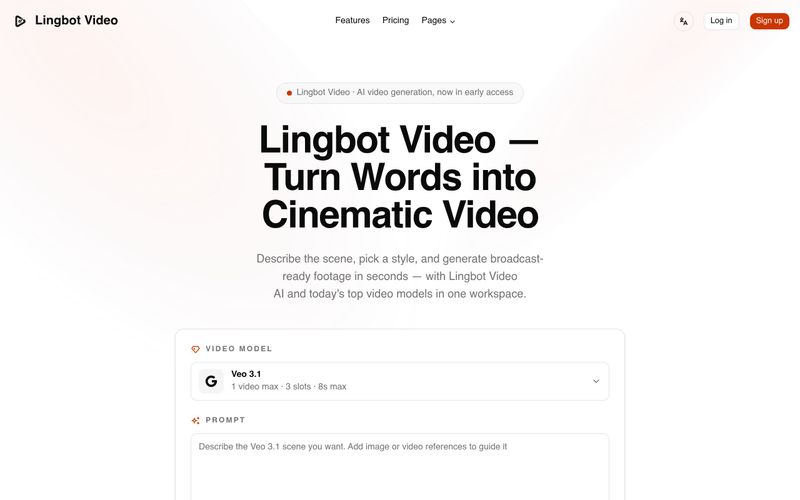
Lingbot Video는 텍스트와 이미지를 생생한 움직임, 정확한 프롬프트 반영, 워터마크 없는 내보내기, 완전한 상업적 라이선스를 갖춘 시네마틱 4K AI 영상으로 변환합니다.
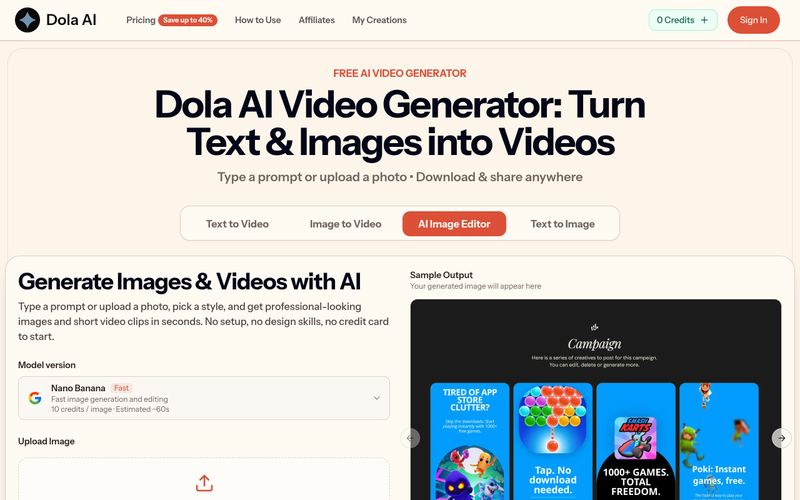
Dola AI는 텍스트와 이미지를 무료로 짧은 동영상으로 변환합니다. 프롬프트나 사진으로 AI 동영상을 생성하고, 워터마크 없는 클립을 다운로드하여 어디든 공유하세요.
VidRush AI는 Google Veo 3.1, Seedance 2.5, Kling, Nano Banana, Seedream, Suno 같은 최상위 모델을 결합하여 하나의 워크스페이스에서 시네마틱 비디오, 사실적인 이미지, 스튜디오 품질의 음악을 제작하는 통합 생성형 AI 스튜디오입니다.



This comprehensive guide explores the best AI image generators available in 2026, highlighting their unique features, strengths, and ideal use cases. We'll dive deep into each tool's capabilities to help you identify which AI image generator best suits your creative needs.

Google has just launched a powerful AI IDE code editor — now you can really vibe while coding

The best AI Model And AI Tools in 2026,The Most Popular Free AI Model And AI Tools.