AI 뉴스레터 구독
귀하의 데이터는 완전히 안전하게 보호됩니다. 어떤 누구와도 공유하지 않습니다.
Generate text-to-video, image-to-video, and audio-to-video output in one dark-mode LTX 2.3 workspace. Switch between Fast and Pro, tune prompts, and preview results from the first screen.

Ltx AI - Ltx 2.3 is a next-generation AI tool designed to simplify and accelerate professional Video Generation for creators, marketers, filmmakers, and digital brands. Powered by the advanced LTX 2.3 video model, the platform combines cinematic AI rendering, flexible creation workflows, and high-speed cloud processing into a single streamlined interface. What makes Ltx AI - Ltx 2.3 especially appealing is its ability to handle Text to Video, Image to Video, and Audio to Video generation directly from one unified workspace, allowing users to move from concept to finished AI video faster than traditional editing pipelines.
One of the strongest advantages of this AI tool is its highly intuitive workflow. Ltx AI - Ltx 2.3 reduces AI video production into three simple steps. Users first choose a generation mode, including Text to Video, Image to Video, or Audio to Video, all accessible from the same interface. This unified system removes unnecessary complexity and helps creators experiment with multiple Video Generation methods without switching platforms or workflows. Whether users want to animate a static image, generate cinematic scenes from prompts, or synchronize visuals to audio, the process remains smooth and beginner-friendly.
The second stage focuses on creative customization and rendering control. Users can choose between Fast and Pro model tiers depending on whether they prioritize speed or premium-quality output. Fast mode is optimized for rapid iteration and testing, while Pro mode delivers higher-fidelity visuals and supports advanced Audio to Video generation. Beyond model selection, creators can customize video duration, aspect ratio, resolution, frames per second, and camera motion. This level of flexibility makes Ltx AI - Ltx 2.3 a powerful AI tool for producing content tailored for YouTube, TikTok, Instagram Reels, advertising campaigns, cinematic storytelling, or product marketing.
Another standout feature is the platform’s transparent and predictable credit system. Instead of confusing pricing structures, Ltx AI - Ltx 2.3 clearly scales credits based on resolution, duration, and model quality. For example, Fast 1080p generation costs significantly fewer credits than Pro 4K rendering, helping users estimate production costs before generation begins. This transparency is especially valuable for agencies, studios, and content teams managing larger Video Generation workloads and budget planning.
Performance is another key reason why Ltx AI - Ltx 2.3 is attracting attention in the AI tool industry. The platform is designed for rapid cloud-based rendering, allowing users to preview results quickly and download high-definition AI-generated videos without complex editing software or expensive GPU hardware. The “homepage-first activation” design also encourages instant testing, letting new users experience the workflow before committing to paid plans. This reduces friction for beginners while showcasing the platform’s rendering speed and visual quality immediately.
Overall, Ltx AI - Ltx 2.3 successfully combines accessibility, professional customization, and high-speed Video Generation into a modern AI-powered creative platform. Its support for multiple generation modes, Fast and Pro rendering tiers, flexible parameter controls, and transparent pricing structure makes it one of the more practical and scalable AI tool solutions currently available for AI video production.
Choose your mode
Start with Text to Video, Image to Video, or Audio to Video in the same workspace.
Tune quality and duration
Pick Fast or Pro, then set resolution, duration, aspect ratio, fps, and camera motion.
Generate and download
Preview the result, review the chosen model and settings, then download when the render is ready.
How are credits calculated?
Credits are based on model tier, resolution, and video duration. Fast costs 1 / 2 / 3 credits per second for 1080p / 2K / 4K. Pro costs 2 / 3 / 4 credits per second for 1080p / 2K / 4K.
What is the difference between Fast and Pro?
Fast is optimized for speed and iteration. Pro is optimized for higher fidelity and is required for Audio to Video.
How many renders can I expect from one pack?
As a quick reference, Fast 1080p 8s costs 8 credits, Pro 1080p 8s costs 16 credits, and Pro 4K 8s costs 32 credits.
Does Image to Video and Audio to Video use the same credit logic?
Yes. Credits still scale with the selected model and resolution. Audio to Video is available on Pro.
실용적인 메모를 공유하고 다른 사람들이 이 도구를 평가하는 데 도움을 주세요.
아직 댓글이 없습니다. 대화를 시작하세요.

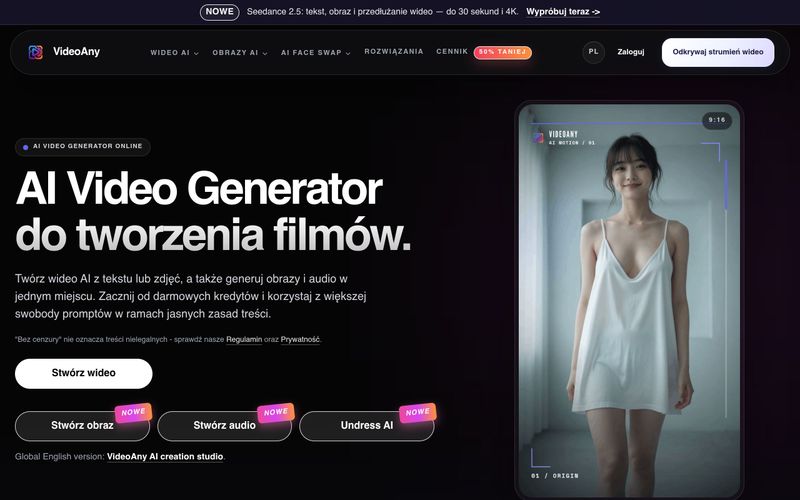
VideoAny는 텍스트와 사진으로 비디오를 만들고, 이미지와 오디오를 생성하는 폴란드어 AI 스튜디오입니다. 무료 크레딧으로 시작하고 유연한 콘텐츠 정책을 이용하세요.
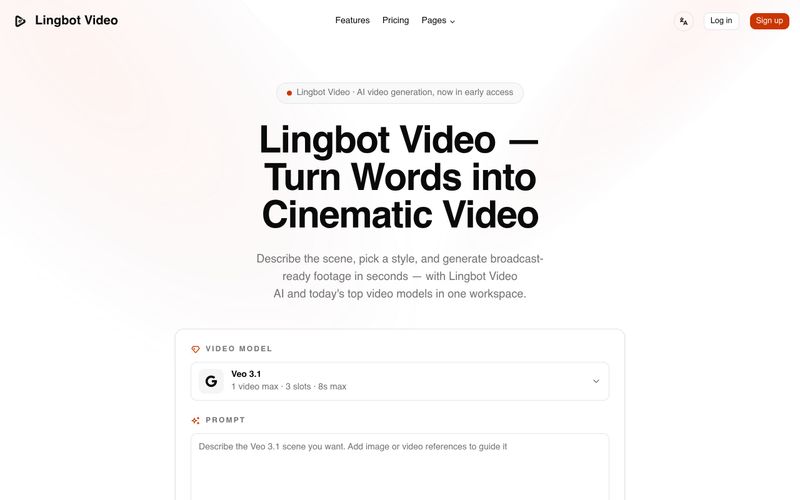
Lingbot Video는 텍스트와 이미지를 생생한 움직임, 정확한 프롬프트 반영, 워터마크 없는 내보내기, 완전한 상업적 라이선스를 갖춘 시네마틱 4K AI 영상으로 변환합니다.
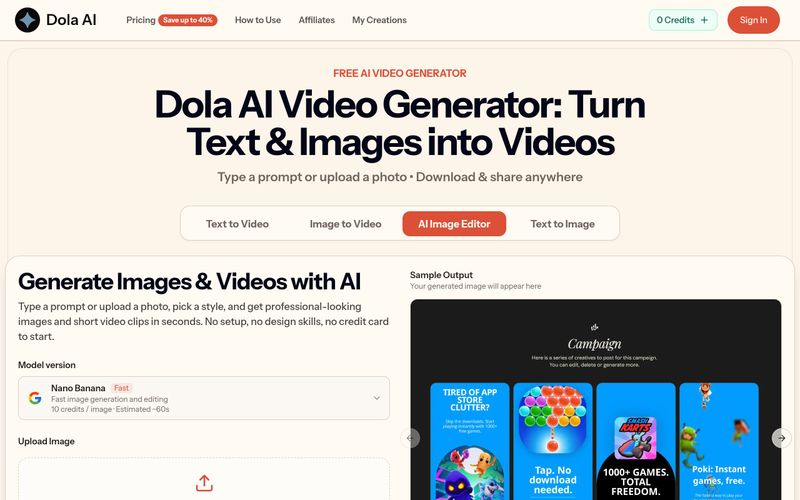
Dola AI는 텍스트와 이미지를 무료로 짧은 동영상으로 변환합니다. 프롬프트나 사진으로 AI 동영상을 생성하고, 워터마크 없는 클립을 다운로드하여 어디든 공유하세요.
VidRush AI는 Google Veo 3.1, Seedance 2.5, Kling, Nano Banana, Seedream, Suno 같은 최상위 모델을 결합하여 하나의 워크스페이스에서 시네마틱 비디오, 사실적인 이미지, 스튜디오 품질의 음악을 제작하는 통합 생성형 AI 스튜디오입니다.


This comprehensive guide explores the best AI image generators available in 2026, highlighting their unique features, strengths, and ideal use cases. We'll dive deep into each tool's capabilities to help you identify which AI image generator best suits your creative needs.
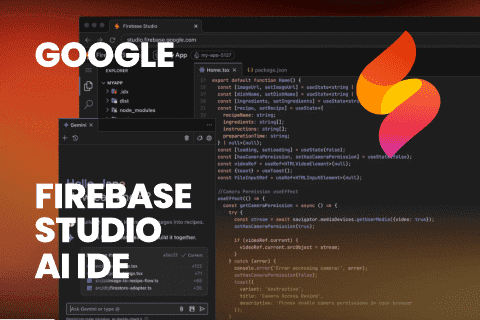
Google has just launched a powerful AI IDE code editor — now you can really vibe while coding
The best AI Model And AI Tools in 2026,The Most Popular Free AI Model And AI Tools.