AI 뉴스레터 구독
귀하의 데이터는 완전히 안전하게 보호됩니다. 어떤 누구와도 공유하지 않습니다.
Claude Buddy is Claude Code’s lightweight pet mode. Learn what Buddy is, how to type /Buddy, browse Buddy vibes, and get SEO-friendly tips for Claude buddy features.
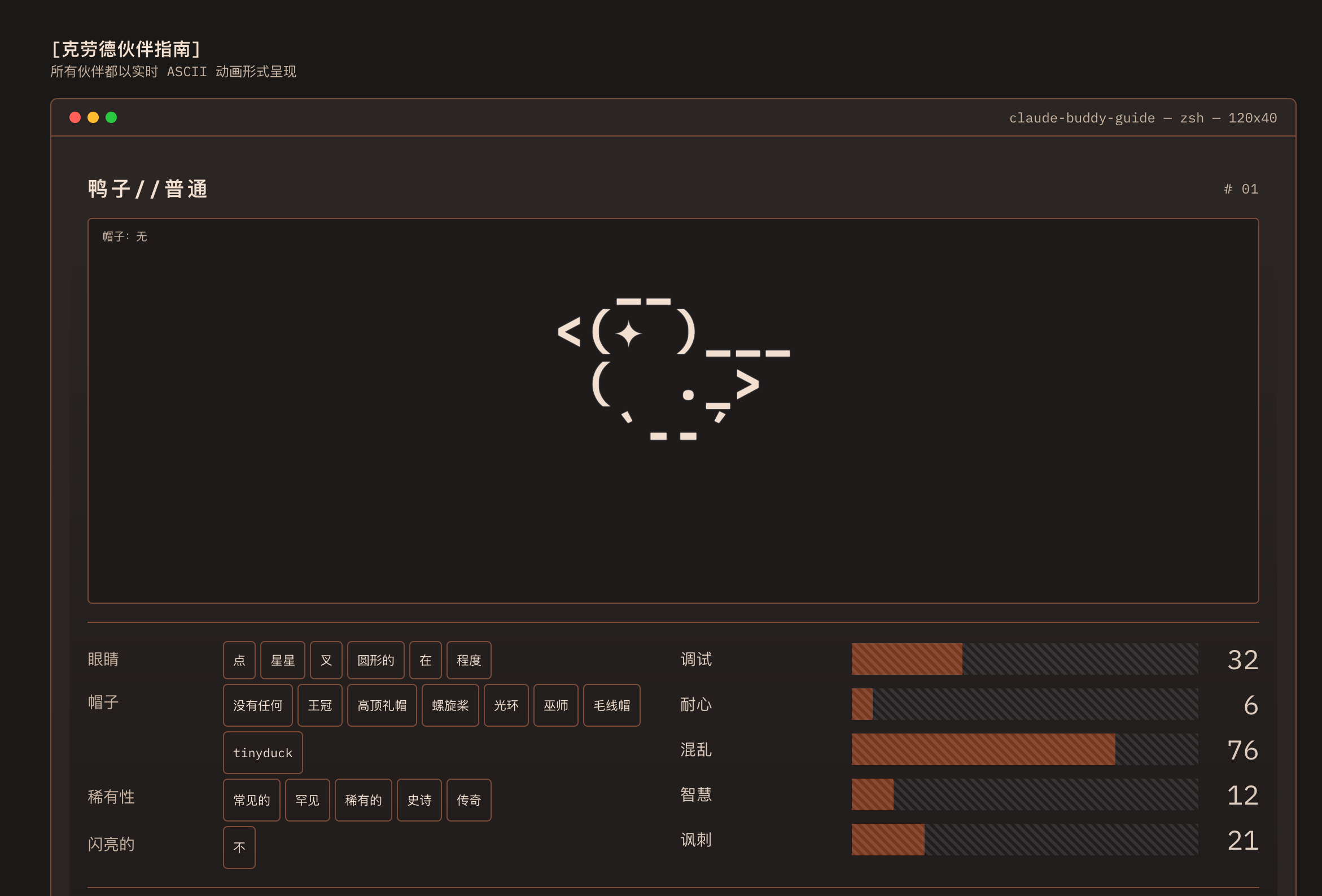
In the rapidly evolving landscape of developer productivity, the emergence of innovative AI tools is redefining how programmers interact with their workflows. One standout example is Claude Buddy Guide, a unique and creative approach to Code Assistance that blends functionality with personality. Unlike traditional coding assistants that operate purely as invisible utilities, Claude Buddy introduces a companion-based interface that enhances both efficiency and user experience.
At its core, Claude Buddy Guide presents a lightweight companion layer integrated into a coding environment. Instead of overwhelming users with complex prompts or rigid automation, it introduces interactive ASCII-based “buddies” that live alongside the developer’s terminal. These companions are not just decorative—they embody different traits such as debugging ability, patience, and even humor, offering subtle yet meaningful support during coding sessions.
What makes this AI tool particularly compelling is its balance between utility and engagement. Developers can activate the system with a simple command and instantly receive a customizable companion with distinct attributes, rarity levels, and behaviors. This gamified layer transforms mundane coding tasks into a more dynamic and enjoyable process, without disrupting the core workflow.
From a Code Assistance perspective, Claude Buddy Guide represents a shift toward more human-centric AI design. Rather than acting solely as a problem-solving engine, it introduces continuity and presence—two elements often missing in conventional AI assistants. By maintaining a persistent identity within the coding environment, it helps developers stay focused, reduces fatigue, and adds a sense of companionship during long development cycles.
Moreover, Claude Buddy Guide demonstrates how modern AI tools are evolving beyond pure functionality into experiential design. It reflects a broader trend where AI is not only about efficiency but also about improving the emotional and cognitive experience of users. This is especially valuable for developers who spend extended hours in isolated environments.
In conclusion, Claude Buddy Guide is more than just a novelty—it is a forward-thinking AI tool that reimagines Code Assistance through interaction, personalization, and presence. By combining technical utility with creative design, it sets a new direction for how AI can seamlessly integrate into the developer’s daily workflow.
Claude Buddy Guide is an interactive feature within a modern AI tool designed to enhance Code Assistance through a companion-based experience. Instead of acting as a traditional coding assistant, it introduces a lightweight ASCII companion that lives alongside your development environment, adding personality, visual feedback, and engagement without interrupting your workflow.
Unlike standard AI tools that rely solely on prompt-response interactions, Claude Buddy Guide provides a persistent companion that remains visible during coding sessions. This continuous presence helps improve focus, reduces monotony, and creates a more engaging development experience while still supporting coding productivity.
You can activate Claude Buddy Guide by typing /Buddy inside the coding environment. Once triggered, the system generates your companion with specific traits such as species, rarity, and personality attributes, making each experience unique.
Claude Buddy Guide allows users to customize multiple aspects of their companion, including:
실용적인 메모를 공유하고 다른 사람들이 이 도구를 평가하는 데 도움을 주세요.
아직 댓글이 없습니다. 대화를 시작하세요.

The New Era of Software Development Begins
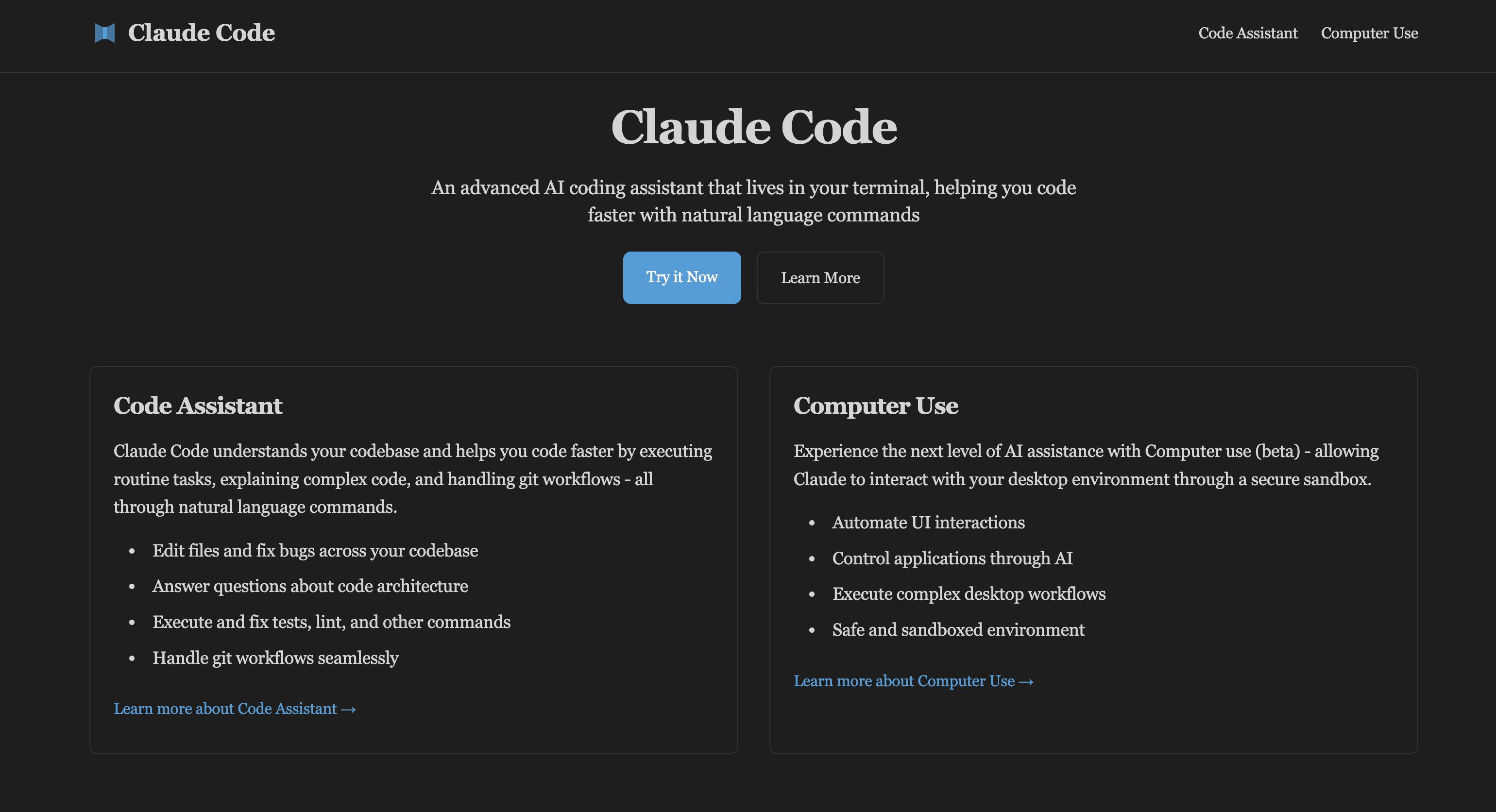
Claude Code is an advanced AI coding assistant that can be embedded in your terminal. Learn Claude Code and computer usage features to enhance development workflow, developed by Claude AI.
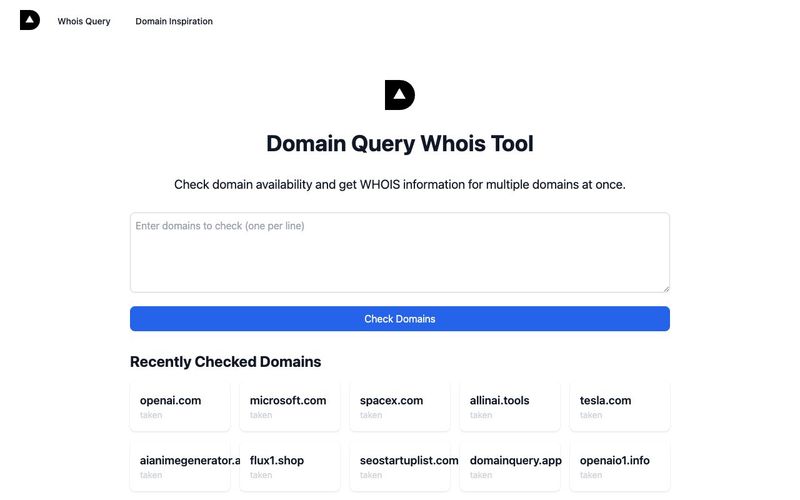
AI-based domain name availability and WHOIS query, providing interesting domain name inspiration explanations,Domain name inspiration can help you find creative and meaningful names for your website or brand. Our Domain Inspiration feature provides unique interpretations and insights about domain names, helping you make informed decisions.
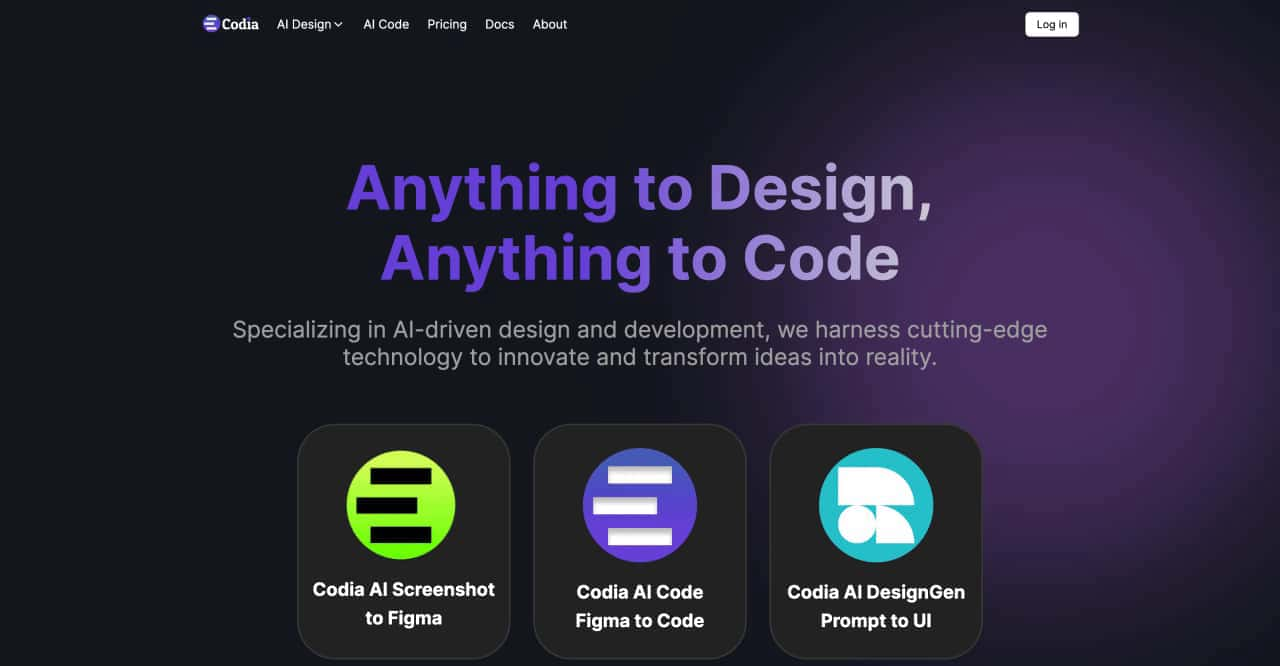
transform ideas into reality, effortlessly converting screenshots to Figma designs, turning prompts into UI designs, transforming images into SVG files, and enabling seamless transitions from design to code



This comprehensive guide explores the best AI image generators available in 2026, highlighting their unique features, strengths, and ideal use cases. We'll dive deep into each tool's capabilities to help you identify which AI image generator best suits your creative needs.

Google has just launched a powerful AI IDE code editor — now you can really vibe while coding

The best AI Model And AI Tools in 2026,The Most Popular Free AI Model And AI Tools.