AI 뉴스레터 구독
귀하의 데이터는 완전히 안전하게 보호됩니다. 어떤 누구와도 공유하지 않습니다.
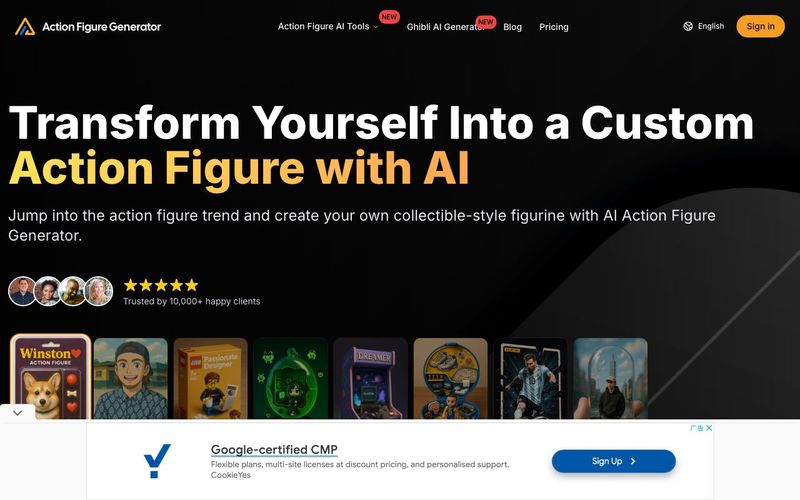
강력한 액션 피규어 생성기로 나만의 액션 피규어를 만드는 것은 간단합니다. 다음 단계를 따라 나를 수집용 피규어로 변신시켜 보세요:
1、사진 업로드
먼저 본인 또는 다른 사람의 선명한 사진을 액션 피규어 생성기에 업로드하세요. 사진이 선명할수록 액션 피규어가 더 정확하게 생성됩니다.
2、액션 피규어 맞춤 설정
액션 피규어 생성기를 사용하여 의상, 액세서리, 포즈, 패키지 세부 사항을 선택하세요. 슈퍼히어로 테마, 스포츠 스타, 판타지 캐릭터 등 다양한 옵션 중에서 선택할 수 있습니다.
3、피규어 생성
AI 액션 피규어 생성기가 사진과 선호도를 처리하여 전문적인 패키지 디자인이 포함된 사실적인 액션 피규어를 생성합니다.
4、다운로드 및 공유
액션 피규어 생성기가 디자인을 완성하면 고해상도 이미지를 다운로드하고 소셜 미디어에 공유하여 화제의 액션 피규어 트렌드에 참여하세요.

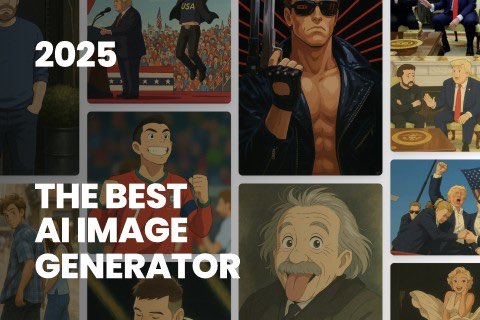
This comprehensive guide explores the best AI image generators available in 2026, highlighting their unique features, strengths, and ideal use cases. We'll dive deep into each tool's capabilities to help you identify which AI image generator best suits your creative needs.
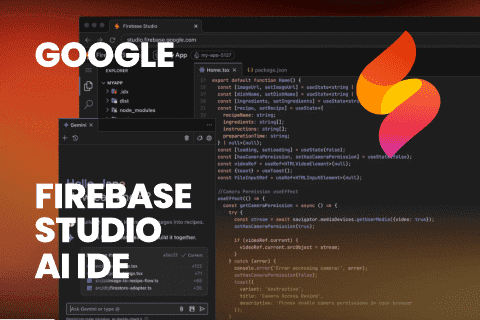
Google has just launched a powerful AI IDE code editor — now you can really vibe while coding
The best AI Model And AI Tools in 2026,The Most Popular Free AI Model And AI Tools.