AIニュースレターを購読
あなたのデータは私たちと完全に安全です。誰とも共有しません。

当社の強力なアクションフィギュアジェネレーターを使えば、カスタムアクションフィギュアの作成は簡単です。以下の簡単なステップに従って、自分自身をコレクティブルフィギュアに変身させましょう:
1. 写真をアップロード
まず、自分自身または他の人の鮮明な写真をアクションフィギュアジェネレーターにアップロードします。写真が鮮明であるほど、アクションフィギュアの精度が向上します。
2. アクションフィギュアをカスタマイズ
アクションフィギュアジェネレーターを使用して、衣装、アクセサリー、ポーズ、パッケージの詳細を選択します。スーパーヒーローテーマ、スポーツスター、ファンタジーキャラクターなどから選べます。
3. フィギュアを生成
AIアクションフィギュアジェネレーターが写真と設定を処理し、プロフェッショナルなパッケージデザインを備えたリアルなアクションフィギュアを作成します。
4. ダウンロードして共有
アクションフィギュアジェネレーターがデザインを完了したら、高解像度画像をダウンロードしてソーシャルメディアで共有し、バイラルなアクションフィギュアトレンドに参加しましょう。

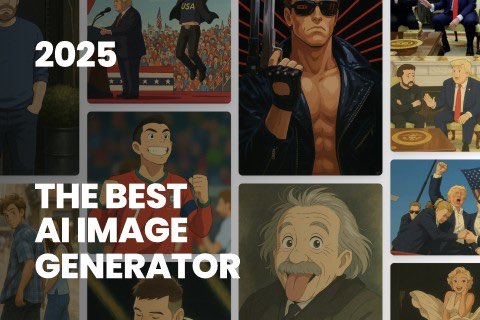
This comprehensive guide explores the best AI image generators available in 2026, highlighting their unique features, strengths, and ideal use cases. We'll dive deep into each tool's capabilities to help you identify which AI image generator best suits your creative needs.
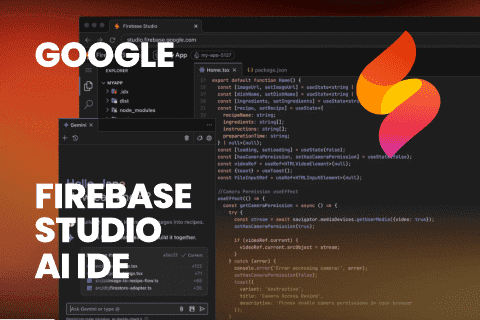
Google has just launched a powerful AI IDE code editor — now you can really vibe while coding
The best AI Model And AI Tools in 2026,The Most Popular Free AI Model And AI Tools.