AIニュースレターを購読
あなたのデータは私たちと完全に安全です。誰とも共有しません。
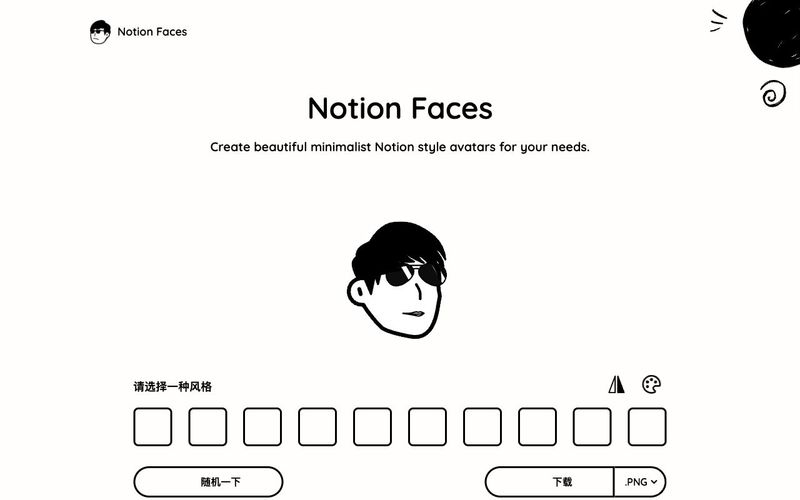
直感的なデザインプロセスで、理想のアバターを簡単かつ楽しく作成できます。
Notionの美しいデザインに合わせた顔の形の中からお選びください。アバターの完璧な土台を選びましょう。
目、口、メガネ、髪型など、さまざまなオプションでNotion Faceをカスタマイズできます。自由に組み合わせて、あなただけのユニークなルックを作りましょう。
完成したNotion FaceをPNG形式またはSVG形式でダウンロードできます。用途に合わせて最適な形式をお選びください。
ファイルをワークスペースに直接アップロードして、新しいアバターをNotionに追加できます。とても簡単です!
アバターをPNG形式またはSVG形式でダウンロードできます。とても簡単です!

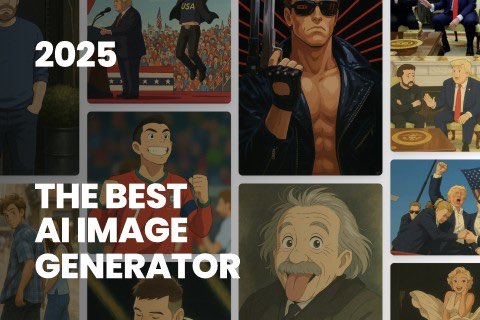
This comprehensive guide explores the best AI image generators available in 2026, highlighting their unique features, strengths, and ideal use cases. We'll dive deep into each tool's capabilities to help you identify which AI image generator best suits your creative needs.
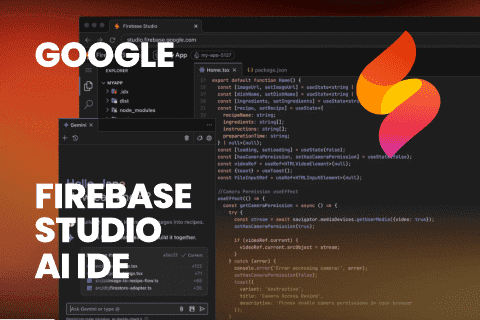
Google has just launched a powerful AI IDE code editor — now you can really vibe while coding
The best AI Model And AI Tools in 2026,The Most Popular Free AI Model And AI Tools.