Suscríbete al boletín de IA
Tus datos están completamente seguros con nosotros. No los compartimos con nadie.
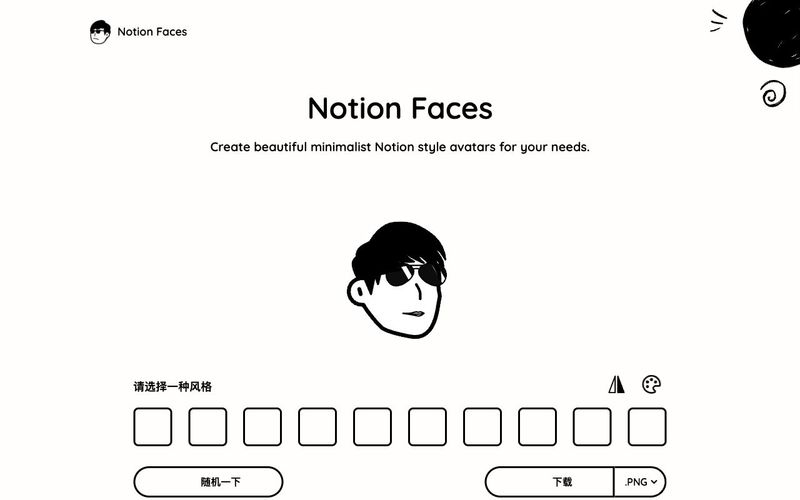
Nuestro proceso de diseño intuitivo hace que crear tu avatar ideal sea simple y agradable.
Comienza con nuestra selección de formas de rostro diseñadas para coincidir con la estética de Notion. Selecciona la base perfecta para tu avatar.
Personaliza tu Notion Face con varias opciones de ojos, boca, gafas y peinados. Combínalas para crear tu look único.
Descarga tu Notion Face terminado en formato PNG o SVG. Elige el formato perfecto para tus necesidades.
Añade tu nuevo avatar a Notion subiendo el archivo directamente a tu espacio de trabajo. ¡Así de simple!
Descarga tu avatar en formato PNG o SVG. ¡Así de simple!

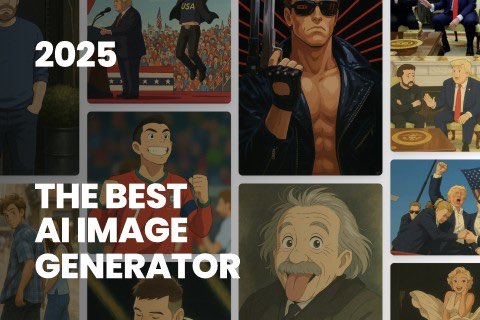
This comprehensive guide explores the best AI image generators available in 2026, highlighting their unique features, strengths, and ideal use cases. We'll dive deep into each tool's capabilities to help you identify which AI image generator best suits your creative needs.
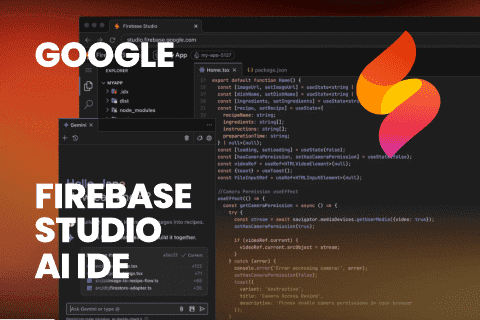
Google has just launched a powerful AI IDE code editor — now you can really vibe while coding
The best AI Model And AI Tools in 2026,The Most Popular Free AI Model And AI Tools.