AIニュースレターを購読
あなたのデータは私たちと完全に安全です。誰とも共有しません。
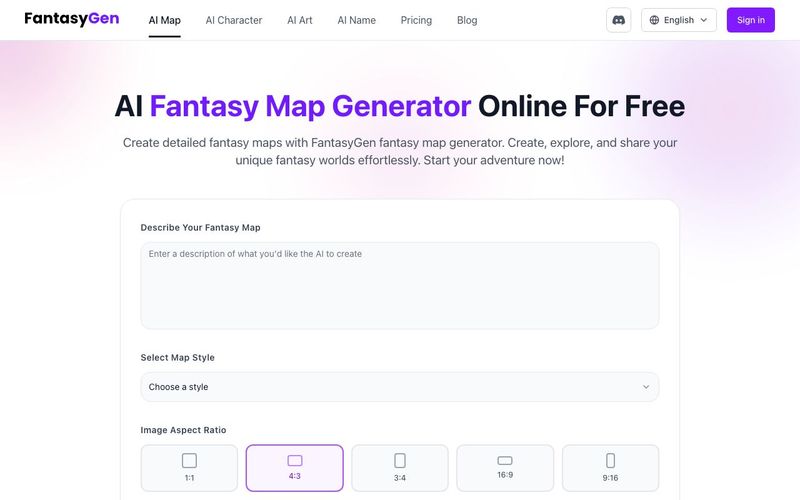
ステップ1:プロンプトを入力
「生成」ボタンをクリックして開始します。テキストボックスに希望するファンタジーマップの説明を入力します。AI画像に再現してほしい詳細をできるだけ多く追加することを忘れないでください。
無料でファンタジーマップジェネレーターを試してみてください!
ステップ2:ファンタジースタイルを選択
好みのスタイルを選択します。ダークファンタジー、中世、SFなど、さまざまなスタイルから選べます。次に、希望のアスペクト比を選択します。
ファンタジーマップジェネレーターを使用する
ステップ3:生成とダウンロード
「生成」ボタンをクリックすると、カスタムマップが形作られるのを確認できます。最後に、ダウンロードアイコンをクリックして、AIが生成したファンタジーマップを保存します。
ファンタジーマップジェネレーターを開始する

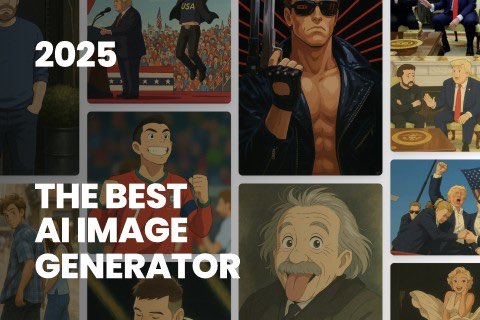
This comprehensive guide explores the best AI image generators available in 2026, highlighting their unique features, strengths, and ideal use cases. We'll dive deep into each tool's capabilities to help you identify which AI image generator best suits your creative needs.
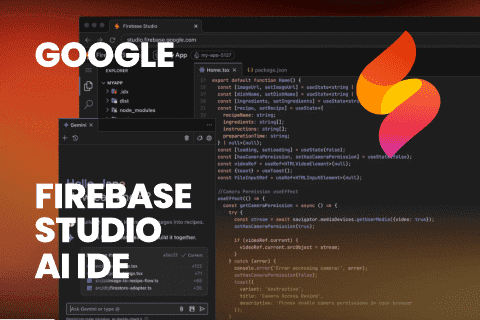
Google has just launched a powerful AI IDE code editor — now you can really vibe while coding
The best AI Model And AI Tools in 2026,The Most Popular Free AI Model And AI Tools.