AIニュースレターを購読
あなたのデータは私たちと完全に安全です。誰とも共有しません。
Create videos from text or photos in under 2 minutes. No watermark, free to start. Powered by Veo, Kling, Seedance, and more AI models.
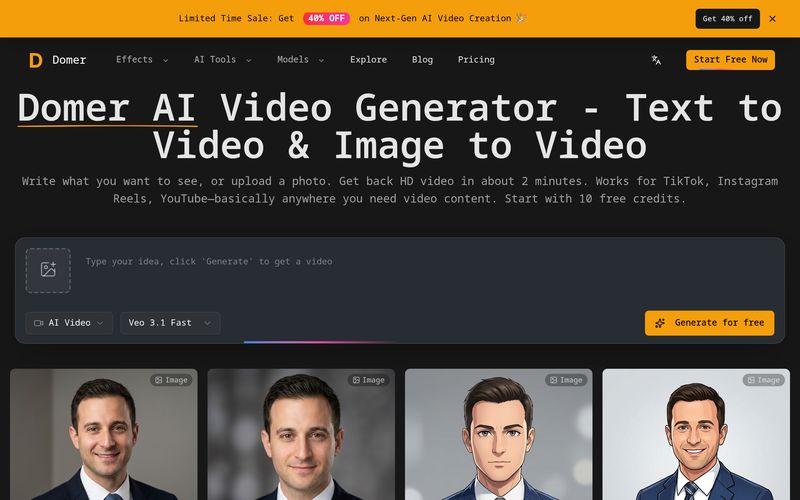
Domer AI is an advanced AI tool built to simplify modern Video Generation for creators, marketers, freelancers, and businesses. Whether you want to create engaging TikTok videos, YouTube Shorts, Instagram Reels, product demos, or ad concepts, Domer AI offers a fast and flexible way to generate HD videos without filming, editing, or expensive production teams.
One of the biggest strengths of Domer AI is its support for both text-to-video and image-to-video generation. Users can simply type a prompt to describe a scene or upload a photo and explain how it should move. The platform then turns ideas into polished video content in as little as 60 to 120 seconds, making it an efficient AI tool for fast content production.
Unlike many traditional Video Generation platforms limited to a single model, Domer AI offers access to multiple AI engines depending on your project needs. Users can choose Google Veo 3.1 for premium visual quality, Kling 2.6 for faster generation, or Wan 2.6 for longer clips up to 15 seconds with 1080p support. This flexibility helps creators balance quality, speed, and duration instead of making compromises.
Another standout feature is its clean export system. Every video is downloaded as a watermark-free MP4, allowing users to freely use content for commercial projects, client work, YouTube monetization, social campaigns, and advertisements without attribution restrictions.
Beyond Video Generation, Domer AI also includes AI image generation tools, supporting text-to-image and image-to-image editing for quick concept art, thumbnails, product mockups, and visual experiments. This makes the platform a complete creative suite rather than just a basic video generator.
The platform is also beginner-friendly. New users receive 10 free credits to test different workflows before upgrading, while purchased credits never expire, eliminating the pressure of monthly subscriptions.
Whether you are a content creator scaling short-form videos, a marketer building ad creatives, or a business owner producing product demonstrations, Domer AI provides a flexible and practical AI tool for modern Video Generation. With fast rendering, multiple AI models, no-watermark exports, and strong social media compatibility, Domer AI offers an efficient way to turn ideas into professional video content.
For text-to-video, describe the scene. For image-to-video, upload your photo and describe how it should move. Be specific—camera angles, lighting, motion speed all affect the output.
Veo takes about 90 seconds and gives the best quality. Kling is faster (around 60 seconds) if you're testing ideas. Wan lets you make 15-second clips instead of just 5-8 seconds.
You get an MP4 file, no watermark. Use it however you want—commercial projects, client work, social media. We don't put restrictions on what you do with it.
Domer is an AI video generator that runs in your browser. You write text prompts or upload photos, pick a model (Veo, Kling, or Wan), and get back MP4 files. Works for both text-to-video and image-to-video. We also have AI image generator tools if you need those.
Google Veo 3.1 (best quality, about 90 seconds to generate), Kling 2.6 (faster at 60 seconds), and Wan 2.6 (makes longer videos up to 15 seconds, supports 1080p). Each costs different credits—you see the price before generating.
Most common use is social media content—TikTok videos, Instagram Reels, YouTube Shorts. People also use it for product demos, ad concepts, animation tests, or just experimenting with ideas before committing to real filming. Both 16:9 (landscape) and 9:16 (vertical) formats work.
No. Every video exports clean as an MP4 file. Use them however you want—commercial projects, client work, YouTube monetization, whatever. No attribution required either.
Depends on the model. Veo takes about 90 seconds, Kling around 60 seconds, Wan closer to 2 minutes. Images are faster—5 to 30 seconds depending on which model you pick.
You get 10 free credits when you sign up. A basic image costs 2-4 credits, video costs 25-300 depending on the model and settings (duration, resolution). So yeah, you can test everything before paying.
PNG, JPG, or WebP up to 10MB each. Some models accept one image, others let you upload two (start frame and end frame). The interface shows you which applies to the model you picked.
Nope. Buy credits whenever, use them whenever. No monthly deadlines pushing you to burn through them. They just sit there until you need them.
実用的なメモを共有し、他の人がこのツールを評価するのを助けましょう。
まだコメントはありません。会話を始めましょう。

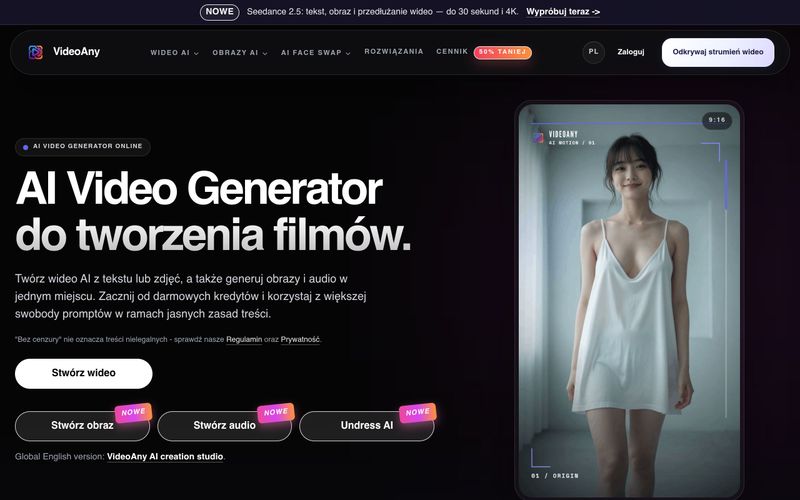
VideoAnyは、テキストや写真から動画を作成し、画像や音声を生成するポーランドのAIスタジオです。無料クレジットで始められ、柔軟なコンテンツポリシーを利用できます。
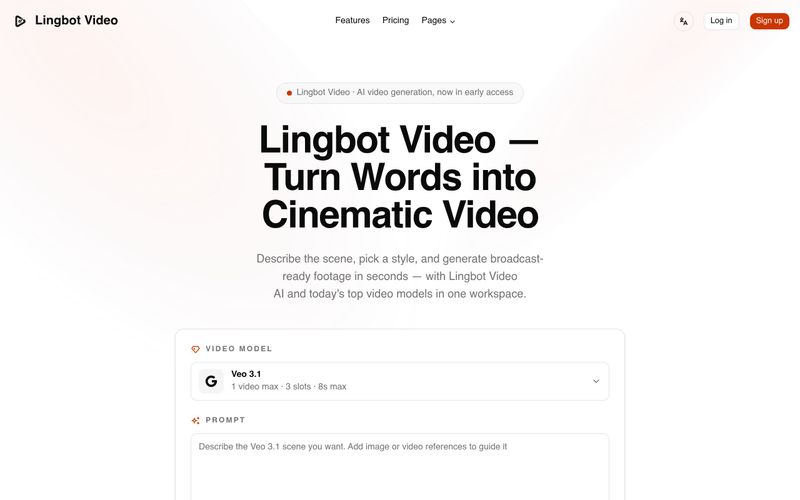
Lingbot Videoは、テキストや画像を、リアルな動き、正確なプロンプト追従、ウォーターマークなしの書き出し、完全な商用ライセンスを備えたシネマティックな4K AI動画に変換します。
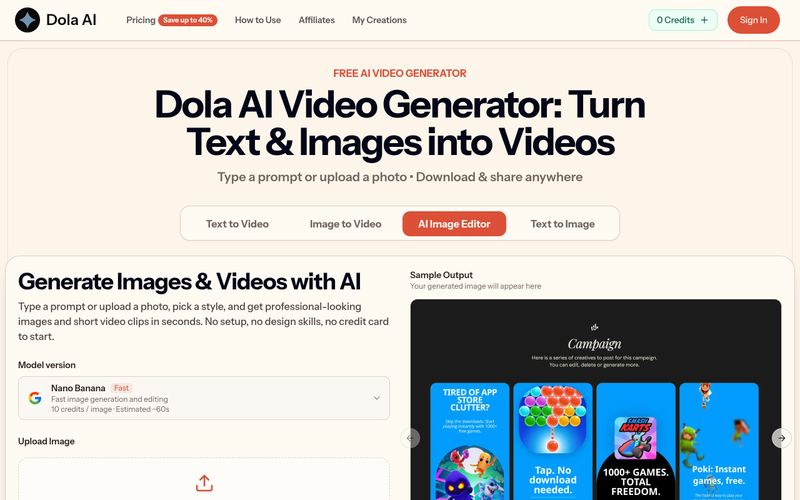
Dola AIはテキストと画像を無料で短い動画に変換します。プロンプトや写真からAI動画を生成し、ウォーターマークなしのクリップをダウンロードしてどこでも共有できます。
VidRush AI は、Google Veo 3.1、Seedance 2.5、Kling、Nano Banana、Seedream、Suno などの一流モデルを組み合わせ、映画のような動画、フォトリアルな画像、スタジオ品質の音楽を 1 つのワークスペースで制作できる統合型生成 AI スタジオです。



This comprehensive guide explores the best AI image generators available in 2026, highlighting their unique features, strengths, and ideal use cases. We'll dive deep into each tool's capabilities to help you identify which AI image generator best suits your creative needs.

Google has just launched a powerful AI IDE code editor — now you can really vibe while coding

The best AI Model And AI Tools in 2026,The Most Popular Free AI Model And AI Tools.