Suscríbete al boletín de IA
Tus datos están completamente seguros con nosotros. No los compartimos con nadie.
Create videos from text or photos in under 2 minutes. No watermark, free to start. Powered by Veo, Kling, Seedance, and more AI models.
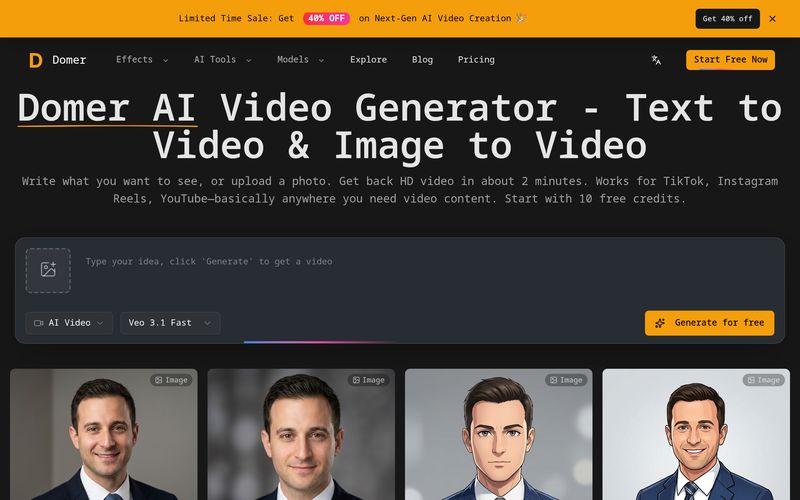
Domer AI is an advanced AI tool built to simplify modern Video Generation for creators, marketers, freelancers, and businesses. Whether you want to create engaging TikTok videos, YouTube Shorts, Instagram Reels, product demos, or ad concepts, Domer AI offers a fast and flexible way to generate HD videos without filming, editing, or expensive production teams.
One of the biggest strengths of Domer AI is its support for both text-to-video and image-to-video generation. Users can simply type a prompt to describe a scene or upload a photo and explain how it should move. The platform then turns ideas into polished video content in as little as 60 to 120 seconds, making it an efficient AI tool for fast content production.
Unlike many traditional Video Generation platforms limited to a single model, Domer AI offers access to multiple AI engines depending on your project needs. Users can choose Google Veo 3.1 for premium visual quality, Kling 2.6 for faster generation, or Wan 2.6 for longer clips up to 15 seconds with 1080p support. This flexibility helps creators balance quality, speed, and duration instead of making compromises.
Another standout feature is its clean export system. Every video is downloaded as a watermark-free MP4, allowing users to freely use content for commercial projects, client work, YouTube monetization, social campaigns, and advertisements without attribution restrictions.
Beyond Video Generation, Domer AI also includes AI image generation tools, supporting text-to-image and image-to-image editing for quick concept art, thumbnails, product mockups, and visual experiments. This makes the platform a complete creative suite rather than just a basic video generator.
The platform is also beginner-friendly. New users receive 10 free credits to test different workflows before upgrading, while purchased credits never expire, eliminating the pressure of monthly subscriptions.
Whether you are a content creator scaling short-form videos, a marketer building ad creatives, or a business owner producing product demonstrations, Domer AI provides a flexible and practical AI tool for modern Video Generation. With fast rendering, multiple AI models, no-watermark exports, and strong social media compatibility, Domer AI offers an efficient way to turn ideas into professional video content.
For text-to-video, describe the scene. For image-to-video, upload your photo and describe how it should move. Be specific—camera angles, lighting, motion speed all affect the output.
Veo takes about 90 seconds and gives the best quality. Kling is faster (around 60 seconds) if you're testing ideas. Wan lets you make 15-second clips instead of just 5-8 seconds.
You get an MP4 file, no watermark. Use it however you want—commercial projects, client work, social media. We don't put restrictions on what you do with it.
Domer is an AI video generator that runs in your browser. You write text prompts or upload photos, pick a model (Veo, Kling, or Wan), and get back MP4 files. Works for both text-to-video and image-to-video. We also have AI image generator tools if you need those.
Google Veo 3.1 (best quality, about 90 seconds to generate), Kling 2.6 (faster at 60 seconds), and Wan 2.6 (makes longer videos up to 15 seconds, supports 1080p). Each costs different credits—you see the price before generating.
Most common use is social media content—TikTok videos, Instagram Reels, YouTube Shorts. People also use it for product demos, ad concepts, animation tests, or just experimenting with ideas before committing to real filming. Both 16:9 (landscape) and 9:16 (vertical) formats work.
No. Every video exports clean as an MP4 file. Use them however you want—commercial projects, client work, YouTube monetization, whatever. No attribution required either.
Depends on the model. Veo takes about 90 seconds, Kling around 60 seconds, Wan closer to 2 minutes. Images are faster—5 to 30 seconds depending on which model you pick.
You get 10 free credits when you sign up. A basic image costs 2-4 credits, video costs 25-300 depending on the model and settings (duration, resolution). So yeah, you can test everything before paying.
PNG, JPG, or WebP up to 10MB each. Some models accept one image, others let you upload two (start frame and end frame). The interface shows you which applies to the model you picked.
Nope. Buy credits whenever, use them whenever. No monthly deadlines pushing you to burn through them. They just sit there until you need them.
Comparte notas prácticas y ayuda a otros a evaluar esta herramienta.
Aún no hay comentarios. Inicia la conversación.

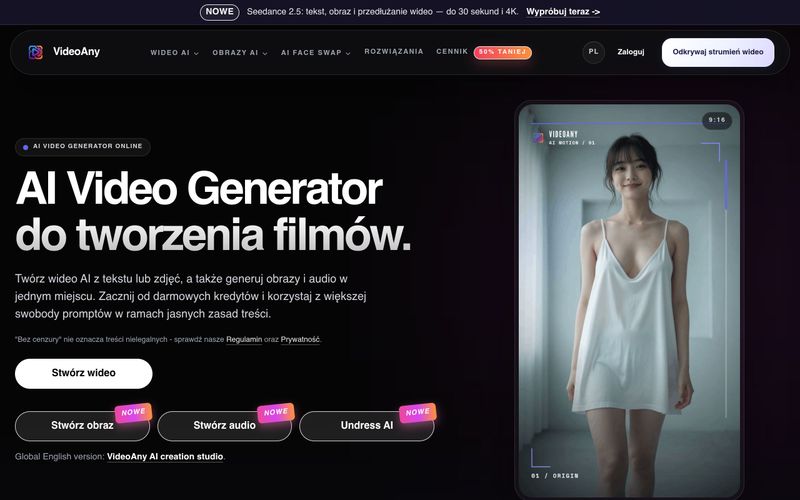
VideoAny es un estudio de IA polaco para crear vídeo a partir de texto y fotos, generar imágenes y audio. Empieza con créditos gratuitos y aprovecha normas flexibles sobre el contenido.
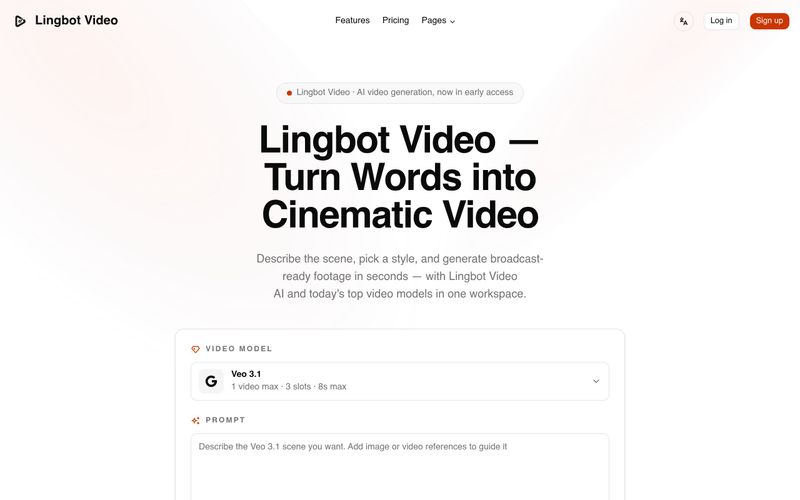
Lingbot Video convierte texto e imágenes en vídeo cinematográfico 4K con IA, con movimiento realista, un seguimiento preciso de los prompts, exportaciones sin marca de agua y una licencia comercial completa.
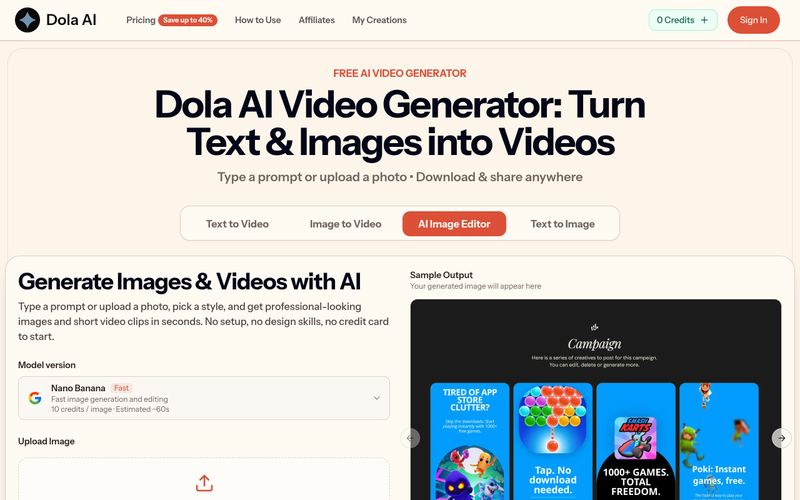
Dola AI convierte texto e imágenes en videos cortos de forma gratuita. Genera videos con IA a partir de prompts o fotos, descarga clips sin marca de agua y compártelos donde quieras.
VidRush AI es un estudio de IA generativa unificado que combina modelos de primer nivel como Google Veo 3.1, Seedance 2.5, Kling, Nano Banana, Seedream y Suno para crear videos cinematográficos, imágenes fotorrealistas y música con calidad de estudio en un único espacio de trabajo.



This comprehensive guide explores the best AI image generators available in 2026, highlighting their unique features, strengths, and ideal use cases. We'll dive deep into each tool's capabilities to help you identify which AI image generator best suits your creative needs.

Google has just launched a powerful AI IDE code editor — now you can really vibe while coding

The best AI Model And AI Tools in 2026,The Most Popular Free AI Model And AI Tools.