订阅AI通讯
您的数据完全安全。我们不会与任何人共享。
HappyHorse AI Video Generator — turn text to video or image to video online. Realistic motion, natural characters, cinematic style. Try free.
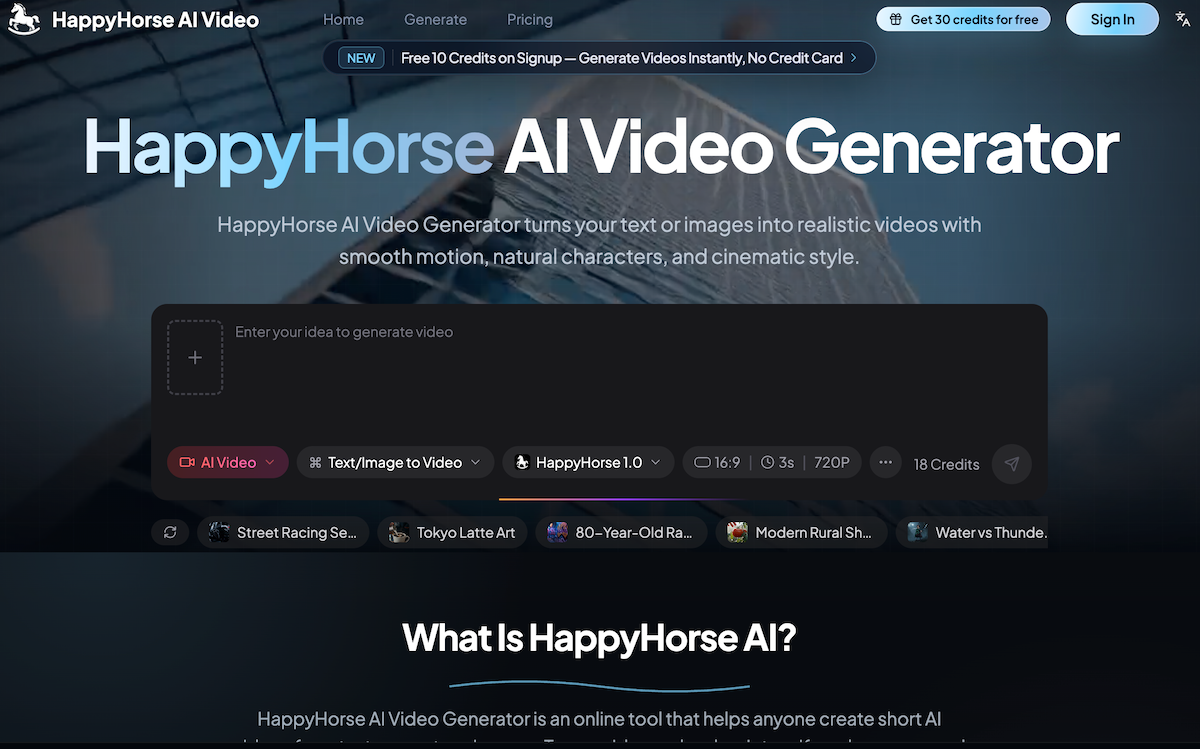
As video content becomes increasingly important across social media, marketing, e-commerce, and storytelling, creators are searching for a practical AI tool that can turn ideas into videos without complicated editing software. HappyHorse AI Video positions itself as an accessible and efficient solution in the growing Video Generation space, allowing users to transform text prompts or images into realistic short videos with smooth motion, cinematic style, and natural-looking characters.
At its core, HappyHorse AI Video is designed to make video creation simple for everyone. Instead of requiring advanced editing skills or expensive production software, users can simply describe an idea in text or upload an image to start generating content. Whether you want to create product promotions, social media clips, short story scenes, or creative experiments, HappyHorse AI Video helps users go from concept to finished visuals quickly. As an AI tool, its ease of use makes it suitable for beginners while still offering enough flexibility for marketers, creators, and businesses.
One of the strongest features of HappyHorse AI Video in the Video Generation category is its text-to-video capability. Users can describe scenes using natural language, including details about movement, lighting, mood, camera motion, and visual style. The platform then transforms those prompts into short, visually engaging clips with smooth transitions and realistic motion. This is especially valuable for creators who want to quickly prototype content ideas without spending hours editing footage manually.
Another major advantage is the platform’s image-to-video functionality. By uploading a static image — such as product photography, character artwork, or promotional graphics — users can instantly add movement and bring visuals to life. This feature is particularly useful for e-commerce sellers, advertisers, and content creators who want to turn static visuals into more engaging video assets for platforms like TikTok, Instagram, and YouTube Shorts.
What makes HappyHorse AI Video stand out further is its focus on natural people and realistic movement. The platform supports smooth camera actions such as pans, close-ups, pull-backs, and cinematic motion, making videos feel more dynamic and professional compared to simple animation tools. For brands and creators producing talking scenes, product showcases, or storytelling content, this adds a stronger sense of realism.
Ease of workflow is another major strength. The process is straightforward: write your idea, optionally upload an image, generate the clip online, and download it for sharing. No editing experience or software installation is required, making HappyHorse AI Video highly approachable for users with limited technical backgrounds.
Overall, if you are looking for a user-friendly AI tool focused on Video Generation, HappyHorse AI Video offers a compelling balance of simplicity, speed, and creative flexibility. With text-to-video, image-to-video, smooth camera motion, and realistic visuals, HappyHorse AI Video provides an effective way to turn creative ideas into engaging short-form video content.
Describe the video you want. Keep it simple, or add details about the scene, subject, camera movement, and style.
Add a picture if you want HappyHorse to animate a product, person, character, artwork, or existing visual.
Choose your settings and let HappyHorse create the clip online. You can test different ideas quickly.
Preview the result, download the video, and use it for social posts, product pages, ads, presentations.
HappyHorse AI Video Generator is an online tool that turns text prompts or images into short AI videos. You can use it to make social clips, product videos, ads, story scenes, and creative drafts without installing editing software.
Write what you want to see, upload an image if you have one, choose your video settings, and start the generation. HappyHorse AI Video Generator creates the video online so you can preview and download it.
Yes. Type a simple prompt such as a scene, subject, action, camera movement, and style. The tool uses your words to create a short video.
Yes. You can upload a product photo, portrait, character image, artwork, or other visual. HappyHorse can animate it into a short video based on your prompt.
You can create product clips, social videos, short drama scenes, ads, creator content, visual tests, story moments, and simple video drafts from text or images.
Yes. The page is designed for normal users, not just technical users. You can start with one clear sentence and improve your prompt as you test more ideas.
HappyHorse is useful for scenes with natural-looking people, expressive faces, smooth motion, and close-up storytelling. Results still depend on the prompt, image quality, and selected settings.
Yes. Upload a product image or write a product scene prompt, then create a short clip for online stores, ads, launch pages, and social posts.
Yes. HappyHorse is a good fit for TikTok, Instagram, YouTube Shorts, and other short-form content because it helps you create quick video ideas from text or images.
New users can start with free credits where available. Paid plans are useful when you need more generations, higher usage, or regular video creation.
Commercial use depends on your plan and the content you generate. Check the current plan terms before using a video in ads, client work, product pages, or other business materials.
A normal video editor helps you cut and arrange footage you already have. HappyHorse can create new video from text or images, so you can start even when you do not have footage yet.
分享实用笔记,帮助他人评估此工具。
暂无评论。开始对话吧。

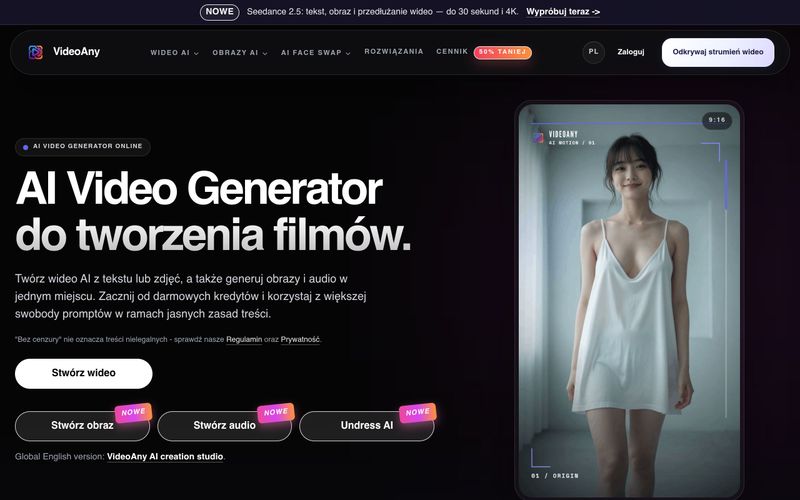
VideoAny 是一个波兰 AI 工作室,可从文本和照片创建视频、生成图像和音频。可免费开始使用积分,并享有灵活的内容政策。
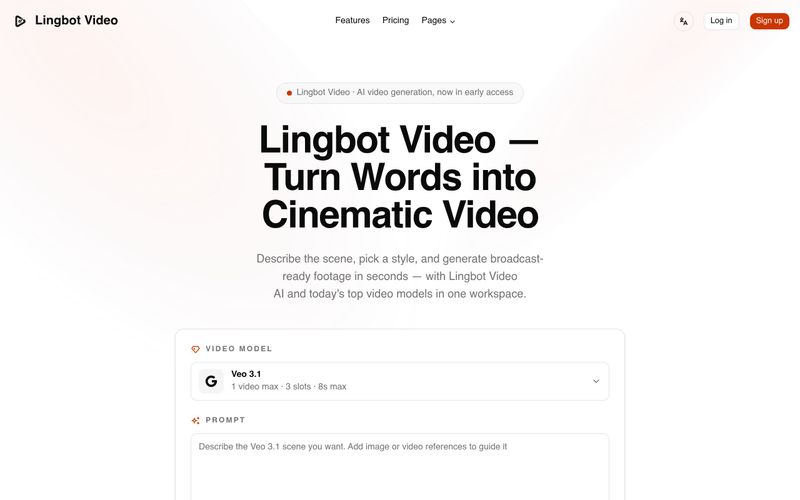
Lingbot Video 可将文本和图像转化为具有逼真运动、精准遵循提示词、无水印导出且附带完整商业许可的电影感 4K AI 视频。
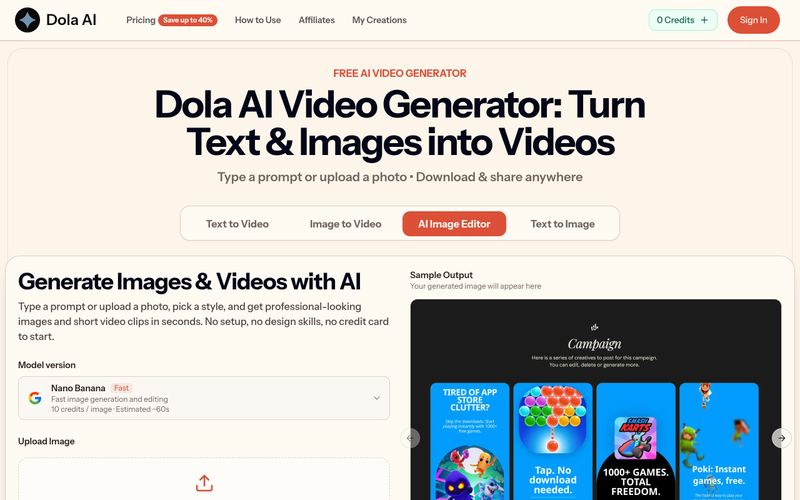
Dola AI 可免费将文本和图像转换为短视频。通过提示词或照片生成 AI 视频,下载无水印片段,并可在任何地方分享。
VidRush AI 是一个统一的生成式 AI 工作室,整合 Google Veo 3.1、Seedance 2.5、Kling、Nano Banana、Seedream 和 Suno 等顶级模型,在一个工作空间中创建电影级视频、逼真图像和专业级音乐。


Flux 2 Max 是 Flux 2 系列中最先进的版本,专为追求高精度、真实感和生产级视觉输出的创作者而设计。作为一款高端的 AI 图像生成器(AI Image Generator) 与强大的 AI 图像编辑器(AI Image Editor) 的结合体,Flux 2 Max 将图像质量与一致性提升到了全新高度,非常适合专业级创作流程。
随着人工智能的飞速发展,11月成为了全年最具突破性的月份之一。从新一代图像模型和令人惊叹的视频工具,到能够编写代码、构建应用程序、清理杂乱数据,甚至从零开始创建完整学习中心的 AI 助手,应有尽有。无论你是创作者、营销人员、学生、开发者,还是仅仅是一位人工智能爱好者,本月的种种新发现都会让你重新思考人工智能的无限可能。

2025年最佳AI大模型与AI工具,最受欢迎的免费AI大模型与AI工具。

With the launch of the iOS 18.1 Beta version, registered developers can now experience some of the features of Apple AI, a cutting-edge addition to AI tools.