订阅AI通讯
您的数据完全安全。我们不会与任何人共享。
Yes. Every tool on GIFSpeed is completely free — no sign-up, no watermark, no usage limits. There are no hidden paywalls or premium tiers.
No. GIFSpeed processes everything locally in your browser using WebAssembly. Your files never leave your device — there is no server to upload to.
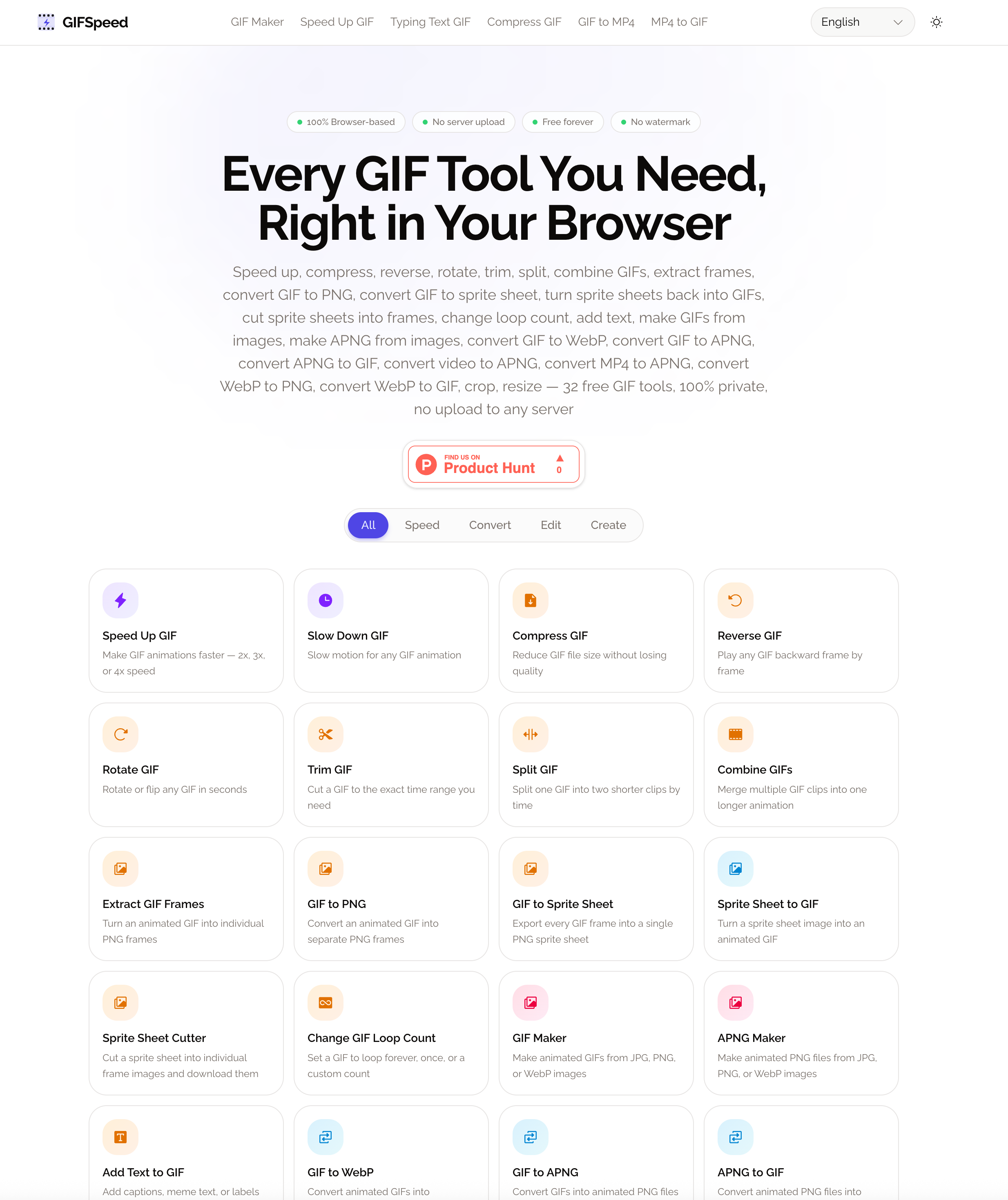
GIFSpeed offers 32 tools: Speed Up GIF, Slow Down GIF, GIF Compressor, Reverse GIF, Rotate GIF, Trim GIF, Split GIF, Combine GIFs, Extract GIF Frames, GIF to PNG, GIF to Sprite Sheet, Sprite Sheet to GIF, Sprite Sheet Cutter, Change GIF Loop Count, Add Text to GIF, GIF Maker, APNG Maker, GIF to WebP, GIF to APNG, APNG to GIF, Video to APNG, MP4 to APNG, WebP to PNG, WebP to GIF, GIF to MP4, MP4 to GIF, GIF to Video, Video to GIF, GIF Cropper, GIF Resizer, My Beloved Edit, and Typing Text GIF.
GIFSpeed supports GIF files up to 80MB and video files up to 80MB for conversion tools.
Use the GIF Speed Changer on this page or visit the Speed Up GIF or Slow Down GIF tool. Upload your GIF, drag the slider to set speed (0.25x to 4x), and download the result.
Open the GIF Compressor tool, upload your file, and choose compression by quality level or by target file size. GIFSpeed adjusts color reduction and optimization to shrink the file while preserving visual quality.
Yes. Use the GIF to MP4 tool to convert any animated GIF into a smaller MP4 video, or the MP4 to GIF tool to turn video clips into animated GIFs with custom FPS and dimensions.
Yes. All tools work on iPhone, Android, and tablet browsers. Tap the upload area to pick a file from your camera roll, adjust settings, and download the result directly to your device.
GifSpeed stands out as a highly practical and user-first AI tool, especially when evaluated through its FAQ highlights around pricing, privacy, and functionality. One of its most compelling advantages is that it is genuinely free—there are no hidden paywalls, no premium tiers, no watermarks, and no sign-up requirements. In a market where many so-called free tools restrict access or degrade output quality, GifSpeed offers a refreshing alternative. This makes it particularly appealing for creators, developers, and marketers who need reliable Image Generation and GIF processing capabilities without worrying about usage limits or unexpected costs.
Another major strength of this AI tool lies in its privacy-first architecture. GifSpeed processes all files locally in the browser using WebAssembly, meaning users never have to upload their content to external servers. This is a critical advantage for professionals working with sensitive assets, proprietary designs, or client materials. It also significantly reduces waiting times, since there are no server queues or upload delays—everything happens instantly on the user’s device.
Functionality is where GifSpeed truly shines. With a suite of 32 tools, it covers nearly every aspect of GIF editing and Image Generation workflows. Users can adjust speed, compress files, reverse animations, crop and resize visuals, or combine and split GIFs. On the creative side, tools like GIF Maker, APNG Maker, and Typing Text GIF enable dynamic content creation for social media, tutorials, and product demos. Additionally, robust format conversion options—such as GIF to MP4, MP4 to GIF, and WebP conversions—ensure compatibility across platforms and use cases.
The tool also supports files up to 80MB, which is generous for browser-based solutions, and works seamlessly across desktop and mobile devices. Whether you’re editing on a laptop or generating Image Generation assets from your phone, the experience remains consistent and efficient.
Overall, GifSpeed exemplifies what a modern AI tool should deliver: zero friction, full functionality, and complete user control. By combining free access, local processing, and a comprehensive feature set, it provides an exceptional solution for anyone looking to streamline GIF editing and Image Generation workflows.


Flux 2 Max 是 Flux 2 系列中最先进的版本,专为追求高精度、真实感和生产级视觉输出的创作者而设计。作为一款高端的 AI 图像生成器(AI Image Generator) 与强大的 AI 图像编辑器(AI Image Editor) 的结合体,Flux 2 Max 将图像质量与一致性提升到了全新高度,非常适合专业级创作流程。
随着人工智能的飞速发展,11月成为了全年最具突破性的月份之一。从新一代图像模型和令人惊叹的视频工具,到能够编写代码、构建应用程序、清理杂乱数据,甚至从零开始创建完整学习中心的 AI 助手,应有尽有。无论你是创作者、营销人员、学生、开发者,还是仅仅是一位人工智能爱好者,本月的种种新发现都会让你重新思考人工智能的无限可能。

2025年最佳AI大模型与AI工具,最受欢迎的免费AI大模型与AI工具。

With the launch of the iOS 18.1 Beta version, registered developers can now experience some of the features of Apple AI, a cutting-edge addition to AI tools.