订阅AI通讯
您的数据完全安全。我们不会与任何人共享。
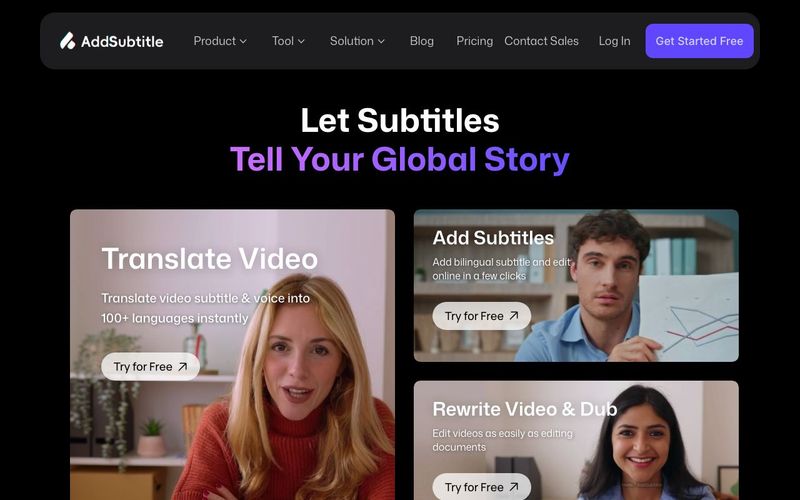
Add Subtitle sets itself apart by supporting over 100 languages, far exceeding most other online video editors.Beyond helping you add subtitles and translate videos,we provide advanced features like Al-powered dubbing,a diverse voice generator library, and voice clone technology-all in one platform.Whether you need to translate subtitles,add voiceover,or transcribe video content,everything happens online without software downloads,accessible on any device.
Our AI video translator supports over 60 output languages, including Spanish, French, German, and Japanese, and it can accept more than 100 input languages. This allows you to easily add voiceovers and translate subtitles into almost any language.
No. Our online video editor is completely web-based, allowing social media creators to edit videos directly in their browser. Simply upload your content, select the features you need, and our AI video editor will process everything online. No software download required.
Absolutely! You can add and edit subtitles in multiple languages for the same video, making it easier to create content for global audiences.
Yes. We take data security very seriously and use robust encryption protocols to protect your content. All uploaded videos are stored on secure cloud servers with enterprise-grade protection. We never share your content with third parties without your explicit permission. Our platform follows international data protection standards to ensure your media always remains private and secure.
You can try our online video editor for free, with 30 credits included in the monthly trial plan. Paid plans provide advanced features and unlimited translation for videos in any supported language.
You can find your uploaded videos in the workspace dashboard. There are three tabs on the left side. Under the “Home” tab, your videos will appear in the “Recent Projects” section. Alternatively, you can go to the “Space” tab, where all your uploaded videos are stored.
Viral videos rely on visibility across platforms like YouTube, TikTok, Instagram, and Facebook. When creating videos for these platforms, creators should think about how to stand out through smart storytelling and presentation choices. Try making shorter, more unique videos that resonate with your target audience and align with current trends. Using auto-subtitle tools makes your content easier to understand and more engaging—even without sound. The right hashtags combined with clear automatic captions can significantly boost your video’s reach.
Our online video creation tool offers a wide range of free text tools and font combinations, perfect for social media creators. Simply insert a new text box or replace an existing placeholder to add subtitles to your video. Then you can experiment with different fonts, colors, and sizes to match your brand identity. Adding AI-generated subtitles to your vlogs and tutorials helps increase views, especially on platforms where many users watch videos with the sound off. You can even use our voice generator to add voiceovers and make your content more engaging.
Add Subtitle.ai stands out as a next-generation AI tool in the Video Generation space, offering creators a complete online solution for subtitling, translation, and dubbing without ever needing to download software. Unlike most other online video editors, Add Subtitle.ai supports over 100 languages, allowing creators to add subtitles, translate content, and even generate voiceovers for a truly global audience. Its AI-powered dubbing, diverse voice generator library, and voice cloning capabilities make it far more advanced than traditional video editors, providing a one-stop platform for multilingual video production.
For social media creators, educators, and marketers, the ability to add multilingual subtitles to a single video is a game-changer. Add Subtitle.ai handles over 60 output languages and accepts more than 100 input languages, ensuring accurate and natural translations that resonate with audiences worldwide. This makes it easy to localize content for YouTube, TikTok, Instagram, and other platforms, expanding reach and engagement.
One of the most attractive aspects of this AI tool is that it is entirely web-based. Users simply upload a video, select the features they need, and let the platform process everything online. This accessibility eliminates software installation barriers and allows creators to work from any device, increasing efficiency and convenience for fast-paced Video Generation workflows.
Security and data protection are also prioritized. Videos are stored on secure cloud servers with enterprise-grade encryption, and content is never shared with third parties without explicit permission. This ensures creators can confidently manage and monetize their videos while keeping their content private.
Additionally, Add Subtitle.ai offers a free trial with 30 credits per month, while paid plans unlock unlimited translations, advanced AI dubbing, and premium editing tools. The platform’s text editing tools and customizable fonts further enhance videos for social media, allowing creators to produce engaging, eye-catching content that stands out in crowded feeds. By combining AI-generated subtitles, voiceovers, and professional editing capabilities, Add Subtitle.ai is a powerful AI tool for anyone looking to streamline Video Generation and reach global audiences efficiently.


Flux 2 Max 是 Flux 2 系列中最先进的版本,专为追求高精度、真实感和生产级视觉输出的创作者而设计。作为一款高端的 AI 图像生成器(AI Image Generator) 与强大的 AI 图像编辑器(AI Image Editor) 的结合体,Flux 2 Max 将图像质量与一致性提升到了全新高度,非常适合专业级创作流程。
随着人工智能的飞速发展,11月成为了全年最具突破性的月份之一。从新一代图像模型和令人惊叹的视频工具,到能够编写代码、构建应用程序、清理杂乱数据,甚至从零开始创建完整学习中心的 AI 助手,应有尽有。无论你是创作者、营销人员、学生、开发者,还是仅仅是一位人工智能爱好者,本月的种种新发现都会让你重新思考人工智能的无限可能。

2025年最佳AI大模型与AI工具,最受欢迎的免费AI大模型与AI工具。

With the launch of the iOS 18.1 Beta version, registered developers can now experience some of the features of Apple AI, a cutting-edge addition to AI tools.