Subscribe to AI newsletter
Your data is complely secured with us. We don't share with anyone.
Chats, calls, tasks, docs, and AI agents natively built in to keep your work context clear and your teams perfectly aligned.

Orchestra: The Ultimate AI Tool for Modern Workspaces
Orchestra is a powerful AI tool and chat-centric, AI-native workspace designed to unify communication, tasks, projects, calls, and documents into a single intelligent platform. Unlike traditional workflows that scatter work across multiple applications, Orchestra integrates everything into conversational threads, keeping messages, tasks, files, and meetings fully contextualized within the flow of work. This approach reduces friction, prevents lost information, and ensures teams stay aligned at every stage of a project.
As one of the most advanced AI office tools, Orchestra comes equipped with built-in AI bots, customizable projects, voice and video calls, and a smart calendar. Teams of all sizes—from startups and product builders to engineers, designers, marketers, and HR professionals—can streamline collaboration and minimize tool-switching. With task tracking embedded directly in chats, project hierarchies, custom fields, and flexible list and Kanban views, Orchestra empowers teams to manage their work efficiently. AI-powered summaries and automatic transcriptions of meetings further enhance productivity, providing instant context and actionable insights.
Orchestra is accessible wherever your team works. It supports browser access, desktop apps for macOS and Windows, mobile apps for iOS and Android, and even as a Progressive Web App (PWA). This cross-platform availability ensures seamless collaboration for remote, hybrid, or in-office teams.
Pricing begins at $10 per user per month, providing full access to unlimited chat history, project management, calls, file storage, and all the advanced AI-driven productivity features. As an intelligent AI office tool, Orchestra transforms the way teams communicate, plan, and execute work—making collaboration smarter, faster, and more effective.
Sign Up & Create a Workspace
Sign up using your email, Google account, or Apple ID.
After sign-up, either create a new workspace or join an existing one via invite.
Start Chatting & Collaborating
Use the messenger-style interface to send messages in channels or direct chats.
In any chat message, convert a message into a task with a single click — deadlines, assignees, and attachments can all be added directly from the chat.
Manage Tasks & Projects
Navigate to the Projects panel to create new projects and tasks. Tasks can have custom fields, statuses, deadlines, and assignees.
Use different task views such as Lists, Kanban boards, or custom filters to organize work.
Make Calls
Within a chat, click the call icon to start a voice or video call.
Record meetings or share async video updates. AI bots can transcribe, translate, and summarize your discussions instantly for future reference.
Handle Documents & Media
Create and store docs, notes, and pages directly inside relevant chats or tasks.
Upload files, images, links, and have them automatically attached to the right conversation.
Use the AI Assistant
Leverage built‑in AI agents to analyze your work data, summarize threads, suggest next steps, and help manage your calendar.
Connect External Tools
Sync with tools like Notion, GitHub, and more to unify your work ecosystem.
What is Orchestra?
Orchestra is a chat-first, AI-native workspace that centralizes messaging, tasks, calls, docs, and media into one unified platform.
Is there a mobile app?
Yes — Orchestra supports iOS, Android, and also runs as a Progressive Web App (PWA) through your browser.
Can I convert a chat message into a task?
Yes — any message in a chat can be turned into a task, with assignee, deadline, custom fields, and more, without leaving the chat.
Does Orchestra have AI features?
Absolutely — built-in AI bots can summarize messages, transcribe calls, help organize tasks, and act as an operational assistant.
What is the pricing?
The early pricing is $10 per user per month for a full workspace tier — unlimited chats, file storage, calls, projects, and customer support.
Can I integrate with other tools?
Yes — Orchestra supports integrations with external tools like Notion and GitHub to bring all your work into one space.
How secure is my data?
Use of Orchestra is governed by Terms of Use, which include privacy safeguards, user permissions, and rules for data management.
Share practical notes and help others evaluate this tool.
No comments yet. Start the conversation.

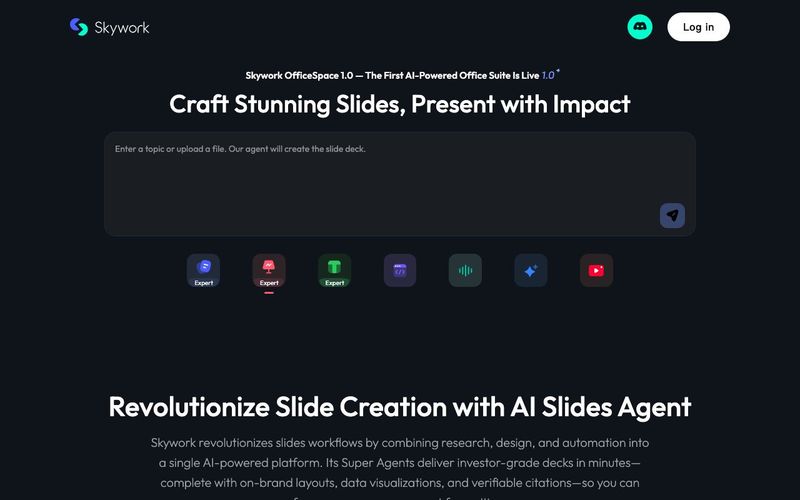
Transform your presentation workflow with the Skywork AI Slides Assistant — an intelligent solution that generates investor-grade slides in minutes, not hours. Our AI-powered platform combines deep research, professional design, and automated formatting to deliver stunning presentations that showcase your expertise.
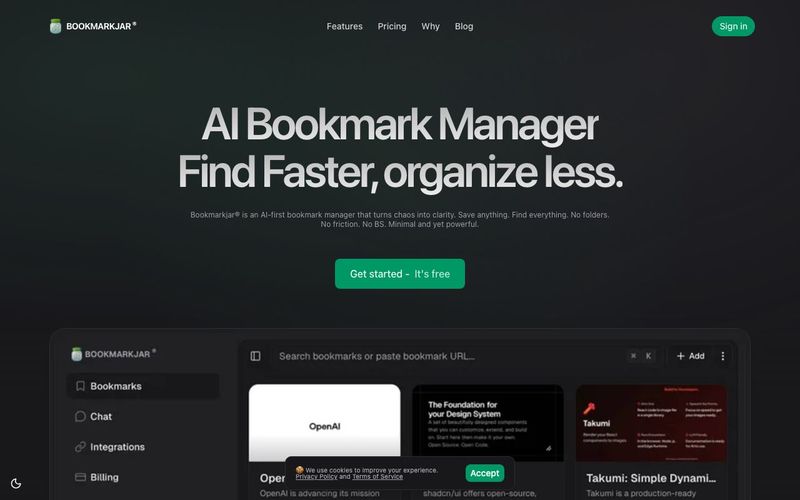
AI bookmark manager with semantic search, automatic tagging, and cross‑platform sync. Save anything and find it faster—organized by AI.
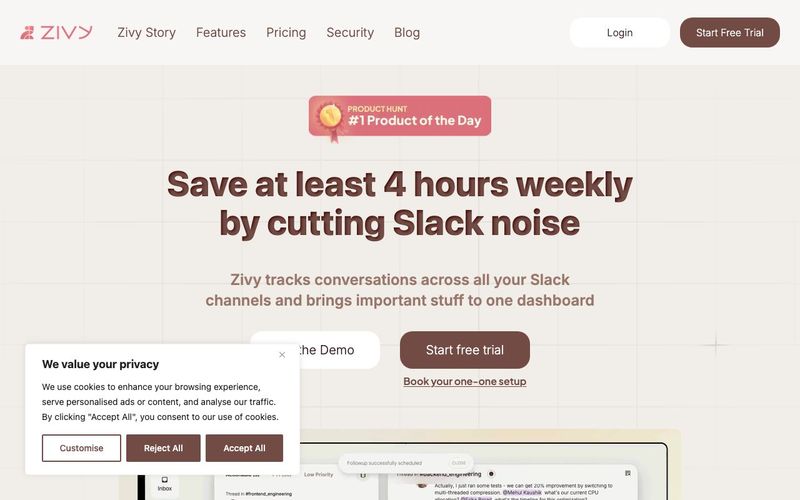
Turn your chaotic and noisy workplace communication into calm collaboration, with Zivy! Skim. Schedule. Tag. Todo. Take action on your messages in zen.
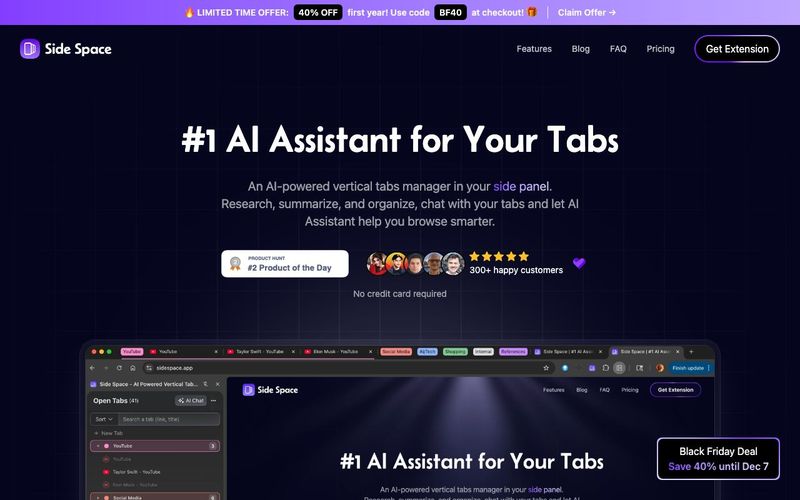
An AI-powered vertical tabs manager in your side panel. Research, summarize, and organize, chat with your tabs and let AI Assistant help you browse smarter.


Flux 2 Max 是 Flux 2 系列中最先进的版本,专为追求高精度、真实感和生产级视觉输出的创作者而设计。作为一款高端的 AI 图像生成器(AI Image Generator) 与强大的 AI 图像编辑器(AI Image Editor) 的结合体,Flux 2 Max 将图像质量与一致性提升到了全新高度,非常适合专业级创作流程。
随着人工智能的飞速发展,11月成为了全年最具突破性的月份之一。从新一代图像模型和令人惊叹的视频工具,到能够编写代码、构建应用程序、清理杂乱数据,甚至从零开始创建完整学习中心的 AI 助手,应有尽有。无论你是创作者、营销人员、学生、开发者,还是仅仅是一位人工智能爱好者,本月的种种新发现都会让你重新思考人工智能的无限可能。

2025年最佳AI大模型与AI工具,最受欢迎的免费AI大模型与AI工具。

With the launch of the iOS 18.1 Beta version, registered developers can now experience some of the features of Apple AI, a cutting-edge addition to AI tools.