訂閱 AI 電子報
您的資料完全安全。我們不會與任何人分享。
Z Image Turbo: Next-gen AI image generator with precise control, consistent style, and stable edits. Create professional images with lightning-fast speed.
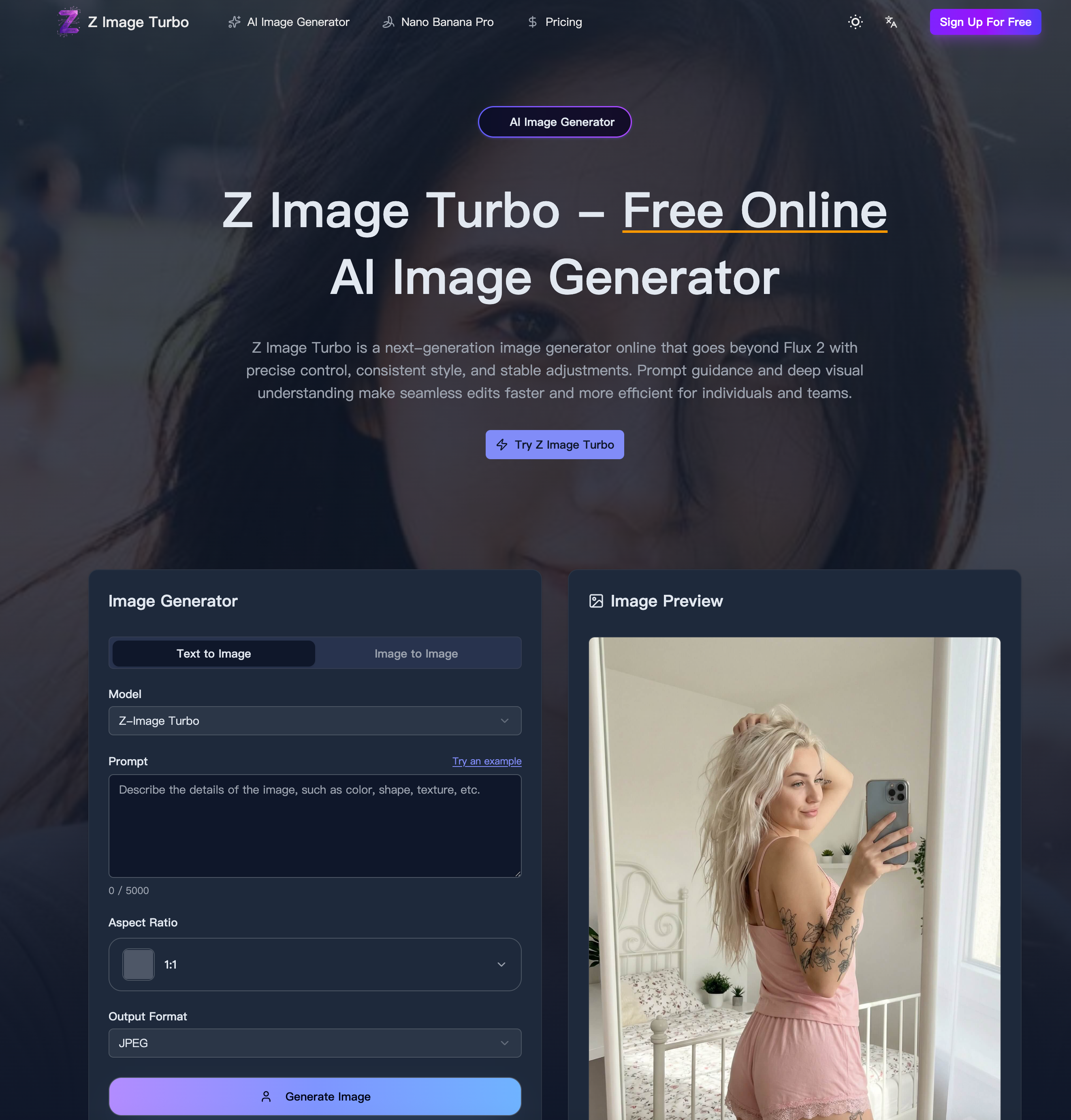
Z Image Turbo is a next-generation AI tool designed to redefine the standards of Image Generation with a strong focus on speed, precision, and visual consistency. Positioned as a powerful alternative to models like Flux 2, Z Image Turbo combines deep visual understanding with prompt-aware controls, enabling creators to produce high-quality images with remarkable efficiency and accuracy.
At its core, Z Image Turbo is engineered for lightning-fast image generation, delivering high-quality outputs in as few as 8 NFEs while running efficiently on enterprise-grade hardware. Despite its performance optimization, it maintains exceptional photorealism, producing lifelike visuals with balanced lighting, sharp edges, and refined detail—even at large resolutions.
One of the standout features of this AI tool is its bilingual text rendering capability. Z Image Turbo excels at generating both English and Chinese typography within images, ensuring proper spacing, clean glyphs, and layout accuracy. This makes it particularly valuable for global marketing, multilingual branding, and cross-border design workflows.
Additionally, Z Image Turbo leverages context-aware prompting, going beyond simple keyword interpretation. It understands relationships between objects, scene composition, and stylistic intent, allowing users to achieve outputs that closely match their creative vision with minimal iteration.
Z Image Turbo is built for both individuals and teams, supporting a wide range of real-world applications:
These capabilities make Z Image Turbo a highly versatile AI tool for Image Generation, suitable for creative, commercial, and production environments.
Using Z Image Turbo is simple and efficient:
The platform supports text prompts and reference images, allowing for tighter control over composition and style. It also offers export options in JPG, PNG, and WebP formats, ensuring flexibility across digital and print use cases.
What truly differentiates Z Image Turbo from other AI image generators is its ability to maintain style consistency across iterations while delivering fast, predictable results. Its credit-based system provides transparency in usage, and team collaboration is enhanced through shared credit pools.
Moreover, all outputs generated by Z Image Turbo are available for commercial use, making it a reliable choice for businesses, marketers, designers, and content creators.
As a modern AI tool for Image Generation, Z Image Turbo strikes an impressive balance between speed, control, and quality. Whether you're building marketing assets, designing products, or experimenting with creative visuals, Z Image Turbo offers a scalable and professional solution that keeps up with demanding workflows while maintaining artistic integrity.
Enter a clear description. Call out subject, style, lighting, and framing so the first pass lands closer to your vision.
Choose an aspect ratio (1:1, 4:3, 16:9, etc.) or custom dimensions rounded to the nearest 32px, then pick JPG, PNG, or WebP for export.
Tap Generate, watch progress, then download the outputs. Stay within credits and rerun to refine lighting, elements, or framing until it's right.
Getting started with Z Image Turbo online is simple: sign in to your account, enter your creative prompt, set your desired aspect ratio or custom size, and hit generate. You can also try Z Image Turbo online free with starter credits. Z Image Turbo allows you to upload a reference photo or sketch when you want the model to follow composition and style closely, ensuring professional results every time.
Z Image Turbo uses a credit-based system that scales with resolution, settings, and complexity. Before starting any generation with Z Image Turbo, you'll see the estimated credit cost upfront. Z Image Turbo also supports shared credit pools for teams, making it perfect for collaborative workflows.
Z Image Turbo accepts text prompts, and for tighter control, you can add reference photos or sketches. With Z Image Turbo, your text prompts set the creative intent, while reference images guide lighting, proportion, and tone. Z Image Turbo intelligently follows your instructions to deliver exactly what you envision.
Yes, absolutely. All images generated with Z Image Turbo can be used commercially for advertising, education, media, and design projects. When using Z Image Turbo for commercial work, just ensure you have the rights to any reference images you upload to Z Image Turbo.
Z Image Turbo stands out with its prompt-aware controls, superior style retention, exceptional fidelity, and lightning-fast iteration speed. Z Image Turbo is specifically tuned to keep structure and brand cues stable across revisions, making it ideal for professional workflows. Unlike competitors, Z Image Turbo delivers consistent results with fast generation speed and maintains photorealistic quality.
Z Image Turbo supports multiple export formats including JPG, PNG, and WebP. Whether you need Z Image Turbo for web optimization or print-quality outputs, you can choose the format that best fits your workflow needs.
Yes! Z Image Turbo excels at rendering both English and Chinese text within images. Z Image Turbo handles complex bilingual typography with crisp glyphs, proper spacing, and layout fidelity, making it perfect for international campaigns and multilingual design projects.
分享實用筆記,並幫助其他人評估這個工具。
尚無評論。開始對話吧。


AI Image Extender 是一款免費的線上工具,運用生成式 AI 將圖片擴展至原始邊界之外。輕鬆進行照片 uncrop、調整長寬比並延伸背景,同時保持品質。

CreateForge AI 是一個創作工作區,讓您使用多種 AI 模型生成圖像與影片,包括 Nano Banana、Seedream、Grok Imagine、Veo、Flux、GPT Image 及 Seedance。它提供提示詞撰寫、模型選擇、受保護的報價,以及儲存結果的私人圖庫。

免費的瀏覽器文字轉圖像工具,支援多模型切換(FLUX、Stable Diffusion、Z Image Turbo、Qwen)。無需帳號、無需點數,可立即下載。限制取決於主機。

SearchSpot 是一款 AI 旅遊規劃工具,可比較航班、飯店、餐廳與交通,並建立包含即時價格、AI 推理與團體協作的共享行程。永久免費。



This comprehensive guide explores the best AI image generators available in 2026, highlighting their unique features, strengths, and ideal use cases. We'll dive deep into each tool's capabilities to help you identify which AI image generator best suits your creative needs.

Google has just launched a powerful AI IDE code editor — now you can really vibe while coding

The best AI Model And AI Tools in 2026,The Most Popular Free AI Model And AI Tools.