訂閱 AI 電子報
您的資料完全安全。我們不會與任何人分享。
Turn static images into vivid animations or replace faces and characters in videos with AI-powered models. Advanced AI animation platform.
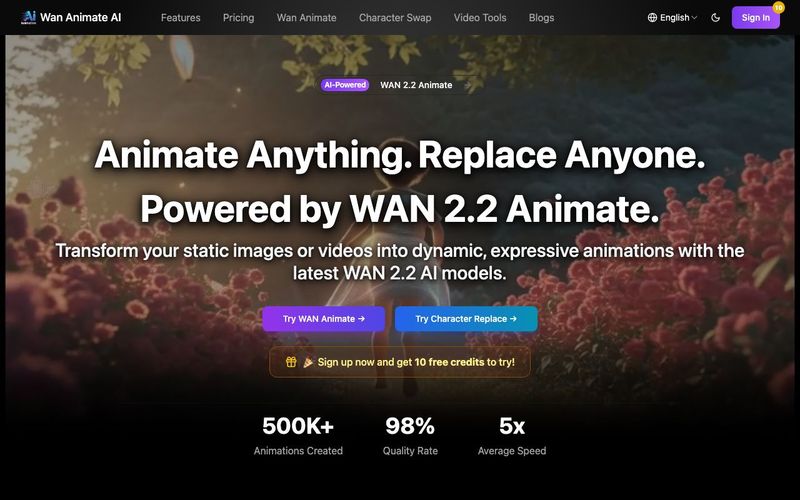
WAN 2.2 Animate is an advanced AI tool designed to revolutionize Video Generation by transforming static images and ordinary videos into vivid, expressive animations. Powered by the latest WAN 2.2 AI models, this platform enables creators to animate anything and replace anyone with remarkable realism, making professional-grade animation accessible to everyone.
At its core, WAN 2.2 Animate excels in turning still character images into dynamic performances. By uploading a character image along with a reference video, the AI intelligently analyzes motion, expressions, and timing, then precisely transfers those movements onto the target character. This AI-powered motion transfer allows users to generate lifelike animated characters in just minutes—no animation expertise required. The result is smooth, natural movement that closely mirrors the original reference video while preserving the unique visual identity of the character.
Beyond animation, WAN 2.2 Animate also offers highly accurate character and face replacement capabilities. This feature allows users to replace faces or entire characters in existing videos with AI-driven precision. The system seamlessly maintains natural facial expressions, lighting consistency, and realistic motion, ensuring the final output looks photorealistic rather than artificial. For content creators, marketers, filmmakers, and social media users, this makes WAN 2.2 Animate a versatile Video Generation AI tool for storytelling, branding, and creative experimentation.
The platform’s powerful animation capabilities are supported by advanced AI-powered processing. WAN 2.2 technology ensures fast rendering speeds while delivering high-quality, professional results. Whether you are animating a single character or performing a detailed face swap, the AI handles complex visual details automatically, reducing production time and effort.
WAN 2.2 Animate also supports multiple formats, including PNG, JPG, and MP4, with flexible resolution options to fit different platforms and use cases. Its simple three-step workflow—upload, process, and download—makes the tool extremely easy to use, even for beginners. Despite its simplicity, the output quality rivals that of traditional animation pipelines.
In summary, WAN 2.2 Animate is a next-generation AI tool that pushes the boundaries of Video Generation. By combining motion transfer, character animation, face replacement, and fast AI-powered processing into one intuitive platform, it empowers users to create dynamic, expressive videos with unprecedented realism and efficiency.
Step 1: Upload Reference Video
Step 2: Upload Character Image
Step 3: Get Animated Video
WAN 2.2 Animate is an AI-powered video generation tool for character animation and replacement. It can animate characters by transferring motion and expressions from reference videos, or seamlessly replace characters in existing videos with natural environmental integration.
WAN 2.2 Animate is perfect for content creators, animators, filmmakers, marketers, and anyone looking to create professional character animations. Whether you're creating social media content, marketing videos, educational materials, or entertainment projects, our platform makes high-quality character animation accessible to everyone.
New users receive free credits upon registration, which can be used to generate videos. For more advanced features and higher quality outputs, you can upgrade to a subscription plan or purchase additional credits based on your needs.
Given a character image and reference video, WAN 2.2 Animate uses advanced AI technology to analyze motion patterns and facial expressions, then transfers them to your character with high-fidelity replication, creating smooth and natural animated videos.
Yes! Our Character Swap feature can replace characters in videos while preserving their expressions and movements, and seamlessly integrating with the scene's lighting and environment for photorealistic results.
Video generation time typically ranges from 1-3 minutes depending on video length and complexity. Shorter clips (5-10 seconds) usually complete within a minute, while longer sequences may take up to 3 minutes. Processing time also depends on server load and your subscription plan.
Unlike traditional animation software, WAN 2.2 Animate uses AI to automatically replicate performer movements and expressions with precision. It combines the accuracy of motion capture technology with the flexibility of AI generation, making professional-quality character animation accessible without extensive manual work or expensive equipment.
分享實用筆記,並幫助其他人評估這個工具。
尚無評論。開始對話吧。

Sora is a large AI image-to-video model launched by OpenAI in 2026. It can create realistic and imaginative scenes based on text instructions.
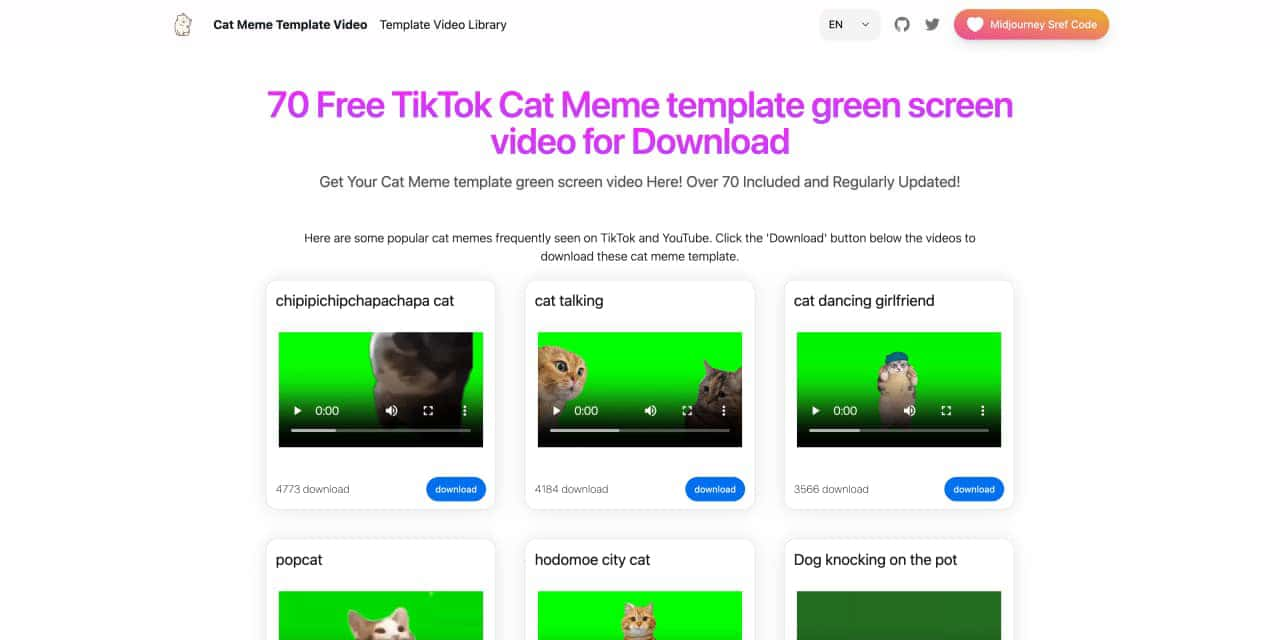
You can download the latest and most popular green screen cat meme template video featured on TikTok and YouTube. These materials are offered for free
Runway is an applied AI research company shaping the next era of art, entertainment and human creativity.
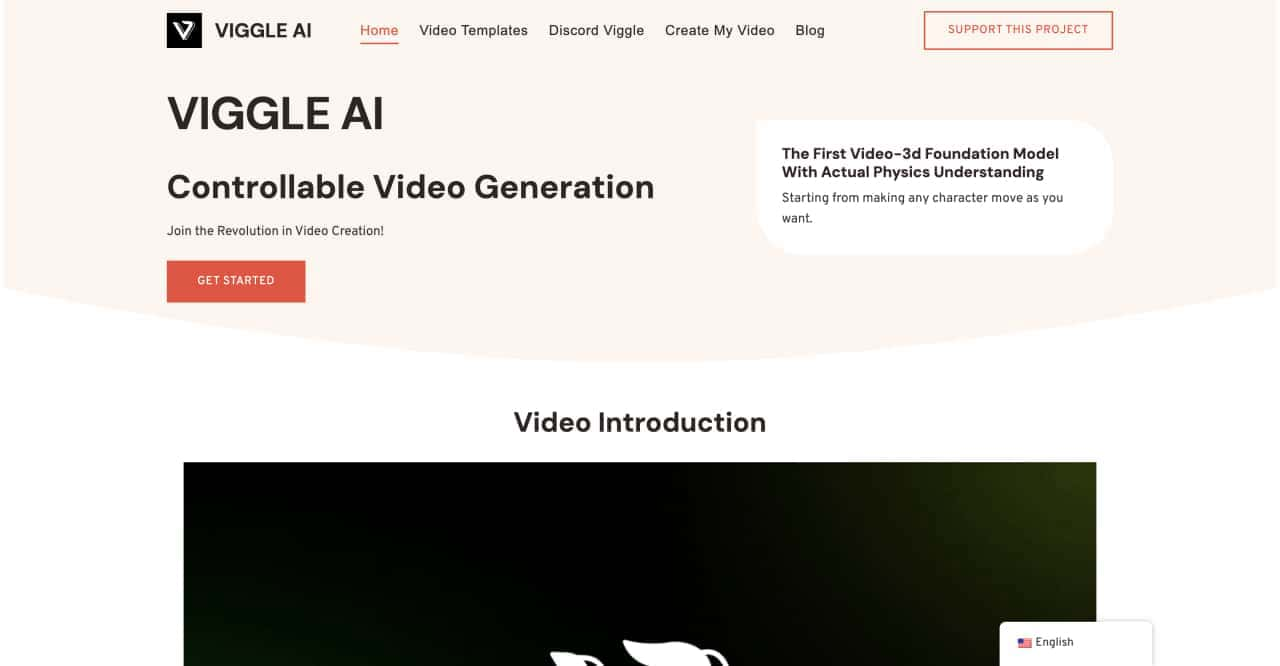
Use Viggle AI to create dynamic animations from images and text prompts. This guide covers its benefits, usage steps, and frequently asked questions.



This comprehensive guide explores the best AI image generators available in 2026, highlighting their unique features, strengths, and ideal use cases. We'll dive deep into each tool's capabilities to help you identify which AI image generator best suits your creative needs.

Google has just launched a powerful AI IDE code editor — now you can really vibe while coding

The best AI Model And AI Tools in 2026,The Most Popular Free AI Model And AI Tools.