訂閱 AI 電子報
您的資料完全安全。我們不會與任何人分享。
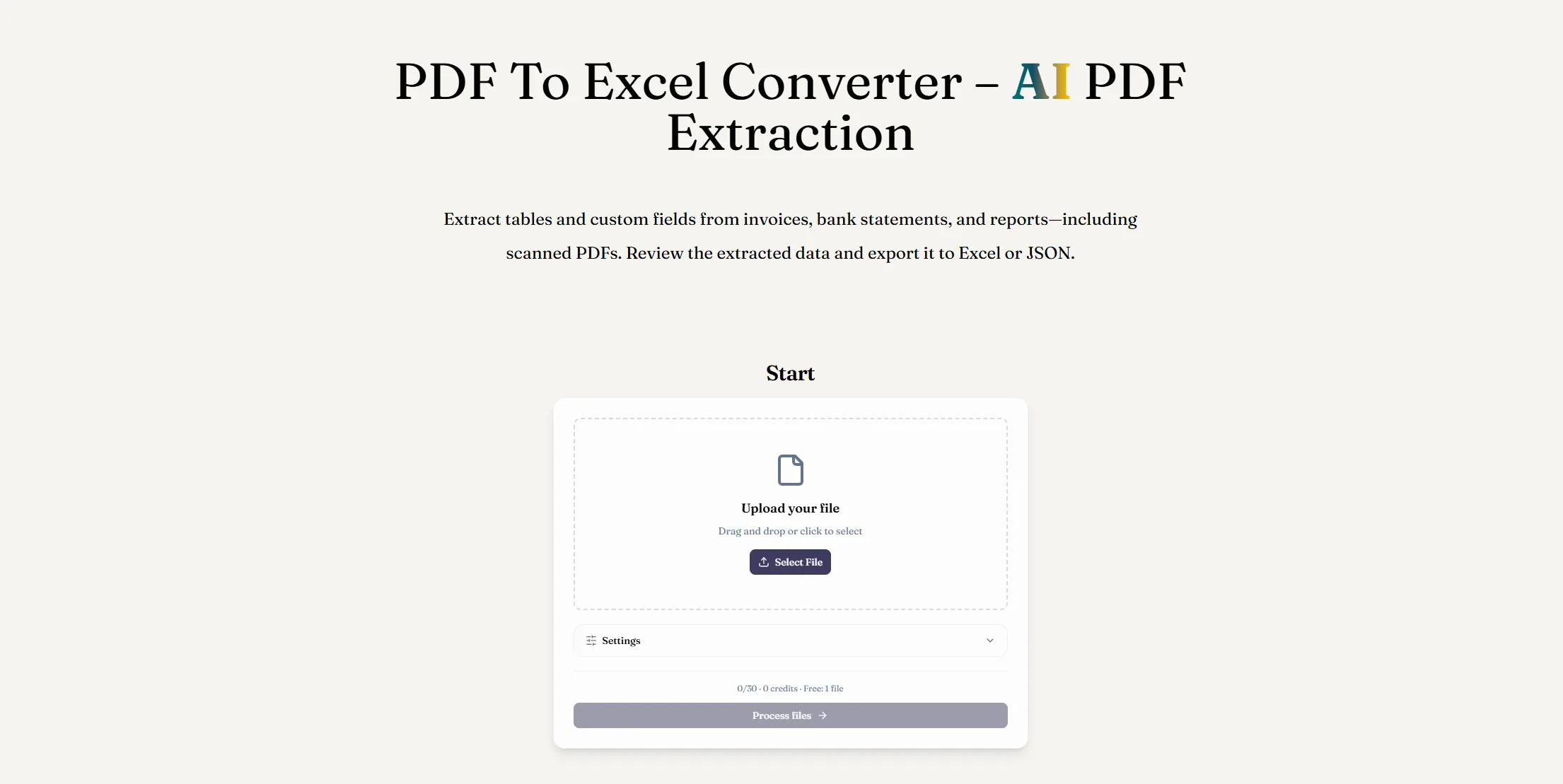
A PDF to Excel converter extracts information from a PDF and organizes it in an editable spreadsheet. ReadyData uses AI PDF extraction to identify document fields and table data before exporting the results as an XLSX file.
PDF extraction is the process of reading text, tables, and selected fields from PDF documents and turning them into structured data. That data can then be exported to Excel or JSON for analysis and automation.
Yes. ReadyData can read scanned and image-based PDFs, including invoices, receipts, and bank statements, and organize the detected information into editable Excel data.
ReadyData maps detected fields and table rows into a structured spreadsheet. The output focuses on usable data rather than matching the PDF page layout. Review headers, row alignment, and values when working with complex tables or low-quality scans.
Yes. Describe fields such as invoice numbers, dates, totals, or transaction amounts and save them as a reusable template. These preferences guide extraction; the result may include other relevant information and does not guarantee a fixed set of columns.
Yes. In addition to Excel XLSX files, you can export structured results as JSON for use in databases, automations, APIs, and custom applications.
Managing information stored in PDF documents can be challenging, especially when you need to analyze large amounts of data or transfer records into spreadsheets. ReadyData provides an AI-powered PDF to Excel solution that helps transform static documents into structured, editable data. As a practical AI tool in the growing category of AI Office Tools, it simplifies document processing and helps users spend less time on repetitive data entry.
So, what exactly is a PDF to Excel converter? Essentially, it extracts information from PDF files and organizes it into a spreadsheet that you can edit, sort, filter, and analyze. ReadyData goes beyond basic text conversion by using AI PDF extraction to identify document fields, table headers, rows, and relevant values before exporting the results as an XLSX workbook. This approach is particularly useful for invoices, financial statements, receipts, and business reports.
Another important feature is its ability to process scanned and image-based PDFs. Traditional conversion tools may struggle when document content is stored as an image rather than selectable text. ReadyData can read scanned invoices, receipts, and bank statements, helping turn otherwise difficult-to-copy information into usable spreadsheet data. This capability makes the tool especially valuable for businesses that manage both digital records and paper-based documents.
ReadyData also offers flexibility when it comes to data extraction. Instead of relying entirely on automatic extraction, users can describe the specific fields they need, including invoice numbers, dates, transaction amounts, and totals. These preferences can be saved as reusable templates, making recurring document-processing tasks more convenient. However, the selected fields guide the extraction process rather than guaranteeing an identical set of columns for every document, so reviewing the results remains important.
One thing worth understanding is that PDF to Excel conversion does not necessarily reproduce the original document's visual layout. ReadyData focuses on organizing information into structured rows and columns rather than recreating every detail of the PDF page. For complex tables or low-quality scans, checking column headers, row alignment, and extracted values can help prevent errors in subsequent calculations.
Beyond Excel, ReadyData supports JSON export, giving users another way to work with extracted information. JSON data can be useful for databases, APIs, automated workflows, and custom applications, making the tool relevant to both office professionals and technical teams.
Overall, ReadyData is a useful AI tool for PDF to Excel conversion that combines scanned-document processing, customizable field extraction, reusable templates, and flexible export options. Among modern AI Office Tools, it offers a practical solution for reducing manual work and making document data easier to manage. If your workflow regularly involves extracting information from PDFs, ReadyData is worth exploring, provided you verify important figures before using them for financial reporting or business decisions.



This comprehensive guide explores the best AI image generators available in 2026, highlighting their unique features, strengths, and ideal use cases. We'll dive deep into each tool's capabilities to help you identify which AI image generator best suits your creative needs.

Google has just launched a powerful AI IDE code editor — now you can really vibe while coding

The best AI Model And AI Tools in 2026,The Most Popular Free AI Model And AI Tools.