訂閱 AI 電子報
您的資料完全安全。我們不會與任何人分享。
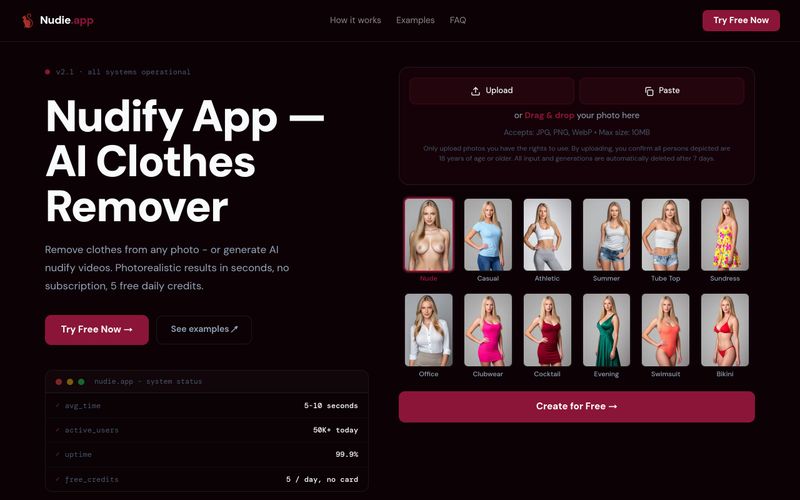
The tool runs in any mobile browser (Safari on iPhone, Chrome on Android) with no app download required. Only upload photos you have the rights to use, and ensure all persons depicted are 18 or older. Inputs are auto-deleted after processing and outputs after 7 days.
Upload a JPG/PNG/WebP photo (max 10MB), choose from 10+ styles, and download your result in under 10 seconds. No app download needed; works in any mobile browser.



This comprehensive guide explores the best AI image generators available in 2026, highlighting their unique features, strengths, and ideal use cases. We'll dive deep into each tool's capabilities to help you identify which AI image generator best suits your creative needs.

Google has just launched a powerful AI IDE code editor — now you can really vibe while coding

The best AI Model And AI Tools in 2026,The Most Popular Free AI Model And AI Tools.