訂閱 AI 電子報
您的資料完全安全。我們不會與任何人分享。
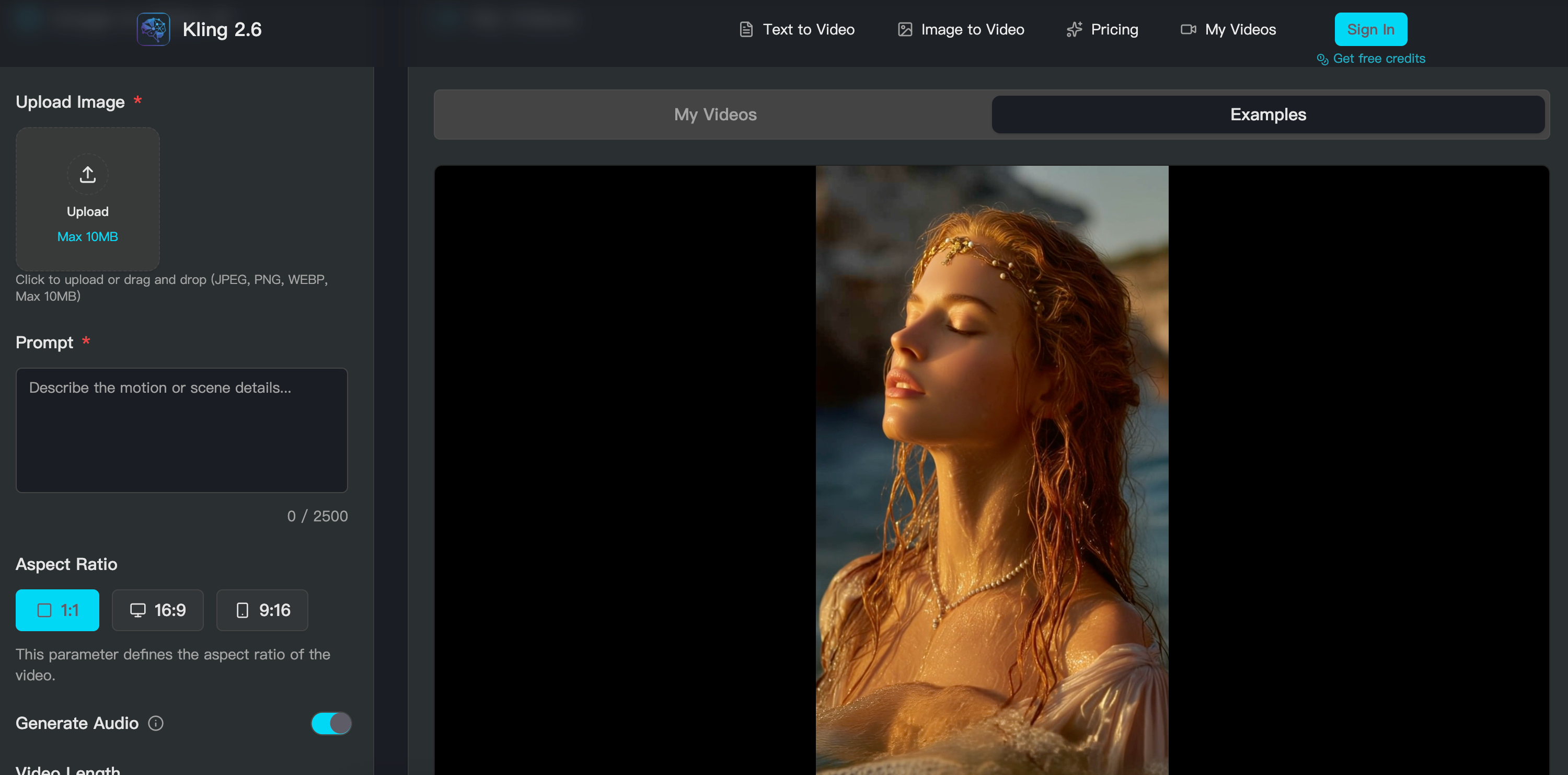
Text-to-video or image-to-video with reference images. Kling 2.6 supports detailed text prompts and static image uploads for maximum creative control.
Describe scene, style, and camera movements. Use motion path drawing to control up to 6 elements with Kling 2.6.
Process video with native audio generation. Kling 2.6 creates your video with synchronized audio in 2-3 seconds.
Download or extend your video. Export Kling 2.6 videos in MP4 format with native 1080P resolution, ready for immediate sharing.
In the competitive arena of digital content, Kling 2.6 has emerged as a high-performance AI tool that redefines the efficiency of Video Generation. By offering a streamlined four-step workflow, the platform ensures that professional-grade results are accessible to everyone, from social media managers to experienced developers.
The journey with Kling 2.6 begins with a flexible choice of modes, allowing users to initiate Video Generation through either text-to-video or image-to-video pathways. This dual approach ensures that whether you are starting with a vivid written description or a reference image, this AI tool provides the necessary infrastructure to maintain maximum creative control from the very first step.
The second stage of the process focuses on the depth of the prompt, where users can describe complex scenes, artistic styles, and specific camera movements. What truly sets Kling 2.6 apart in the Video Generation market is its integrated motion path drawing feature. This allows for the simultaneous control of up to six independent elements within a single frame, transforming a static concept into a dynamic, choreographed masterpiece.
Once the creative parameters are set, the AI tool moves into the generation phase, processing the video alongside native audio in a staggering 2 to 3 seconds. This rapid Video Generation includes perfectly synchronized sound, eliminating the need for tedious post-production. Finally, users can download their creations in MP4 format at native 1080P resolution or choose to extend the footage, ensuring every Kling 2.6 video is ready for immediate sharing on global platforms. In short, Kling 2.6 provides a comprehensive engine that balances speed, quality, and precision for the modern creator.



This comprehensive guide explores the best AI image generators available in 2026, highlighting their unique features, strengths, and ideal use cases. We'll dive deep into each tool's capabilities to help you identify which AI image generator best suits your creative needs.

Google has just launched a powerful AI IDE code editor — now you can really vibe while coding

The best AI Model And AI Tools in 2026,The Most Popular Free AI Model And AI Tools.