訂閱 AI 電子報
您的資料完全安全。我們不會與任何人分享。
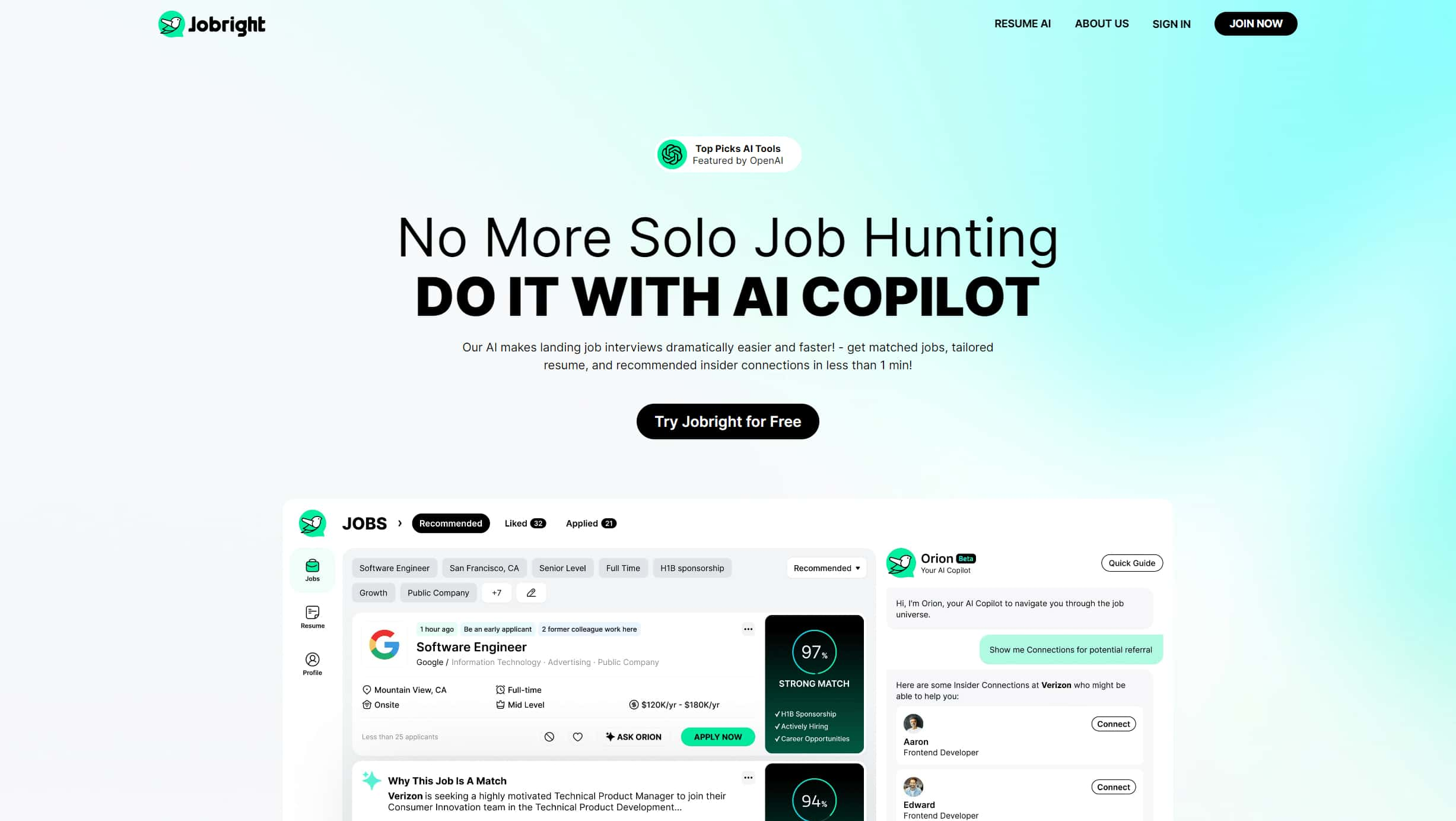
Using Jobright AI to create a resume is very simple. First, users need to visit the Jobright AI official website and register an account. After successful registration, users can choose to start generating a new resume. The system will guide users to gradually fill in personal information, including educational background, work experience, and skills. Once all information is filled in, users can choose a suitable resume template.
In the template selection stage, Jobright AI provides a variety of professionally designed templates for users to choose from. After selecting a template, the system will automatically generate the resume, which users can preview and modify. For unsatisfactory parts, users can manually adjust or modify according to the system's optimization suggestions. Finally, users can download the generated resume and save it in PDF or other formats for easy printing and sending.
The usage process of Jobright AI is simple and intuitive, without any professional skills required. Even first-time users can complete a high-quality resume in a short time. The optimization suggestions provided by the system help users continuously improve their resumes, increasing their chances of success in job applications.



This comprehensive guide explores the best AI image generators available in 2026, highlighting their unique features, strengths, and ideal use cases. We'll dive deep into each tool's capabilities to help you identify which AI image generator best suits your creative needs.

Google has just launched a powerful AI IDE code editor — now you can really vibe while coding

The best AI Model And AI Tools in 2026,The Most Popular Free AI Model And AI Tools.