訂閱 AI 電子報
您的資料完全安全。我們不會與任何人分享。
Video collaboration platform built for how creatives actually work. Annotate videos visually, record in-depth feedback, add any reference on your screen.
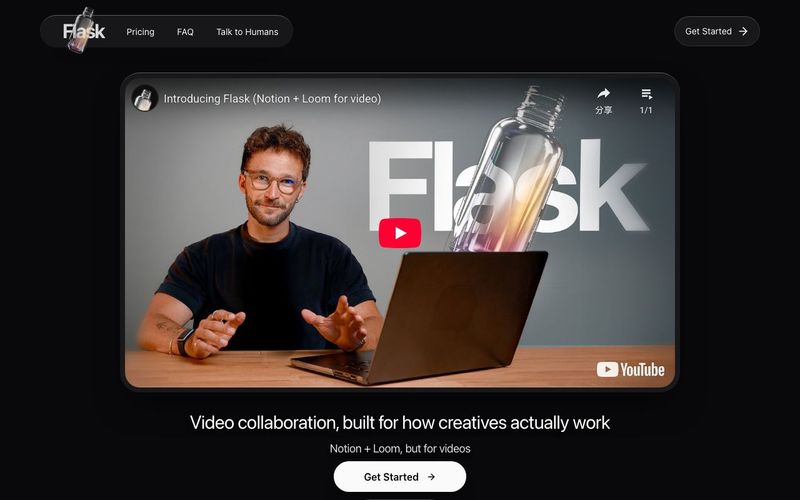
Flask is an innovative AI tool and video generation platform designed specifically for creative teams, built by creatives to match the way creatives actually work. Unlike traditional text-based task tools, Flask allows users to show, not type, transforming video collaboration into an intuitive, visual experience. With Flask, you can record feedback directly on your screen, annotate references, and watch the platform convert even a casual 5-minute ramble into clear, actionable tasks, making feedback faster, clearer, and more organized.
The platform excels in remote video collaboration, providing a smooth editing workflow and an interface praised for speed, polish, and thoughtful design. Beta users report that AI-powered video summaries streamline reviews, particularly for YouTube content, design, and motion graphics teams. Flask not only captures feedback efficiently but also keeps multiple stakeholders aligned without the confusion of scattered messages or overloaded email threads. Many reviewers note that it replaces traditional text-only collaboration tools, making it easier to track visual storytelling, motion, and creative details.
Flask offers unlimited free video collaboration, allowing users to create, share, and review videos without restrictions. For teams needing more advanced functionality, Flask Pro provides shared workspaces and direct uploads to Flask, while tagging, filtering, and organizing tools enable custom workflows tailored to your creative process. Users consistently praise Flask for its reliability from first use, smooth UX, and the ability to manage creative projects in a way no other tool currently offers.
Whether you’re a designer, motion artist, or content creator, Flask demonstrates the power of combining AI tools with video generation capabilities to transform feedback and collaboration into a faster, more intuitive, and visually rich process. It’s a must-have platform for creative teams seeking efficiency, clarity, and innovation in their video workflows.
Yes, on the free plan you can use Flask, including all the recording features, tagging and AI summarization. Just upload your videos to YouTube either as public or unlisted and drop the link in Flask.
Flask supports both YouTube videos (both with visibility 'Public' and 'Unlisted') and uploading videos from your device (for Pro users). The product and all the commenting features work in the exact same way for both. You can not only annotate public videos (e.g. for breakdowns or references), but also private ones, without any limitations on storage space.
Yes. When you create a Flask, if it's set to 'Anyone with link can edit' (default option) anyone can just quickly sign in with Google and add comments and recordings to the Flask. No subscription required and no limit on number of people collaborating.
Yes. When you activate a Pro subscription a Pro team is created. You can invite others in that team with an invite link: you will then have a shared space with all your team's Flasks in one place and every user will be able to upload videos from device as well as from YouTube.
No. Only recordings (Thoughts recordings or Screen recordings) on the canvas are analyzed by AI to extract insights.
No. We offer a yearly plan with a 30 day satisfaction guarantee, meaning you get a full refund if you are not happy with the product for any reason.
When you create a Pro team, you get added to that team (1 seat). Once team members join the team via invite link, a seat is added to your subscription. We prorate the charge for these seats for the remainder of your billing period.
Yes! You can switch between monthly and yearly billing anytime. When switching to yearly, you'll be charged the prorated amount immediately. When switching to monthly, the change takes effect at the end of your current period.
When you remove team members, you'll receive a prorated credit on your next invoice for the unused time.
Yes, you can cancel your Flask Pro subscription at any time. Just click on 'Manage Subscription' in your Pro team settings. Your team will continue to have Pro features until the end of your current billing period.
Yes. If you are not happy for any reason with Flask Pro you can ask for a refund within 30 days of purchase. You will be refunded the full amount paid and Pro team will be deleted.
The Top 1% of teams whose Flasks have been viewed by the most unique people (legitimately), at the end of the year will get their next year on Flask Pro completely for free.
As a team owner, you can invite unlimited members to your Pro team. Each member will have their own account and can create and share flasks within the team workspace. You can also remove team members at any time.
分享實用筆記,並幫助其他人評估這個工具。
尚無評論。開始對話吧。

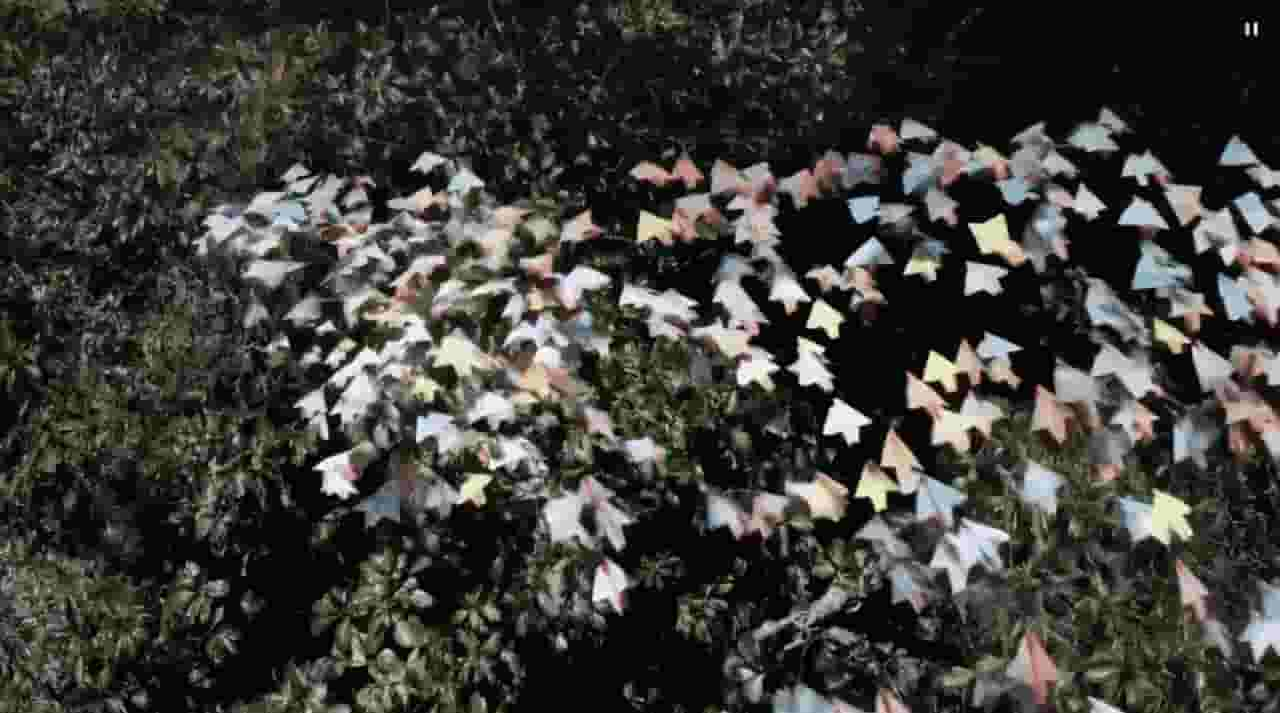
Sora is a large AI image-to-video model launched by OpenAI in 2026. It can create realistic and imaginative scenes based on text instructions.
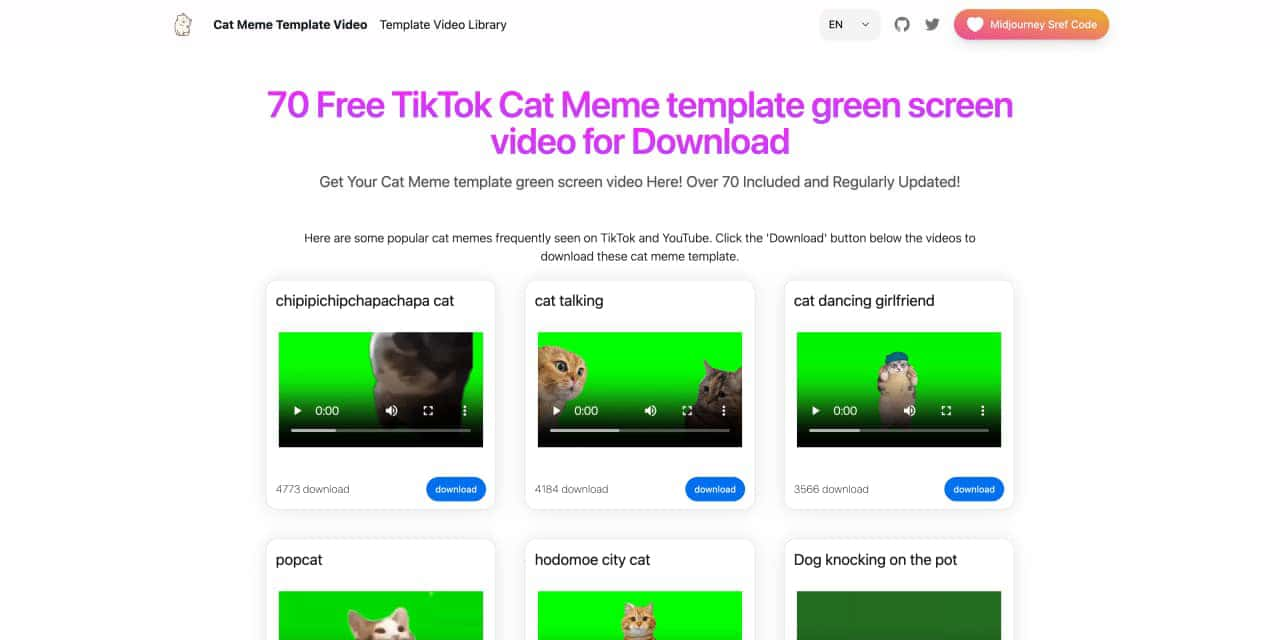
You can download the latest and most popular green screen cat meme template video featured on TikTok and YouTube. These materials are offered for free
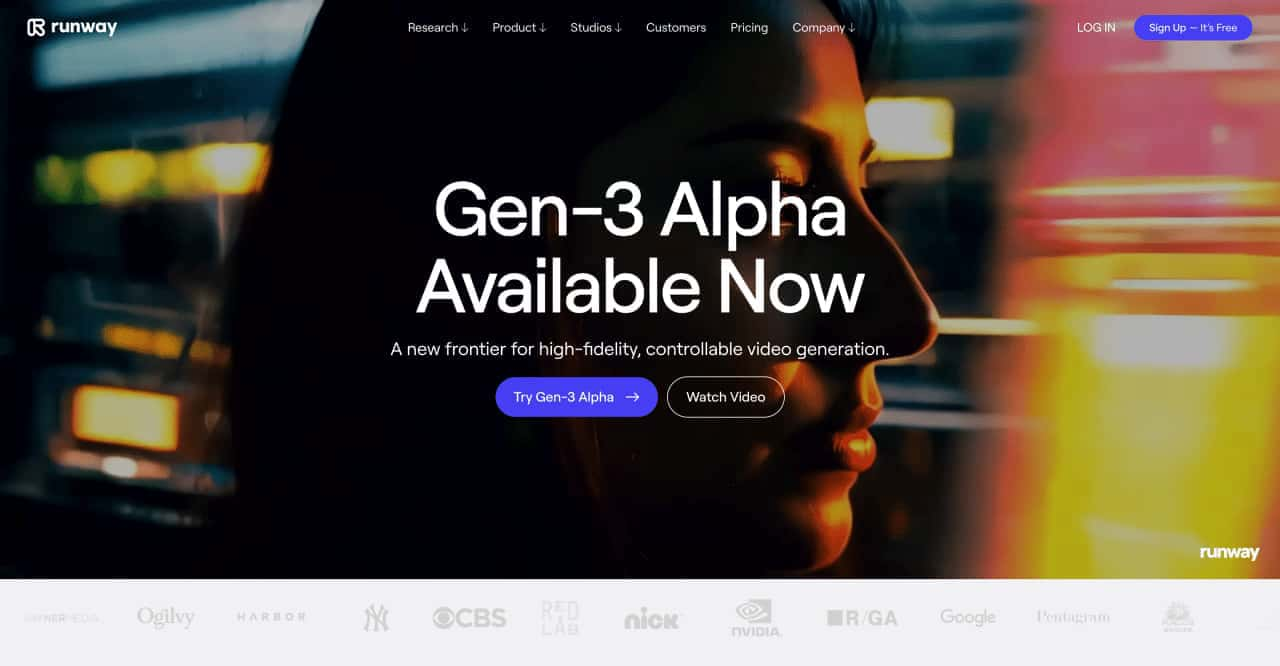
Runway is an applied AI research company shaping the next era of art, entertainment and human creativity.
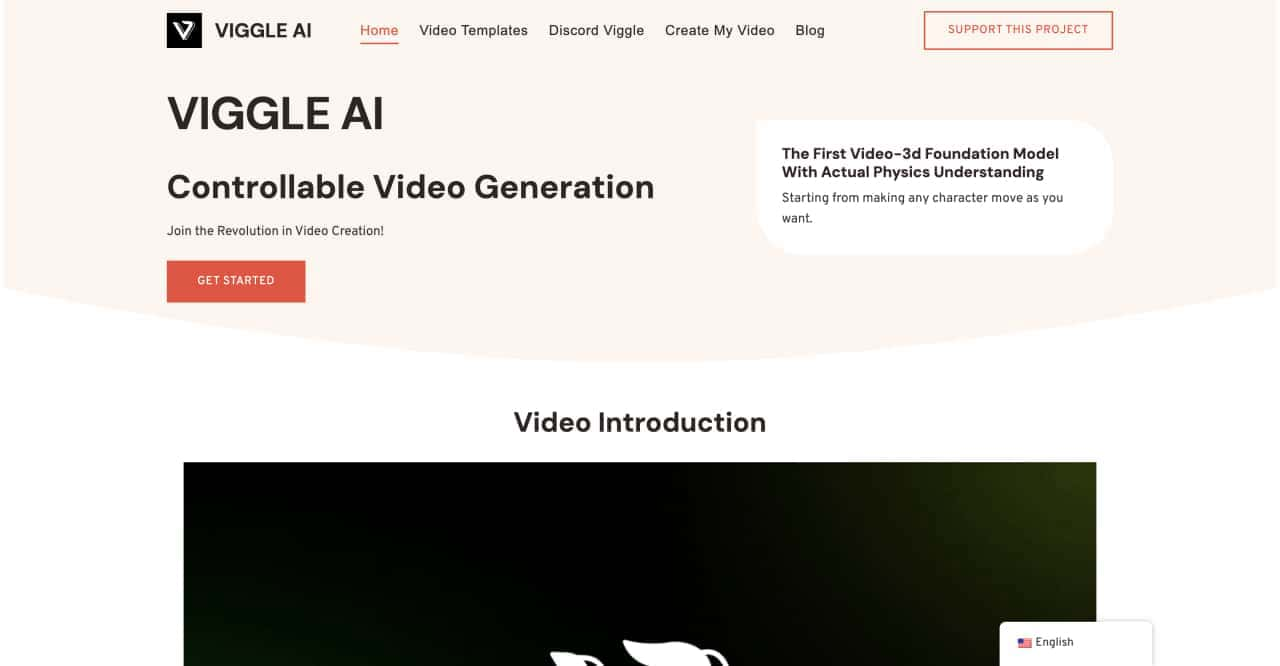
Use Viggle AI to create dynamic animations from images and text prompts. This guide covers its benefits, usage steps, and frequently asked questions.



This comprehensive guide explores the best AI image generators available in 2026, highlighting their unique features, strengths, and ideal use cases. We'll dive deep into each tool's capabilities to help you identify which AI image generator best suits your creative needs.

Google has just launched a powerful AI IDE code editor — now you can really vibe while coding

The best AI Model And AI Tools in 2026,The Most Popular Free AI Model And AI Tools.