訂閱 AI 電子報
您的資料完全安全。我們不會與任何人分享。
Firebase Studio is an entirely web-based workspace for full-stack application development, complete with the latest generative AI from Gemini, and full-fidelity app previews, powered by cloud emulators.
Firebase Studio is a cutting-edge, cloud-based agentic development environment that revolutionizes the entire app development lifecycle. Designed to accelerate full-stack AI application development, Firebase Studio enables developers to build backends, frontends, and mobile apps - all in one unified workspace. This powerful platform integrates Project IDX with specialized AI agents and Gemini assistance to provide a collaborative workspace accessible from anywhere.
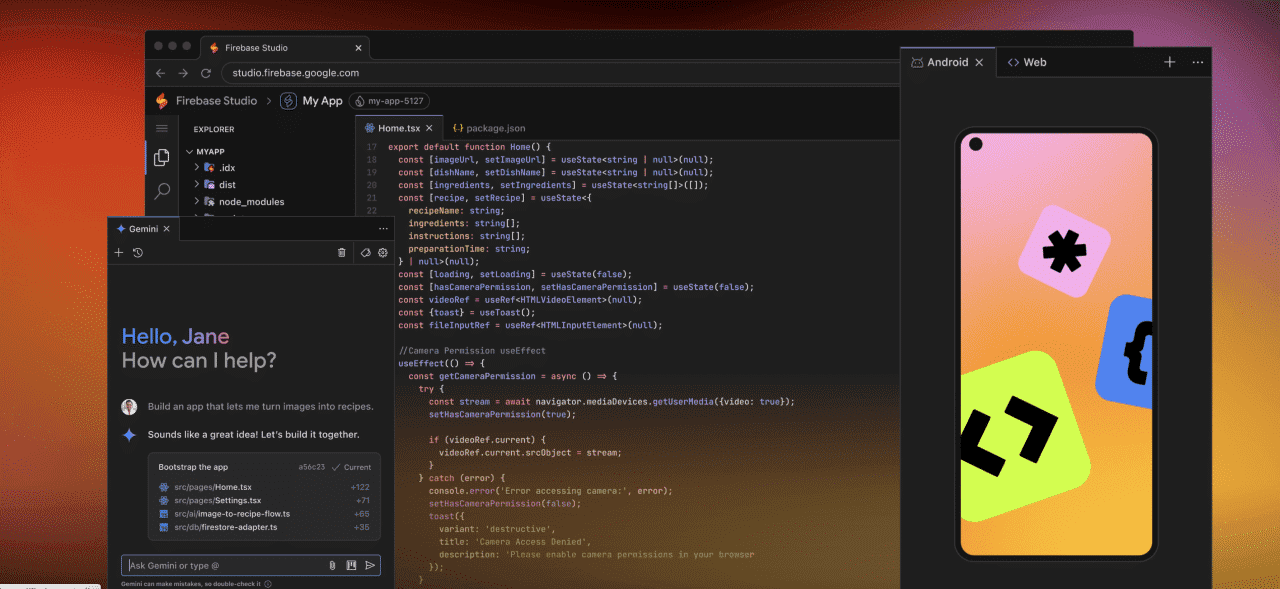
Firebase Studio supports multiple development modes, allowing you to either code with full control in a Code OSS-based IDE or prototype without coding using the App Prototyping agent. This flexibility lets you seamlessly transition between approaches based on your preferences and project requirements, making it an invaluable tool for both beginners and experienced developers in the realm of Code Assistance.
Firebase Studio currently offers three workspaces at no cost during preview, with increased workspace limits for Google Developer Program members. This powerful AI Tools platform integrates seamlessly with Firebase and Google Cloud services, making it an essential addition to any developer's Code Assistance toolkit.
A: Firebase Studio is a cloud-based, agentic development environment that helps you build and ship production-quality full-stack AI apps, including APIs, backends, frontends, mobile applications, and more, all from your browser.
A: Firebase Studio offers three workspaces at no cost during the preview period. Google Developer Program members receive 10 workspaces, while Premium members get 30 workspaces. Certain integrations like Firebase App Hosting may require a Cloud Billing account.
A: Firebase Studio supports most popular tech stacks, including Go, Java, .NET, Node.js, Python Flask, Next.js, React, Angular, Vue.js, Android, Flutter, and many more through its extensive template library.
A: Yes, you can import projects from GitHub, GitLab, Bitbucket, or upload a local archive to continue development in Firebase Studio.
A: The App Prototyping agent uses Gemini AI to create functional applications from natural language descriptions, images, and drawings. It generates a complete codebase that you can immediately preview, modify, and deploy.
A: Firebase Studio works with most modern browsers including Chrome, Firefox, Safari, Opera, Arc, and Brave, though some may require enabling third-party cookies.
A: Yes, you can share your workspace URL with collaborators, allowing them to access the same development environment. However, collaborators need explicit permissions to publish or monitor apps in the associated Firebase project.
A: Firebase Studio allows you to customize your environment using Nix, including system packages, language tooling, IDE configurations, and app previews.
A: Firebase Studio's use of generative AI features is governed by the Generative AI Prohibited Use Policy and Gemini API Terms of Service. You can block the use of your code for model training by turning off code completion and code indexing in your settings.
A: Firebase Studio includes all the functionality of Project IDX plus additional features like the App Prototyping agent, deeper Firebase platform integration, and agentic capabilities. Existing Project IDX users can access their projects in Firebase Studio.
These AI Tools offered by Firebase Studio provide comprehensive solutions for developers looking to enhance their productivity and leverage the latest Code Assistance technologies.
閱讀 Firebase Studio 在社交媒體上的經驗分享與評論。第一手回饋突顯此 AI 工具的優點和功能,讓您更容易評估。
分享實用筆記,並幫助其他人評估這個工具。
尚無評論。開始對話吧。

The New Era of Software Development Begins
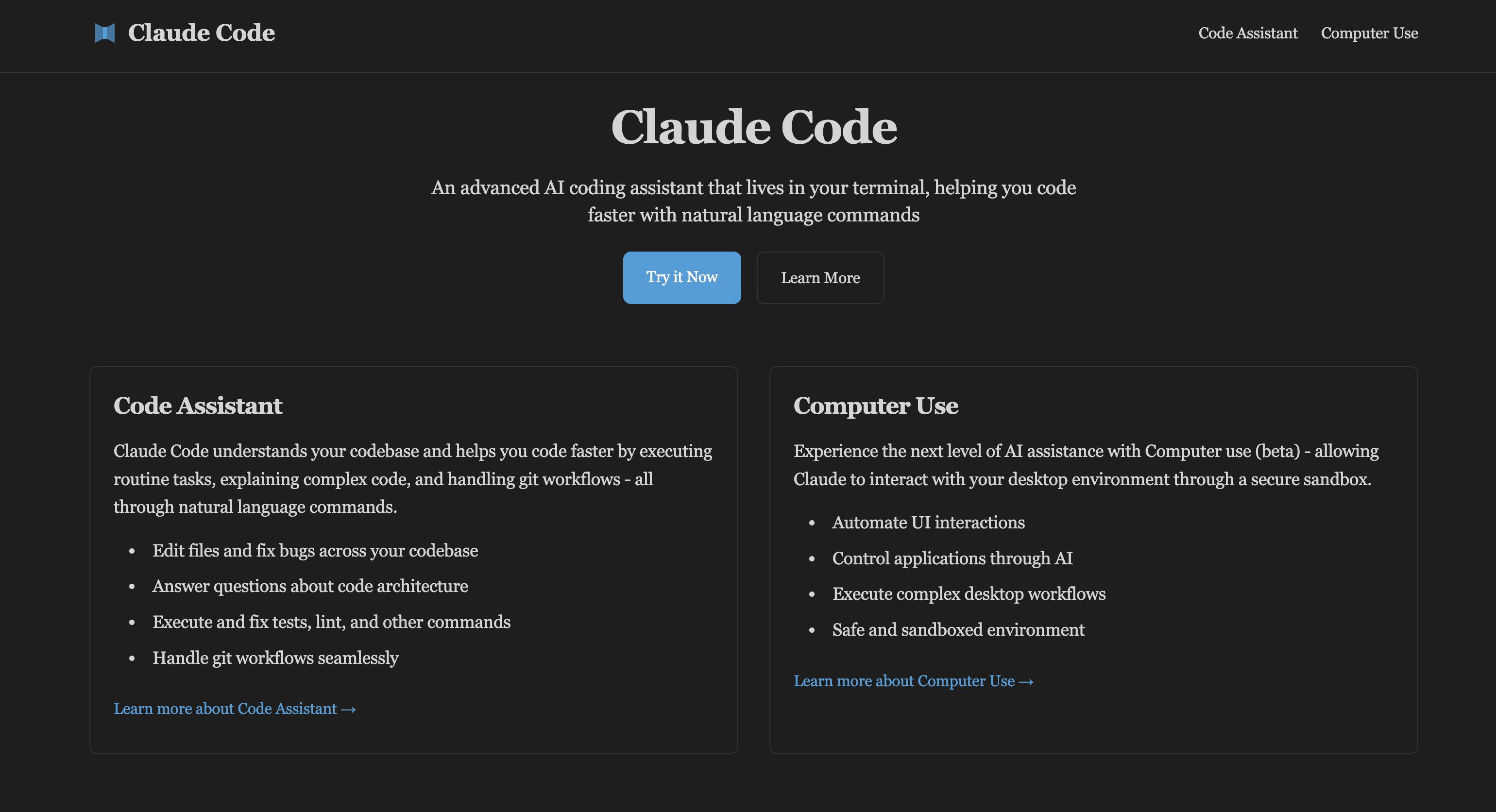
Claude Code is an advanced AI coding assistant that can be embedded in your terminal. Learn Claude Code and computer usage features to enhance development workflow, developed by Claude AI.
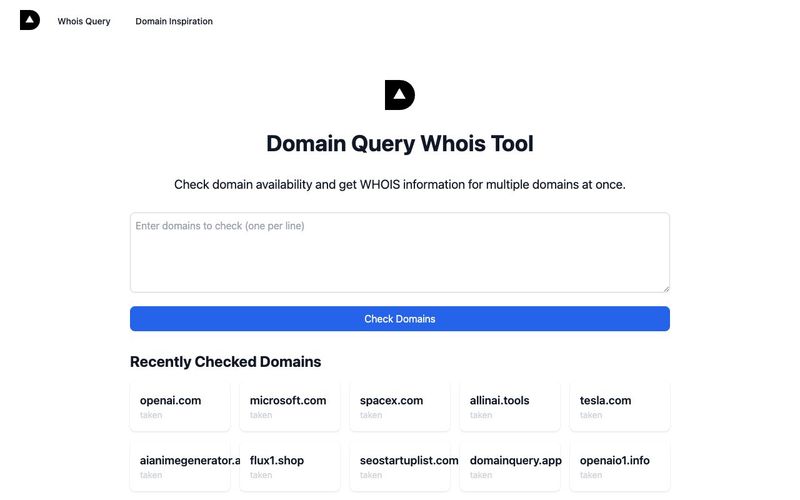
AI-based domain name availability and WHOIS query, providing interesting domain name inspiration explanations,Domain name inspiration can help you find creative and meaningful names for your website or brand. Our Domain Inspiration feature provides unique interpretations and insights about domain names, helping you make informed decisions.
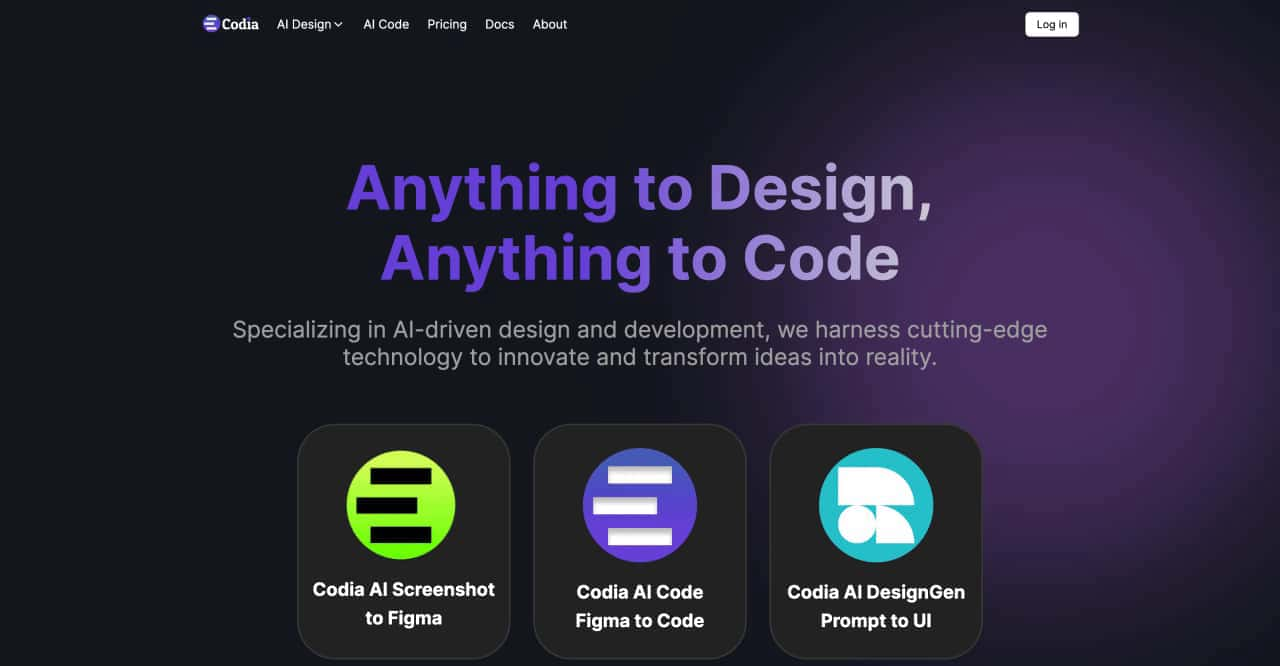
transform ideas into reality, effortlessly converting screenshots to Figma designs, turning prompts into UI designs, transforming images into SVG files, and enabling seamless transitions from design to code



This comprehensive guide explores the best AI image generators available in 2026, highlighting their unique features, strengths, and ideal use cases. We'll dive deep into each tool's capabilities to help you identify which AI image generator best suits your creative needs.

Google has just launched a powerful AI IDE code editor — now you can really vibe while coding

The best AI Model And AI Tools in 2026,The Most Popular Free AI Model And AI Tools.