訂閱 AI 電子報
您的資料完全安全。我們不會與任何人分享。
Build one character, reuse branded scenes, and generate videos or full music videos from script or voice while keeping identity consistent.
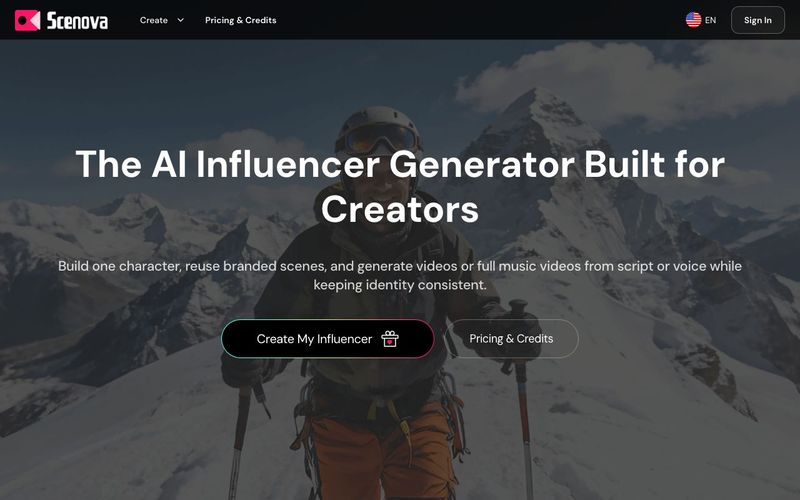
Create one AI influencer identity, reuse scenes, and produce AI avatar videos or AI music videos with predictable credits in Scenova virtual influencer studio.
The AI Influencer Generator Built for Creators
Build one character, reuse branded scenes, and generate videos or full music videos from script or voice while keeping identity consistent.
Everything You Need in an AI Influencer Generator Studio
Keep identity consistent while you scale output across formats.
AI Character Creator
Name your character, set face and voice, and lock identity so every generation stays on-model.
AI Scene Generator
Upload or generate branded scenes once, then reuse them in AI Video Generator and AI Music Video Generator.
AI Video Generator
Generate talking videos in Script Mode or Voice Mode with preview-first controls and clear credit estimates.
How to Go From Character Setup to Published Videos
Set up once, then run a repeatable workflow for scenes, talking videos, and music videos.
Lock Your Character Foundation
Set name, face, and voice so your virtual influencer stays consistent across outputs.
Build Reusable Scenes
Upload or generate scene frames you can reuse instead of rebuilding every background.
Generate, Review, and Publish
Run previews, render finals, and download assets ready for your channels.
Run Your Virtual Influencer with Predictable Credits
Start with a plan that matches your output, then top up with packs when campaigns spike. Every workflow shows credit usage before you generate.
AI Character Creator
Create a reusable AI character with locked face and voice, then use it across AI Scene Generator, AI Video Generator, and Music Video workflows in Scenova.
AI Scene Generator
Create reusable scenes for your virtual influencer and keep visual consistency across talking videos and music video projects.
AI Video Generator
Create talking videos from script or uploaded voice with your AI character, optional reusable scenes, and preview-first credit control.
AI Music Video Generator
Turn lyrics or a theme into an original song, then generate and refine a full AI music video with segment-level controls and consistent character visuals.
What is an AI influencer generator?
An AI influencer generator lets you create a reusable virtual influencer identity (face + voice), then produce consistent scenes, talking videos, and music videos from one setup.
Can an AI influencer generator keep my character consistent?
Yes. Scenova keeps your saved face and voice linked to one identity, so scenes, talking videos, and music videos stay consistent.
What can I create with an AI influencer generator?
You can create a reusable AI influencer, build scenes, generate talking videos from script or voice, and produce full music videos.
Why should I create a saved character first?
A saved character keeps face and voice consistent across scenes and videos. Without it, identity can drift between generations.
Can I edit a character after I create it?
Yes. You can update name, image, and voice at any time. If you change identity inputs, regenerate multi-view outputs to refresh consistency.
Where can I use my character after setup?
You can use it in AI Scene Generator, AI Video Generator, and AI Music Video Generator workflows.
Can I save a scene to use in a video later?
Yes. Every scene you create is saved as a "Master Frame." You can reuse it in AI Video Generator and AI Music Video Generator to keep visual consistency.
What is the difference between Preview and Final?
Preview is a 480p draft that costs 10 credits and helps you validate lip sync and pacing. Final render is 1080p and costs 10 credits per second (minimum 10).
How long can each generated video be?
Each run supports up to 60 seconds. For longer videos, split your script into multiple clips and combine them in your editor.
分享實用筆記,並幫助其他人評估這個工具。
尚無評論。開始對話吧。


探索精選的 Codex 皮膚、儲存最愛,並在 macOS 或 Windows 上自訂 Codex 桌面版,保留原生 UI。

NanoBananaAI 是一款由 Google 先進影像模型 Nano Banana Pro 驅動的免費 AI 圖片生成器。只需自然語言提示詞,就能建立、編輯及轉換令人驚豔的視覺影像,無需設計技能。

從想法或腳本建立無臉 Reels。在生成前檢查鉤子、旁白、視覺效果、字幕和場景計劃。
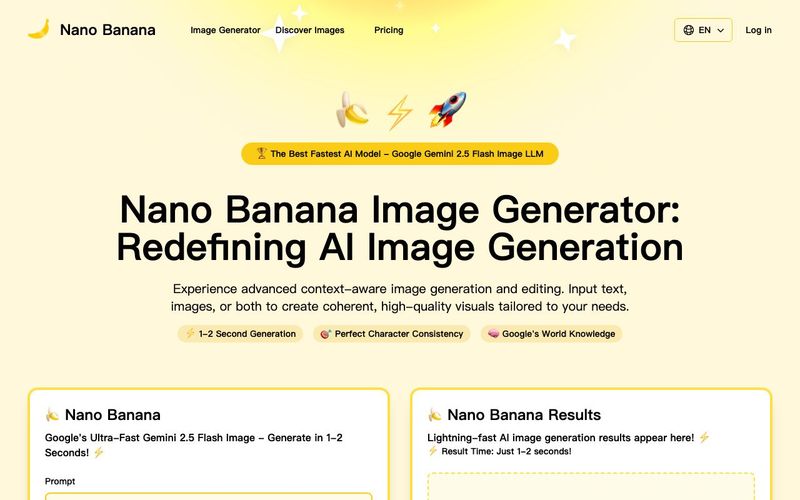
Discover Nano Banana, the next-generation multimodal model for context-aware image generation and editing. Combine text and image prompts to create, edit, and refine visuals with unmatched consistency and style.



This comprehensive guide explores the best AI image generators available in 2026, highlighting their unique features, strengths, and ideal use cases. We'll dive deep into each tool's capabilities to help you identify which AI image generator best suits your creative needs.

Google has just launched a powerful AI IDE code editor — now you can really vibe while coding

The best AI Model And AI Tools in 2026,The Most Popular Free AI Model And AI Tools.