Подпишитесь на новости ИИ
Ваши данные полностью защищены. Мы никому их не передаём.
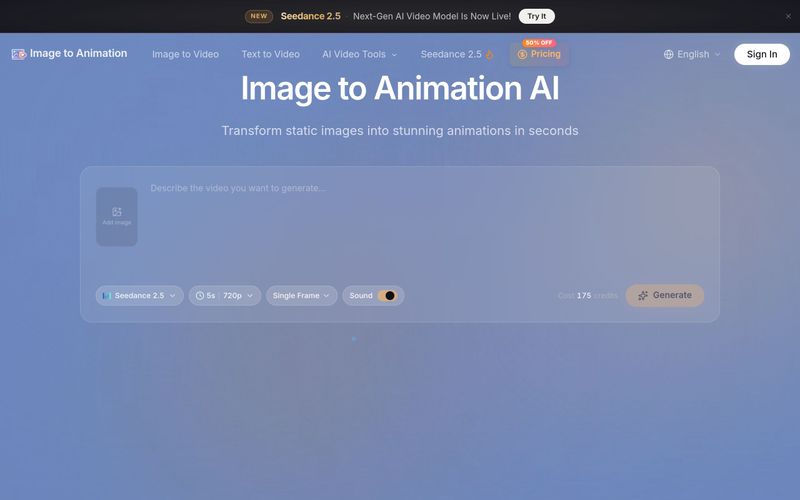
Creating your first animation is quick and straightforward—no editing skills required. Follow these three simple steps:
For best results, be descriptive in your prompt—mention the desired motion, camera angles, and mood. You can experiment with different AI models to see which produces the best outcome for your specific image.
Upload an image, describe the desired animation, choose settings, and generate. Download your watermark-free video in seconds. No technical skills needed.



This comprehensive guide explores the best AI image generators available in 2026, highlighting their unique features, strengths, and ideal use cases. We'll dive deep into each tool's capabilities to help you identify which AI image generator best suits your creative needs.

Google has just launched a powerful AI IDE code editor — now you can really vibe while coding

The best AI Model And AI Tools in 2026,The Most Popular Free AI Model And AI Tools.