Assine a newsletter de IA
Seus dados estão completamente seguros conosco. Não os compartilhamos com ninguém.
Convert PDF to Excel with AI PDF extraction. Extract tables and custom fields from digital or scanned documents, review the results, and download an XLSX file.
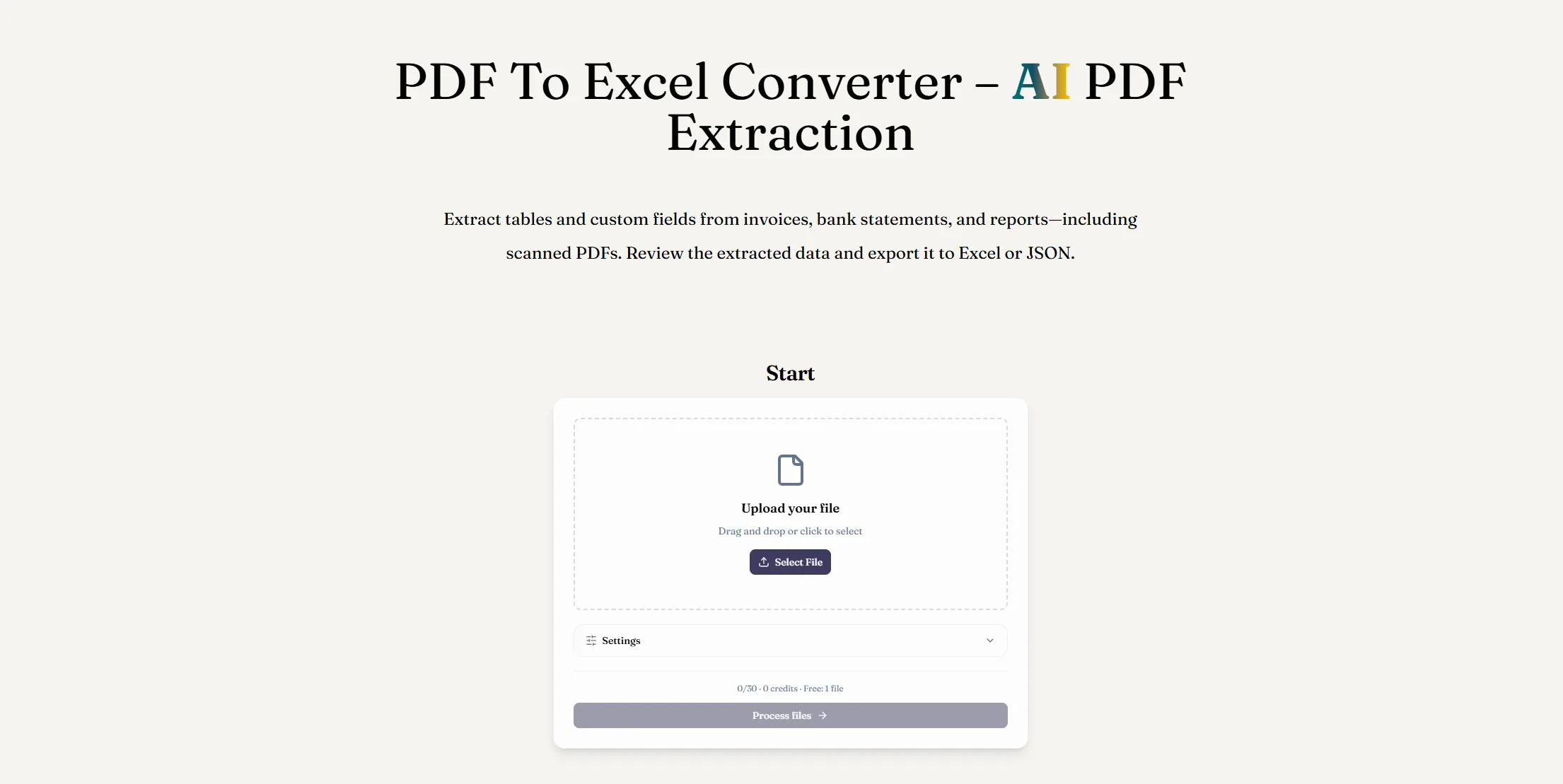
ReadyData is a powerful AI tool designed to simplify document processing by converting PDF files into structured, editable spreadsheets. As one of the practical AI Office Tools for everyday productivity, its AI-powered PDF extraction helps users extract tables, invoice details, bank transactions, and custom fields from digital and scanned PDFs without tedious manual data entry.
1. AI-Powered PDF Data Extraction
ReadyData identifies table structures, column headers, rows, and line items, transforming unstructured PDF content into organized spreadsheet-ready data. It supports invoices, receipts, bank statements, financial documents, and operational reports, including scanned and image-based PDFs.
2. Custom Field Selection and Reusable Templates
Choose the exact information you need, such as invoice numbers, dates, transaction amounts, or totals. You can also save extraction preferences as reusable templates, making recurring document processing faster and more consistent.
3. Editable Excel and JSON Exports
With the PDF to Excel converter, extracted data can be downloaded as an XLSX workbook for further editing, calculations, and analysis. Alternatively, export structured results as JSON for databases, APIs, automated workflows, and custom applications.
4. Review and Batch Processing
Before exporting, compare extracted tables with the original PDF to check values, headers, and row alignment. ReadyData also supports processing multiple PDFs and downloading completed results together, helping streamline repetitive administrative tasks.
5. Browser-Based Convenience
This AI Office Tool works directly in your browser on Windows, macOS, and mobile devices, with no desktop software installation required.
Manually copying PDF data into Excel can be time-consuming and error-prone, especially when dealing with scanned documents or complex tables. ReadyData helps reduce repetitive work by turning document information into structured, reusable data. Its AI extraction capabilities make it useful for finance teams, business owners, accountants, and professionals who regularly handle large volumes of documents.
If you're looking for an efficient AI tool for PDF to Excel conversion, ReadyData offers a convenient way to extract, review, and export valuable information while spending less time on data entry and spreadsheet cleanup.
Upload your PDF
Add a digital or scanned PDF, such as an invoice, bank statement, receipt, or report.
Choose the data to extract
Select table extraction and describe the fields you need, such as invoice numbers, dates, or amounts. Save field preferences for similar documents.
Export to Excel
Compare the extracted tables with your PDF, then download an XLSX workbook. Make corrections and adjust number or date formats in Excel.
A PDF to Excel converter extracts information from a PDF and organizes it in an editable spreadsheet. ReadyData uses AI PDF extraction to identify document fields and table data before exporting the results as an XLSX file.
PDF extraction is the process of reading text, tables, and selected fields from PDF documents and turning them into structured data. That data can then be exported to Excel or JSON for analysis and automation.
Yes. ReadyData can read scanned and image-based PDFs, including invoices, receipts, and bank statements, and organize the detected information into editable Excel data.
ReadyData maps detected fields and table rows into a structured spreadsheet. The output focuses on usable data rather than matching the PDF page layout. Review headers, row alignment, and values when working with complex tables or low-quality scans.
Yes. Describe fields such as invoice numbers, dates, totals, or transaction amounts and save them as a reusable template. These preferences guide extraction; the result may include other relevant information and does not guarantee a fixed set of columns.
Yes. In addition to Excel XLSX files, you can export structured results as JSON for use in databases, automations, APIs, and custom applications.
Compartilhe notas práticas e ajude outros a avaliar esta ferramenta.
Ainda não há comentários. Comece a conversa.

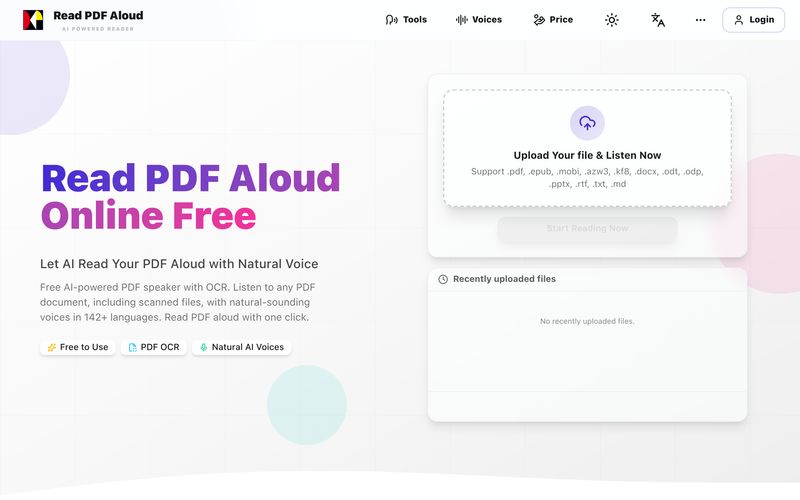
Leia PDF em voz alta gratuitamente com vozes naturais de IA. Suporta 142+ idiomas, 600+ vozes, OCR para arquivos escaneados e exportação em MP3. Funciona em qualquer dispositivo. Converta qualquer PDF em fala em segundos.
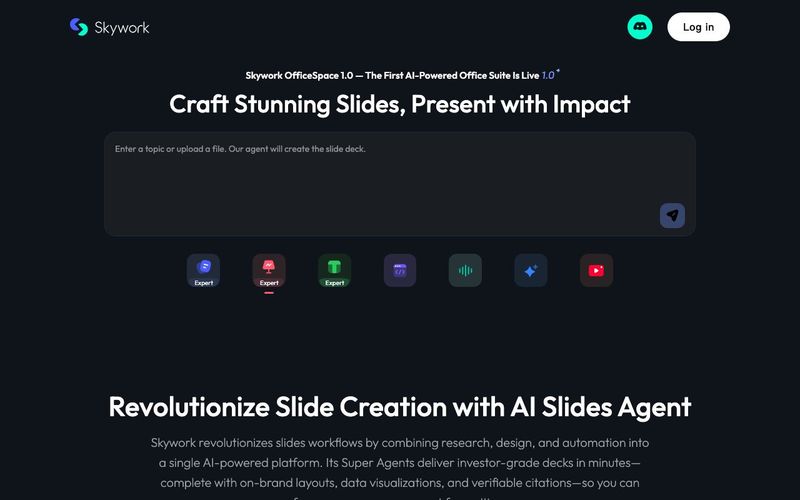
Transform your presentation workflow with the Skywork AI Slides Assistant — an intelligent solution that generates investor-grade slides in minutes, not hours. Our AI-powered platform combines deep research, professional design, and automated formatting to deliver stunning presentations that showcase your expertise.

AI bookmark manager with semantic search, automatic tagging, and cross‑platform sync. Save anything and find it faster—organized by AI.

Turn your chaotic and noisy workplace communication into calm collaboration, with Zivy! Skim. Schedule. Tag. Todo. Take action on your messages in zen.



This comprehensive guide explores the best AI image generators available in 2026, highlighting their unique features, strengths, and ideal use cases. We'll dive deep into each tool's capabilities to help you identify which AI image generator best suits your creative needs.

Google has just launched a powerful AI IDE code editor — now you can really vibe while coding

The best AI Model And AI Tools in 2026,The Most Popular Free AI Model And AI Tools.