Assine a newsletter de IA
Seus dados estão completamente seguros conosco. Não os compartilhamos com ninguém.
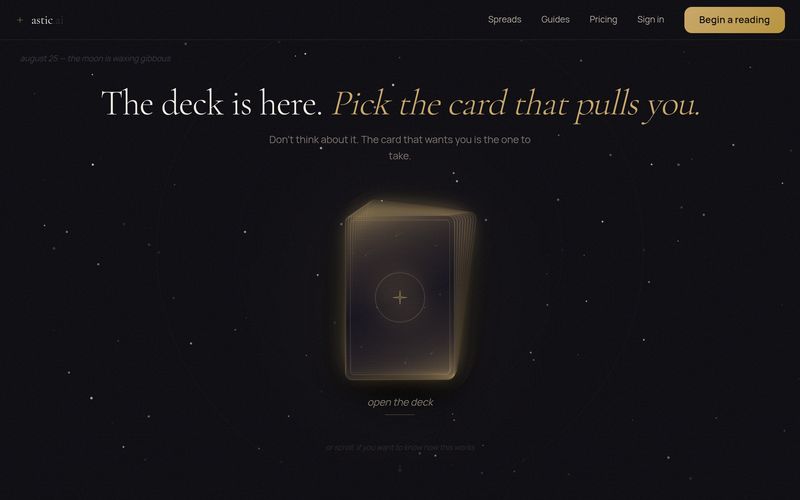
1. Visite astic.ai e clique em 'Iniciar uma leitura'.
2. Selecione um tipo de leitura (por exemplo, Pergunta Aberta, Compatibilidade Amorosa, Ano à Frente, Encruzilhada, Sombra, Dinheiro & Carreira).
3. Responda a algumas perguntas sobre sua situação. 4. Receba uma leitura personalizada que você pode ler e guardar.
Escolha um tipo de leitura, responda a perguntas, receba um relatório personalizado.



This comprehensive guide explores the best AI image generators available in 2026, highlighting their unique features, strengths, and ideal use cases. We'll dive deep into each tool's capabilities to help you identify which AI image generator best suits your creative needs.

Google has just launched a powerful AI IDE code editor — now you can really vibe while coding

The best AI Model And AI Tools in 2026,The Most Popular Free AI Model And AI Tools.