AI 뉴스레터 구독
귀하의 데이터는 완전히 안전하게 보호됩니다. 어떤 누구와도 공유하지 않습니다.
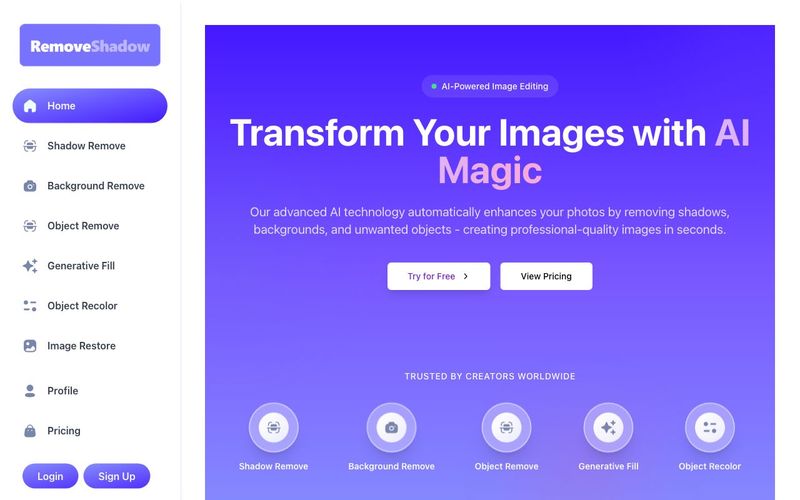
Transform your images with AI-powered technology. Remove shadows, backgrounds, and unwanted objects to create professional-quality photos in seconds.
Remove shadow from photo using AI
Removes the background of the image using AI
Identify and eliminate objects from images
Enhance an image's dimensions using AI outpainting
Identify and recolor objects from the image
Refine images by removing noise and imperfections
Our AI technology uses advanced machine learning algorithms to detect shadows in your images and intelligently remove them while preserving the natural look of your photos. The system analyzes light patterns, colors, and textures to identify shadow areas, then applies precise adjustments to restore details hidden by shadows.
Yes! All images processed with our platform are yours to use for any purpose, including commercial use. You own full copyright to all output images with no attribution or additional fees required.
We support all major image formats including JPG, PNG, WEBP, and HEIC. The maximum file size is 10MB per image. For larger files, we recommend compressing them before uploading or contacting our customer support team for assistance.
Most images are processed within seconds. Processing time depends on the size and complexity of the image, as well as current system load. Premium users enjoy priority processing and typically get faster results.
RemoveShadow combines state-of-the-art AI models with an intuitive interface, making professional-grade image editing accessible to everyone. Our technology offers superior accuracy in detecting and processing complex image elements, with results that look natural and professional every time.
No installation required! Imaginify is a fully web-based platform that works in your browser. You can access all features from any device with an internet connection, including desktops, laptops, tablets, and smartphones.
Absolutely. We take data security seriously. All uploaded images are processed through secure, encrypted connections. We don't share your images with third parties, and you can delete your data from our servers at any time. For more details, please review our privacy policy.
Start Your Journey Today
Join thousands of photographers, designers, and e-commerce businesses who trust our AI technology for perfect images.G
실용적인 메모를 공유하고 다른 사람들이 이 도구를 평가하는 데 도움을 주세요.
아직 댓글이 없습니다. 대화를 시작하세요.


AI Image Extender는 생성형 AI를 사용하여 이미지를 원래 경계 너머로 확장하는 무료 온라인 도구입니다. 품질을 유지하면서 사진을 쉽게 언크롭하고, 가로세로 비율을 조정하고, 배경을 확장할 수 있습니다.

CreateForge AI는 Nano Banana, Seedream, Grok Imagine, Veo, Flux, GPT Image, Seedance를 포함한 다양한 AI 모델을 사용하여 이미지와 비디오를 생성할 수 있는 창작 작업 공간입니다. 프롬프트 작성, 모델 선택, 보호된 견적, 결과를 저장하는 비공개 라이브러리를 제공합니다.

FLUX, Stable Diffusion, Z Image Turbo, Qwen 등 멀티 모델 전환을 지원하는 무료 브라우저 기반 텍스트-투-이미지 도구입니다. 계정과 크레딧이 필요 없으며 즉시 다운로드할 수 있습니다. 호스트에 따라 제한이 있습니다.

SearchSpot은 항공편, 호텔, 식당, 교통을 비교하고 실시간 가격, AI 추론, 그룹 협업이 포함된 공유 일정을 만들어 주는 AI 여행 계획 도구입니다. 영구 무료입니다.



This comprehensive guide explores the best AI image generators available in 2026, highlighting their unique features, strengths, and ideal use cases. We'll dive deep into each tool's capabilities to help you identify which AI image generator best suits your creative needs.

Google has just launched a powerful AI IDE code editor — now you can really vibe while coding

The best AI Model And AI Tools in 2026,The Most Popular Free AI Model And AI Tools.