AI 뉴스레터 구독
귀하의 데이터는 완전히 안전하게 보호됩니다. 어떤 누구와도 공유하지 않습니다.
Translate conversations instantly with LiveTalk Translate. AI-powered two-way voice translation in 50+ languages, low latency, browser-based, no app download.
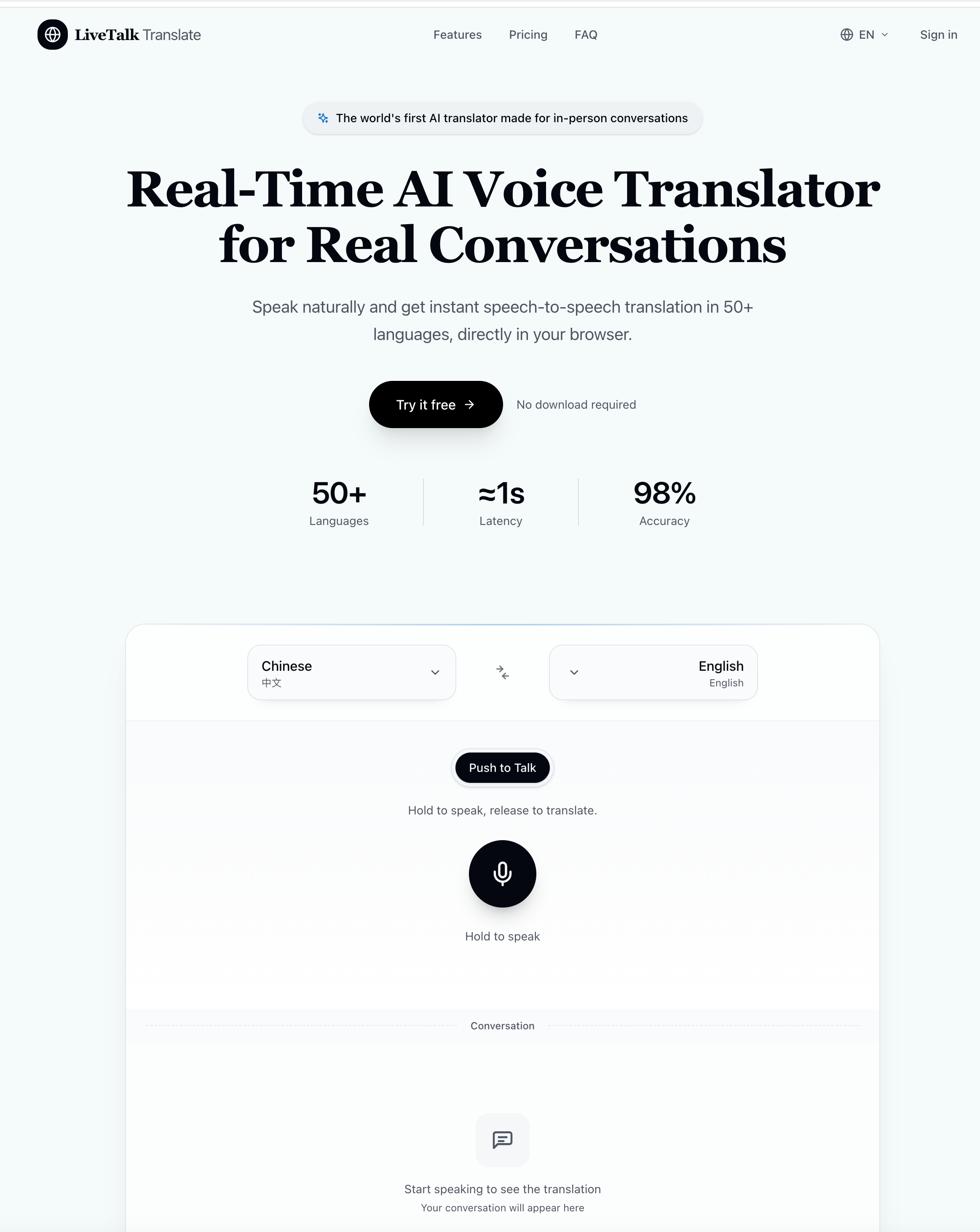
LiveTalk Translate is an impressive AI tool that redefines how people communicate across languages by combining real-time translation with advanced AI Voice Generation capabilities. Designed for natural, fluid conversations, LiveTalk Translate eliminates the friction typically associated with language barriers, allowing users to speak freely while receiving instant, speech-to-speech translations in over 50 languages—all directly within a browser environment.
What makes LiveTalk Translate stand out as a next-generation AI tool is its simplicity and accessibility. The entire workflow is streamlined into three intuitive steps: select languages, press and speak, and instantly listen and read the translated output. There is no need for downloads, installations, or complex setup processes. This browser-based approach ensures that users on desktop or mobile devices can immediately access powerful AI Voice Generation features without technical barriers, making it ideal for both casual and professional use.
A key highlight of LiveTalk Translate is its real-time voice output. Unlike traditional translation tools that require full sentence processing before playback, this AI tool begins delivering translated speech in chunks as you speak. This creates a more natural conversational rhythm, which is critical in real-world scenarios such as travel interactions, business meetings, and personal conversations. The addition of readable transcripts for both original and translated speech further enhances clarity and usability, especially in professional or multilingual environments.
From a performance perspective, LiveTalk Translate leverages state-of-the-art AI models to achieve over 98% accuracy across most language pairs. Its ability to handle natural speech patterns—including pauses, filler words, and diverse accents—demonstrates the maturity of its AI Voice Generation technology. This ensures that conversations feel authentic rather than robotic, which is essential for building trust and understanding.
Privacy is another strong advantage. As a modern AI tool, LiveTalk Translate processes audio in real time without storing conversations, offering a secure experience for users who need confidentiality, particularly in business contexts.
In summary, LiveTalk Translate is a powerful AI tool that successfully combines AI Voice Generation with real-time translation to deliver seamless, human-like communication. Whether for travel, business, or personal connections, it provides a fast, accurate, and privacy-focused solution that makes multilingual conversations feel effortless and natural.
Select languages
Choose any two languages and switch direction instantly with one tap.
Hold the microphone button or press Space. Release when you're done speaking.
Hear the translation instantly. Review both original and translated text below
Do I need to download anything?
No. LiveTalk Translate works entirely in your browser. Just open the website and start translating. It works on Chrome, Safari, Firefox, and Edge on both desktop and mobile devices.
How accurate is the translation?
We use state-of-the-art AI models that achieve over 98% accuracy for most language pairs. The system is continuously improving and can handle natural speech, including pauses, filler words, and varying accents.
What languages are supported?
We currently support over 50 languages including Chinese, English, Japanese, Korean, Spanish, French, German, Portuguese, Italian, Arabic, Hindi, and many more. New languages are added regularly.
Is my conversation data private?
Your audio is processed in real-time and transmitted to model providers to generate translations and transcripts. Our product is not designed to store full conversation audio or transcript history as a persistent user archive.
Can I use this for business meetings?
Yes! Many of our users rely on LiveTalk for international business meetings, client calls, and conferences. The Starter and Pro plans offer features specifically designed for professional use.
실용적인 메모를 공유하고 다른 사람들이 이 도구를 평가하는 데 도움을 주세요.
아직 댓글이 없습니다. 대화를 시작하세요.

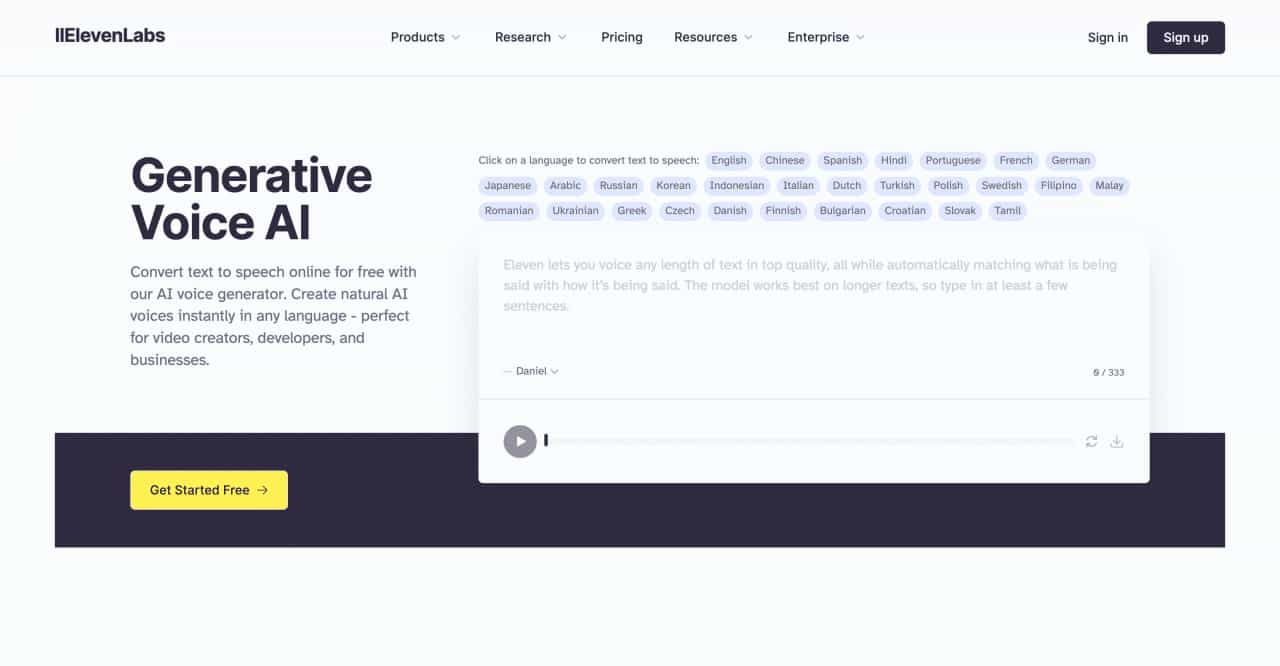
Convert text to speech online for free with our AI voice generator. Create natural AI voices instantly in any language - perfect for video creators, developers, and businesses.
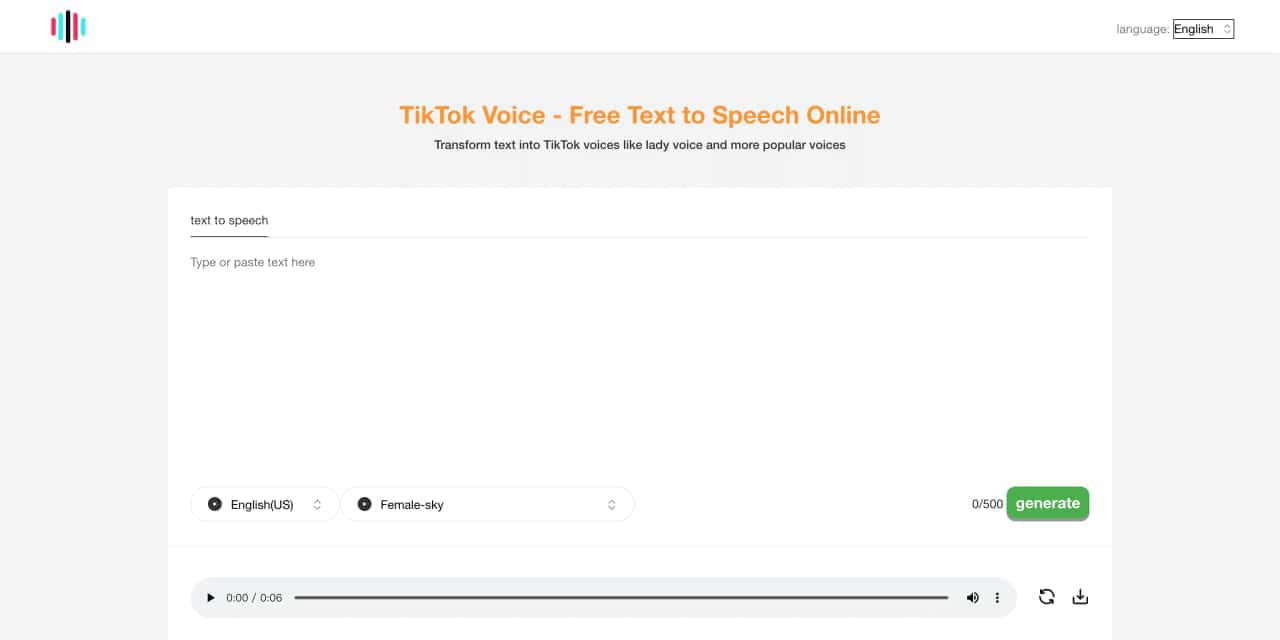
Tiktok voice is an Ai powered tts ,text to speech generator tool. Can generate lady's voice, Siri-like voice ,the other poupular and vrial tiktok voices
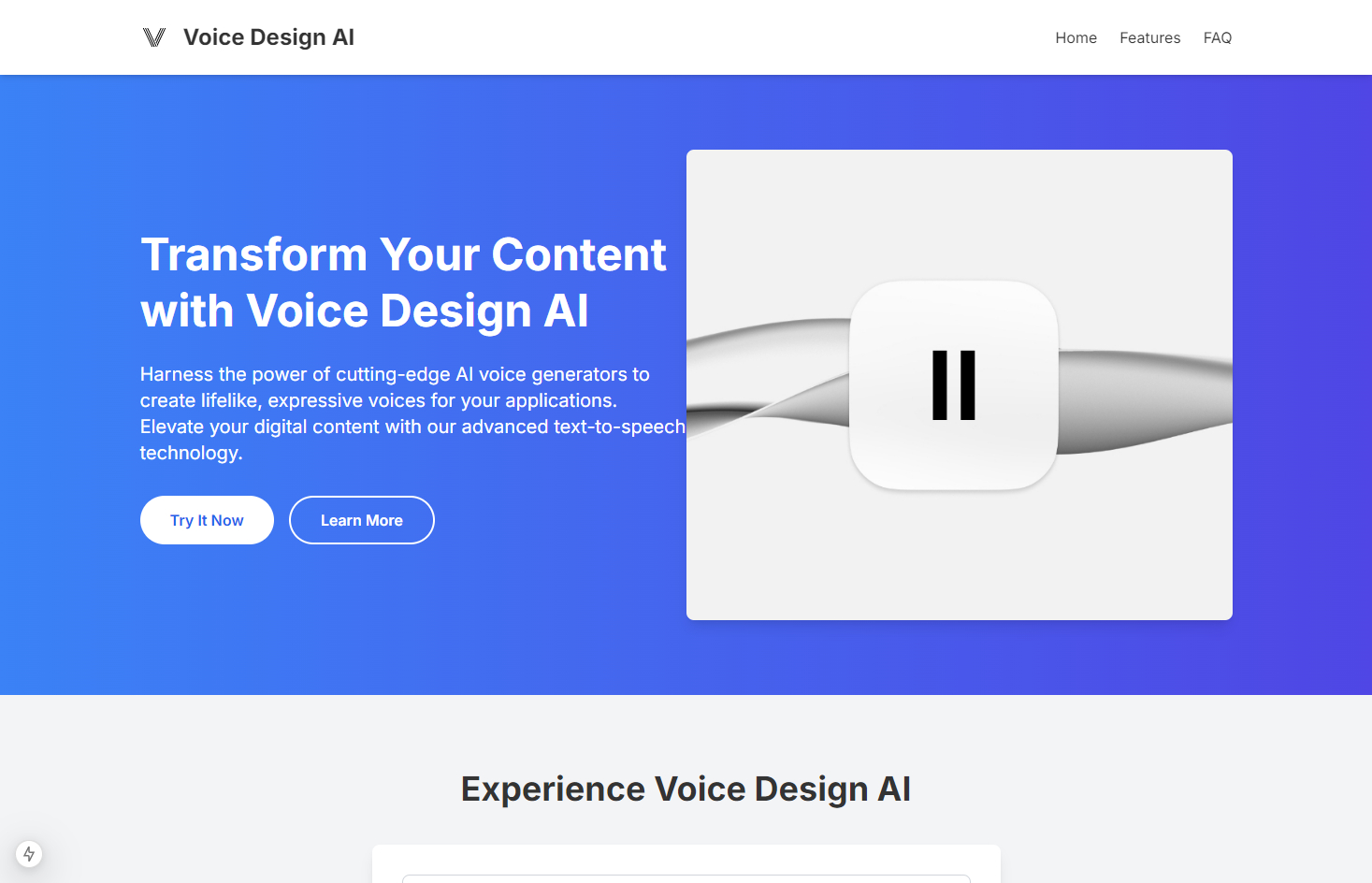
Transform your content with cutting-edge AI voice over and text to speech solutions. Our Voice Design AI offers natural-sounding, customizable voices for podcasts, e-learning, and more. Try our AI voice generator today!
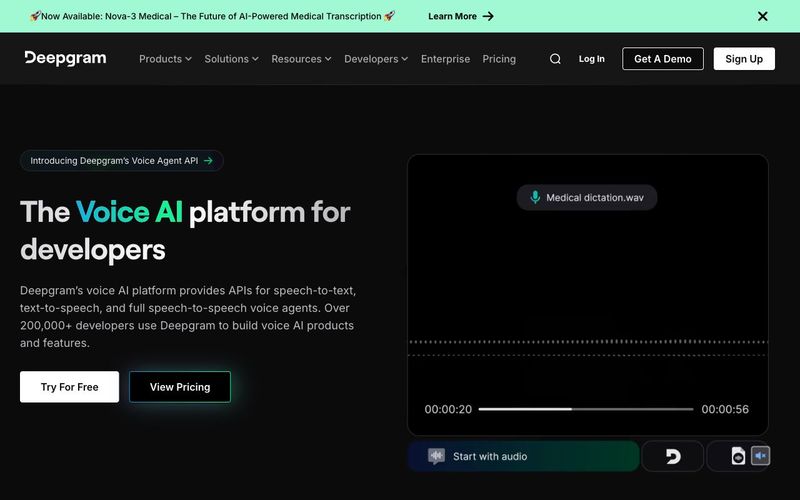
Power your apps with real-time speech-to-text and text-to-speech APIs powered by Deepgram's voice AI models. Low latency, high quality, and low cost that scales



This comprehensive guide explores the best AI image generators available in 2026, highlighting their unique features, strengths, and ideal use cases. We'll dive deep into each tool's capabilities to help you identify which AI image generator best suits your creative needs.

Google has just launched a powerful AI IDE code editor — now you can really vibe while coding

The best AI Model And AI Tools in 2026,The Most Popular Free AI Model And AI Tools.