AI 뉴스레터 구독
귀하의 데이터는 완전히 안전하게 보호됩니다. 어떤 누구와도 공유하지 않습니다.
An interactive demo for developers to try the new text-to-speech model in the OpenAI API
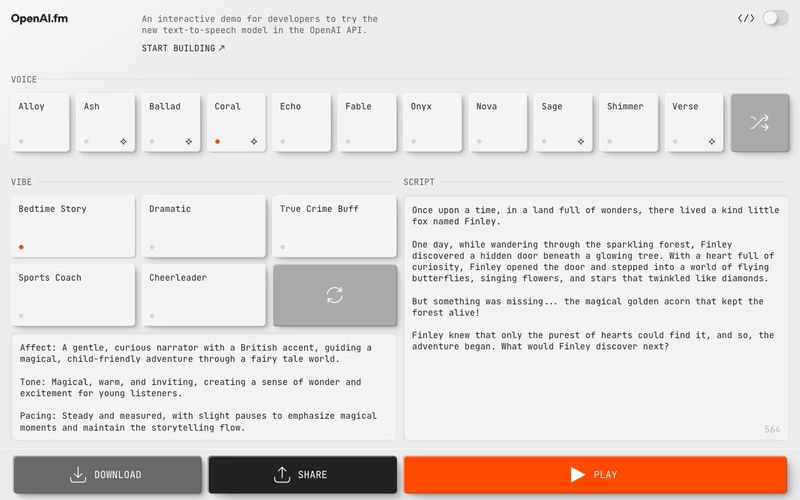
Explore audio and speech features in the OpenAI API.
Copy page
The OpenAI API provides a range of audio capabilities. If you know what you want to build, find your use case below to get started. If you're not sure where to start, read this page as an overview.
LLMs can process audio by using sound as input, creating sound as output, or both. OpenAI has several API endpoints that help you build audio applications or voice agents.
Voice agents understand audio to handle tasks and respond back in natural language. There are two main ways to approach voice agents: either with speech-to-speech models and the Realtime API, or by chaining together a speech-to-text model, a text language model to process the request, and a text-to-speech model to respond. Speech-to-speech is lower latency and more natural, but chaining together a voice agent is a reliable way to extend a text-based agent into a voice agent.
Process audio in real time to build voice agents and other low-latency applications, including transcription use cases. You can stream audio in and out of a model with the Realtime API. Our advanced speech models provide automatic speech recognition for improved accuracy, low-latency interactions, and multilingual support.
For turning text into speech, use the Audio API audio/speech endpoint. Models compatible with this endpoint are gpt-4o-mini-tts, tts-1, and tts-1-hd. With gpt-4o-mini-tts, you can ask the model to speak a certain way or with a certain tone of voice.
For speech to text, use the Audio API audio/transcriptions endpoint. Models compatible with this endpoint are gpt-4o-transcribe, gpt-4o-mini-transcribe, and whisper-1. With streaming, you can continuously pass in audio and get a continuous stream of text back.
There are multiple APIs for transcribing or generating audio:
APISupported modalitiesStreaming supportRealtime APIAudio and text inputs and outputsAudio streaming in and outChat Completions APIAudio and text inputs and outputsAudio streaming outTranscription APIAudio inputsAudio streaming outSpeech APIText inputs and audio outputsAudio streaming out
The main distinction is general use APIs vs. specialized APIs. With the Realtime and Chat Completions APIs, you can use our latest models' native audio understanding and generation capabilities and combine them with other features like function calling. These APIs can be used for a wide range of use cases, and you can select the model you want to use.
On the other hand, the Transcription, Translation and Speech APIs are specialized to work with specific models and only meant for one purpose.
Another way to select the right API is asking yourself how much control you need. To design conversational interactions, where the model thinks and responds in speech, use the Realtime or Chat Completions API, depending if you need low-latency or not.
You won't know exactly what the model will say ahead of time, as it will generate audio responses directly, but the conversation will feel natural.
For more control and predictability, you can use the Speech-to-text / LLM / Text-to-speech pattern, so you know exactly what the model will say and can control the response. Please note that with this method, there will be added latency.
This is what the Audio APIs are for: pair an LLM with the audio/transcriptions and audio/speech endpoints to take spoken user input, process and generate a text response, and then convert that to speech that the user can hear.
If you need real-time interactions or transcription, use the Realtime API.
If realtime is not a requirement but you're looking to build a voice agent or an audio-based application that requires features such as function calling, use the
Chat Completions API.
For use cases with one specific purpose, use the Transcription, Translation, or Speech APIs.
Models such as GPT-4o or GPT-4o mini are natively multimodal, meaning they can understand and generate multiple modalities as input and output.
If you already have a text-based LLM application with the Chat Completions endpoint, you may want to add audio capabilities. For example, if your chat application supports text input, you can add audio input and output—just include audio in the modalities array and use an audio model, like gpt-4o-audio-preview.
실용적인 메모를 공유하고 다른 사람들이 이 도구를 평가하는 데 도움을 주세요.
아직 댓글이 없습니다. 대화를 시작하세요.

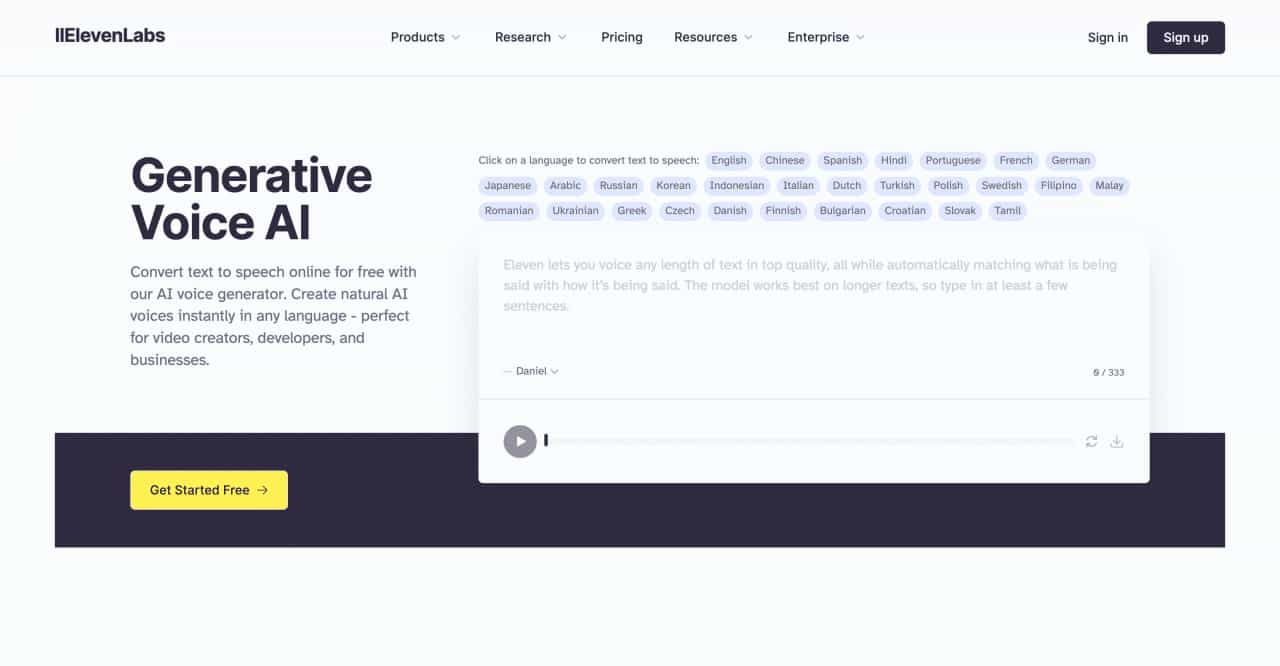
Convert text to speech online for free with our AI voice generator. Create natural AI voices instantly in any language - perfect for video creators, developers, and businesses.
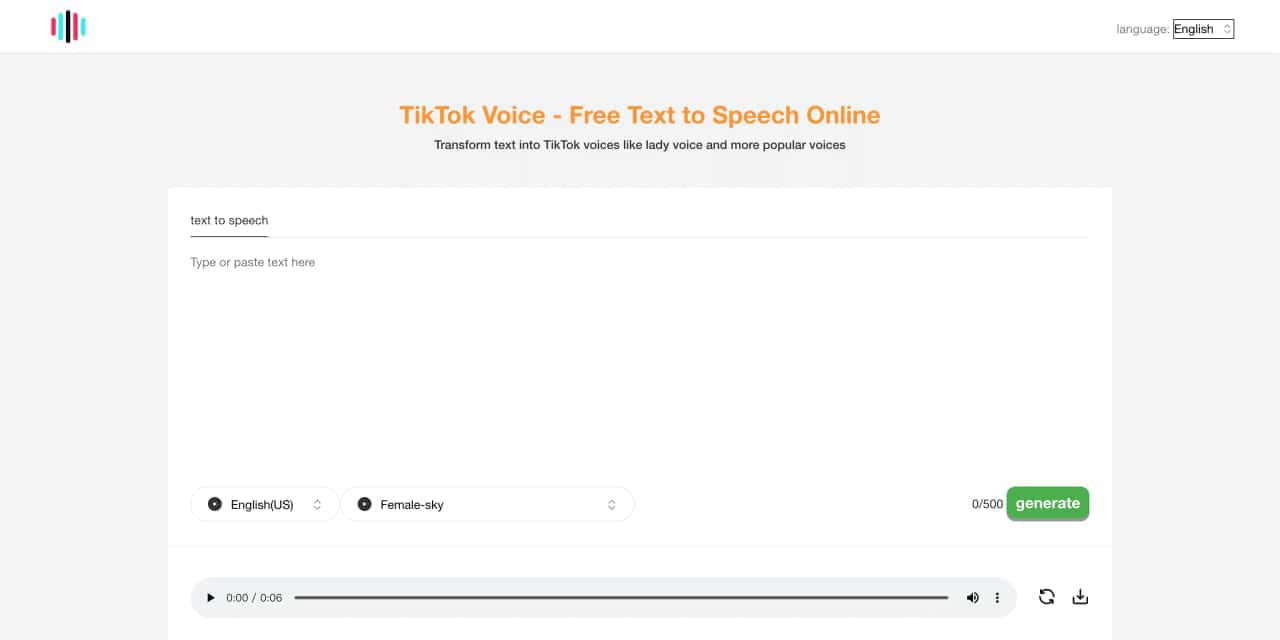
Tiktok voice is an Ai powered tts ,text to speech generator tool. Can generate lady's voice, Siri-like voice ,the other poupular and vrial tiktok voices
Transform your content with cutting-edge AI voice over and text to speech solutions. Our Voice Design AI offers natural-sounding, customizable voices for podcasts, e-learning, and more. Try our AI voice generator today!
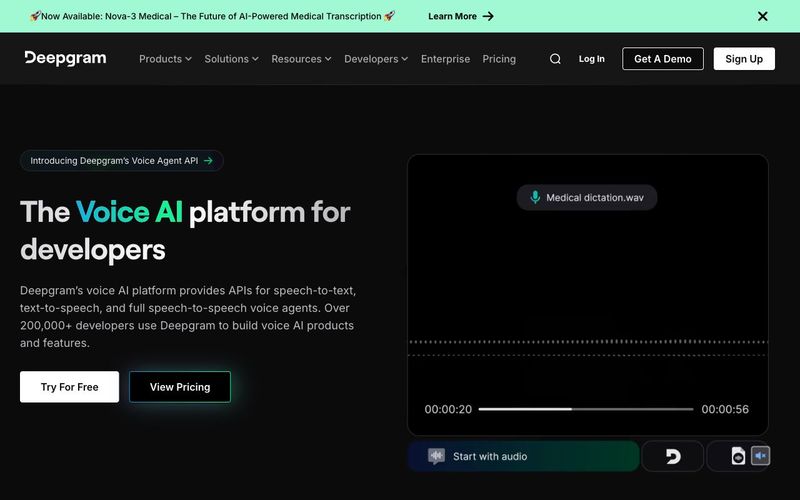
Power your apps with real-time speech-to-text and text-to-speech APIs powered by Deepgram's voice AI models. Low latency, high quality, and low cost that scales



This comprehensive guide explores the best AI image generators available in 2026, highlighting their unique features, strengths, and ideal use cases. We'll dive deep into each tool's capabilities to help you identify which AI image generator best suits your creative needs.

Google has just launched a powerful AI IDE code editor — now you can really vibe while coding

The best AI Model And AI Tools in 2026,The Most Popular Free AI Model And AI Tools.