AI 뉴스레터 구독
귀하의 데이터는 완전히 안전하게 보호됩니다. 어떤 누구와도 공유하지 않습니다.
Get started faster, find what you’re looking for, and stay in the flow—with AI tools build for your workflows.
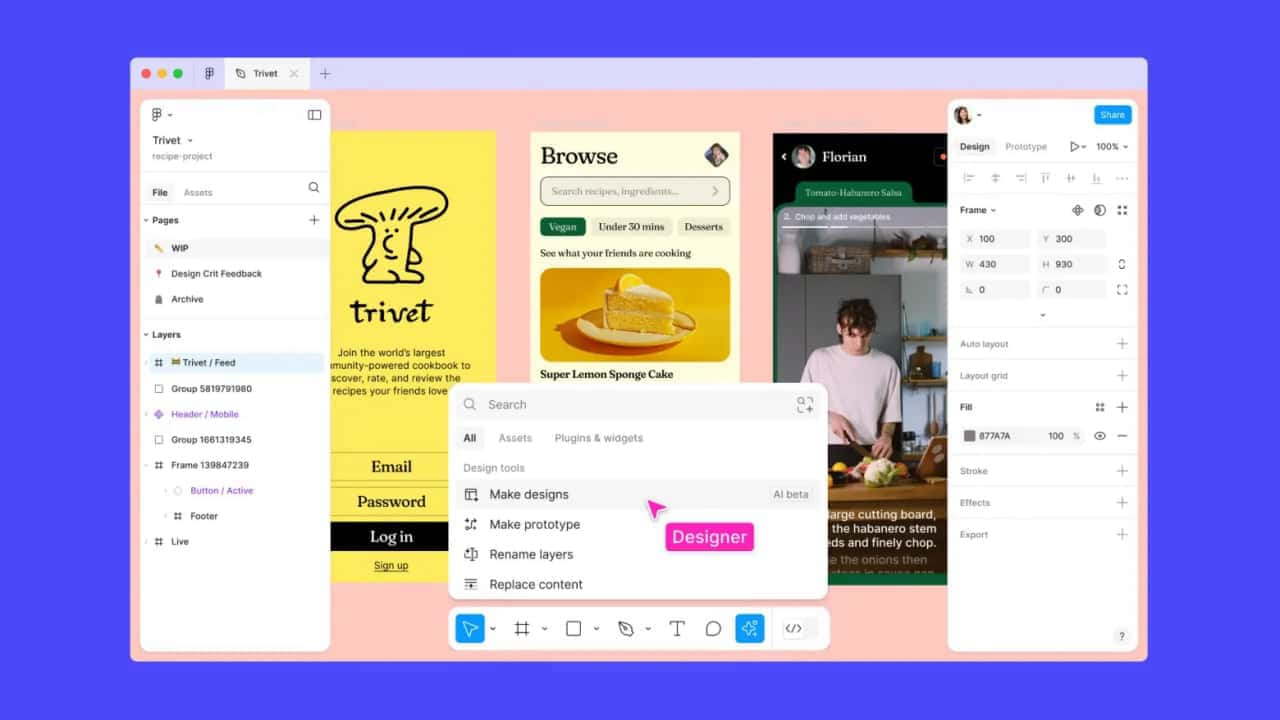
Figma AI is an advanced suite of AI tools integrated into Figma, designed to streamline the design process and boost creativity. Leveraging the power of artificial intelligence, Figma AI offers capabilities such as auto-generation of design elements, intelligent recommendations, and automated adjustments, making it an indispensable tool for designers aiming to enhance their productivity and creativity.
Figma’s AI features remove the blockers in your workflow so that you can focus on the design details that matter.
Quickly search for the design assets you need to get started. Generate new design mockups in seconds as a first draft.
Intelligently rewrite text, auto-name your layers, and easily find the assets you need.
Instantly turn your static mocks into an interactive prototype with the touch of a button. Spend less time tediously connecting noodles, and more time designing.
Figma AI's suite of tools is built to assist designers in generating high-quality designs with greater efficiency.
Here's a detailed look at its features and functionalities:
Figma AI can automatically generate design components, layouts, and templates based on user inputs and preferences.
This feature significantly reduces the time and effort required to create initial design drafts.
The AI tools provide smart suggestions for color schemes, fonts, and other design elements, helping designers make informed decisions quickly.
Figma AI can automatically adjust design elements to ensure alignment, consistency, and visual harmony across the project.
To start using Figma AI, follow these steps:
Access Figma AI:
Visit the Figma AI page and log in to your Figma account.
Enable AI Features:
Navigate to the AI settings page within Figma. This can be found under the “Settings” menu. More details on managing AI settings can be found here.
Explore AI Tools:
Begin exploring the various AI tools available. Start with auto-generation features to create initial design drafts, then use intelligent recommendations to refine your design.
We currently have AI features in beta for Figma Design, FigJam and Figma Slides. Some examples of features include generating a first draft of a design in Figma, rewriting tone in Figma Slides and summarizing stickies in FigJam. Learn more about our AI features at our Figma AI product page.
We work with multiple vendors, such as OpenAI, to operationalize, build and fine-tune AI models, as well as process data to power Figma’s AI features. You can find the list of the subprocessors used to power AI features here.
OpenAI and our other 3rd party model providers store data temporarily, or in some cases not at all, in order to process requests and enable the AI features. Please visit the security portals and review the privacy policies of our 3rd party model providers for more detail. Figma does not permit 3rd party model providers to use data that customers upload to or create on the Figma platform for training their own models.
Drafts organized into teams are treated the same as other files in that team and will only be used to train AI models if content training is set to ‘on’. Content training is an admin setting. If you prefer that Figma not use content in your drafts to train AI models, please:
Content helps us build better, more useful experiences, but sharing it with Figma for AI training is optional. Admins can control whether or not content is used for AI model training with the content training setting. For Starter and Professional accounts, this is a team-level setting. Get instructions on how to access this setting here.
No content training will occur until August 15th, 2024, so teams have time to decide whether or not to allow Figma to use their content to train AI models.
Beginning August 15th, 2024, the content training setting will go into effect. If an admin turns off content training after this date, new content and edits will not be used to train AI models.
No, the ability to use AI features is controlled by the AI features setting. As long as AI features are set to ‘on’, a user can use AI features even if the content training setting is set to 'off'.
Content training will be set to ‘off’ by default for teams who turned off the “Figma and FigJam AI” setting prior to June 26, 2024, no matter their plan type. The AI features setting will remain off.
No, you keep your rights to any content outputs generated when you use Figma AI, per our Terms of Service and/or Software Services Agreement. It will not be used to train models unless the content training setting is ‘on’.
No content training will occur until then. If an admin turns off content training after that, new content and edits will not be used to train AI models.
Figma AI에 대한 소셜 미디어 경험과 리뷰를 읽어보세요. 직접적인 피드백은 이 AI 도구의 장점과 기능을 강조하여 더 쉽게 평가할 수 있게 해줍니다.
실용적인 메모를 공유하고 다른 사람들이 이 도구를 평가하는 데 도움을 주세요.
아직 댓글이 없습니다. 대화를 시작하세요.

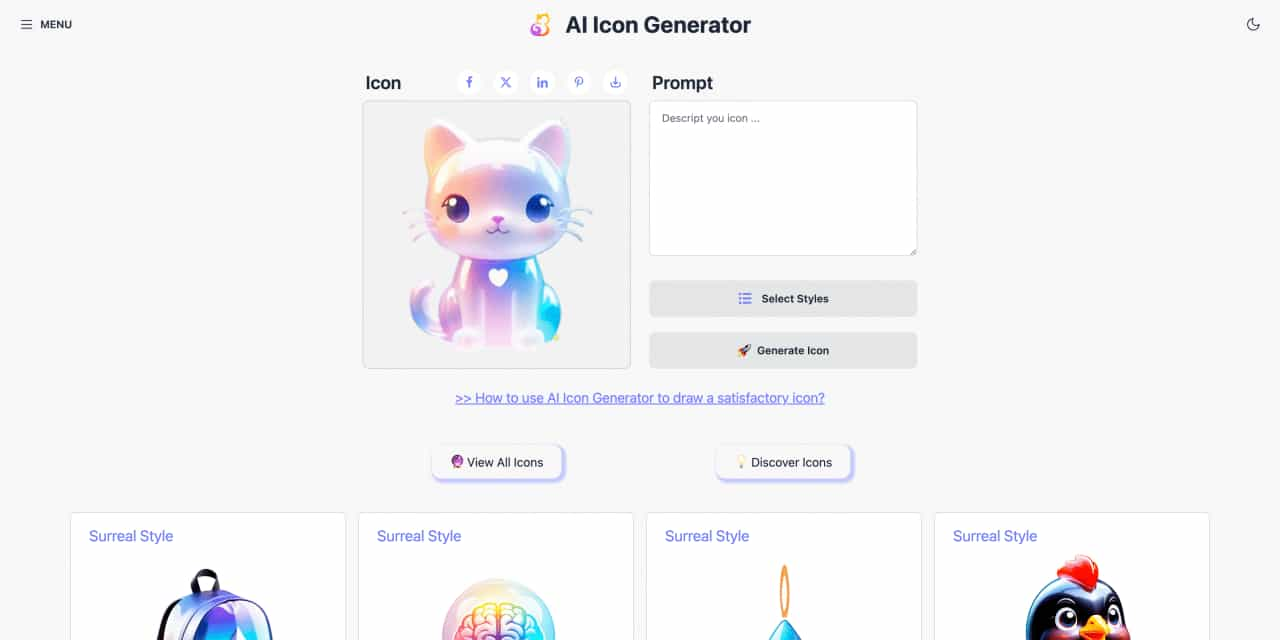
Easy to use AI icon generator. Free and effortlessly generate icon from text.
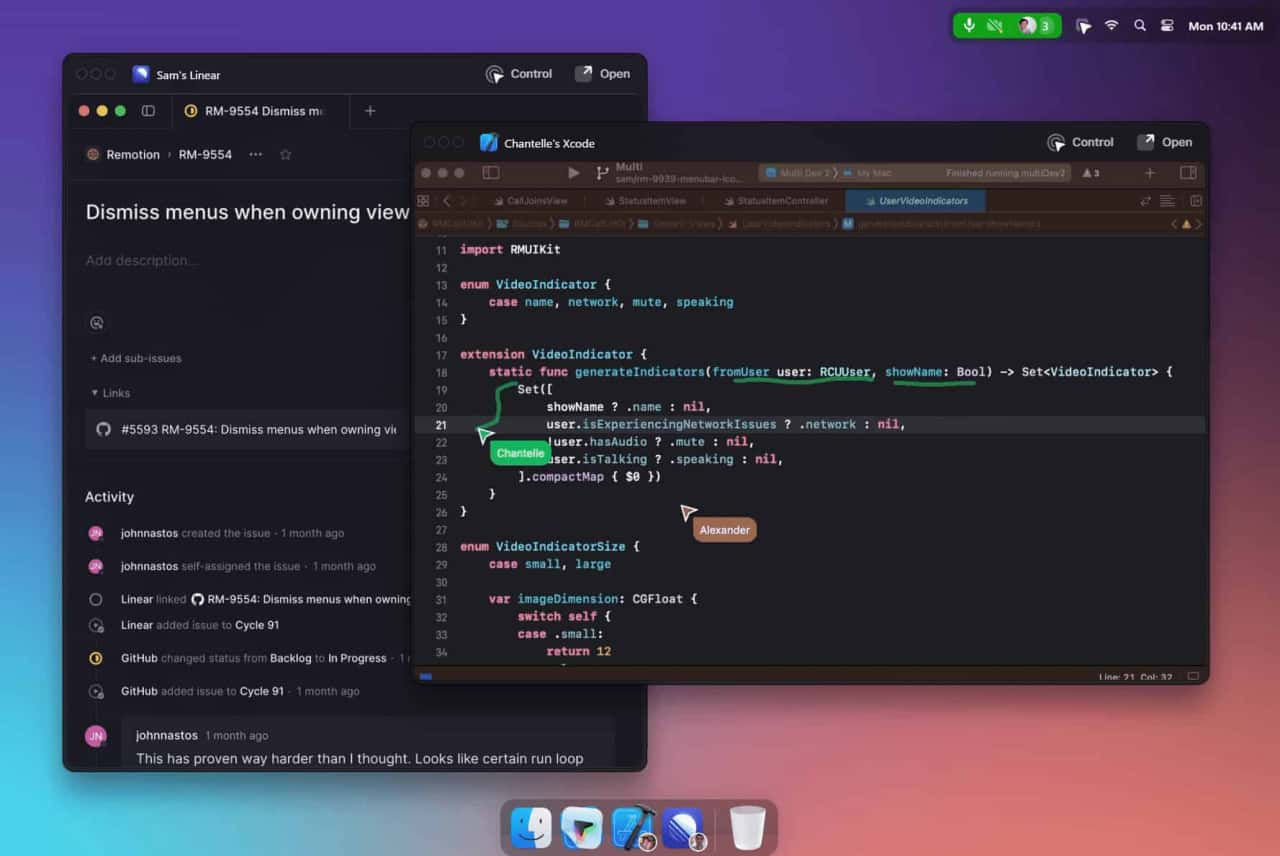
Unleash your team with multiplayer app sharing: Point, draw and edit in shared apps as if they’re on your computer. All in a beautifully crafted, native macOS app.
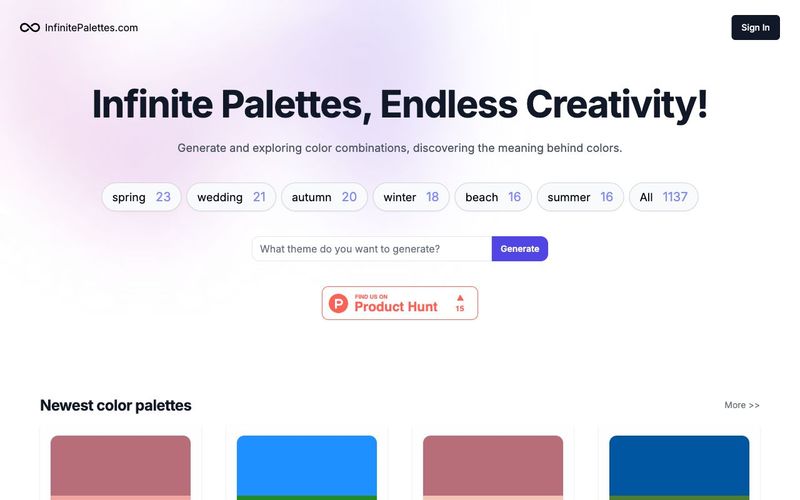
Generate and explore endless color palettes and meanings at InfinitePalettes.com. Discover perfect color combinations and their significance to inspire your creativity.
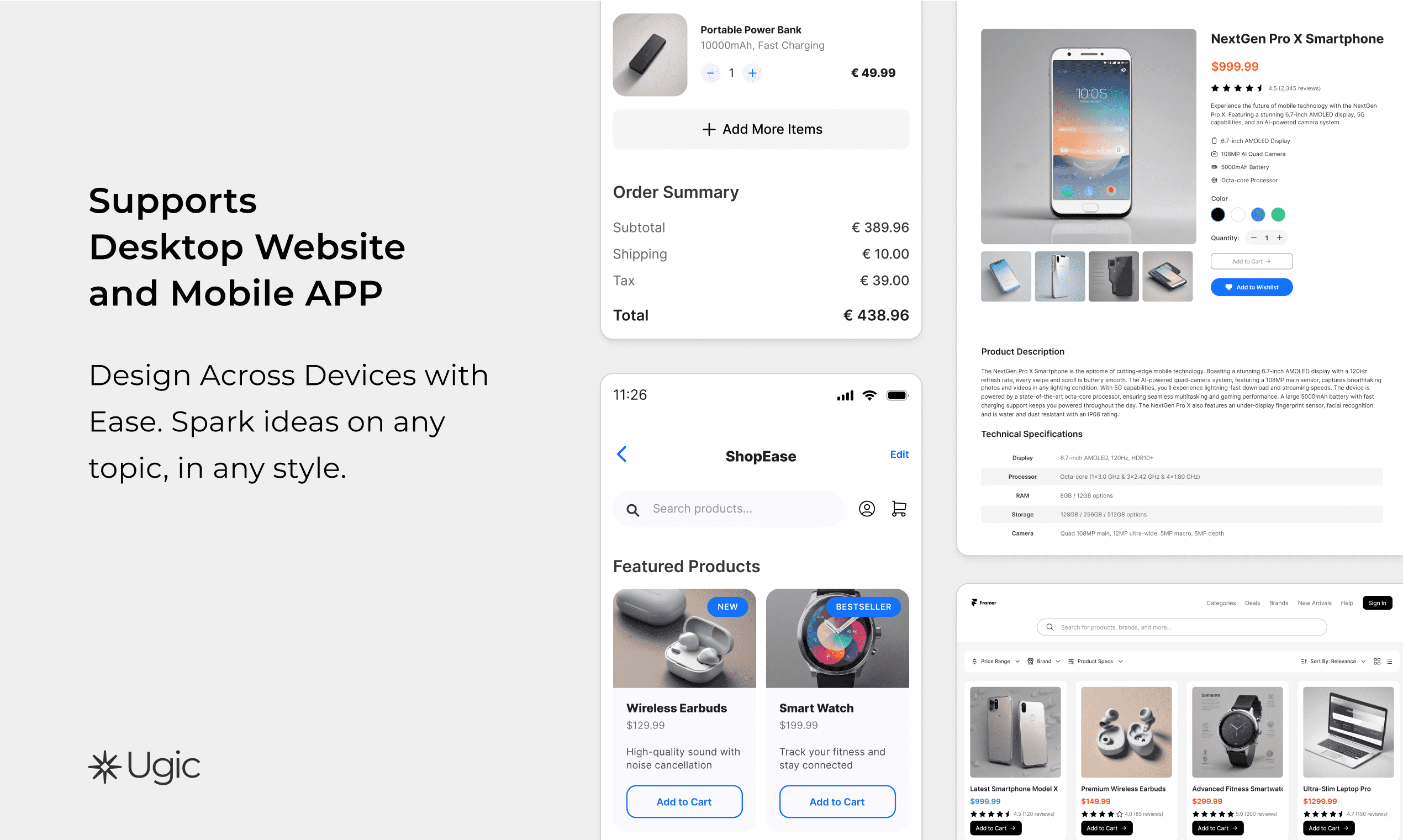
The first Figma plugin to generate multi-language UI drafts from your component library.Customized AI Generation,Unlimited Styles,Ultimate Efficiency Boost,Multilingual Generation



This comprehensive guide explores the best AI image generators available in 2026, highlighting their unique features, strengths, and ideal use cases. We'll dive deep into each tool's capabilities to help you identify which AI image generator best suits your creative needs.

Google has just launched a powerful AI IDE code editor — now you can really vibe while coding

The best AI Model And AI Tools in 2026,The Most Popular Free AI Model And AI Tools.